Enjoy 5% OFF + FREE shipping on orders $49+! Use Code: 202512AK5

Enjoy 5% OFF + FREE shipping on orders $49+! Use Code: 202512AK5
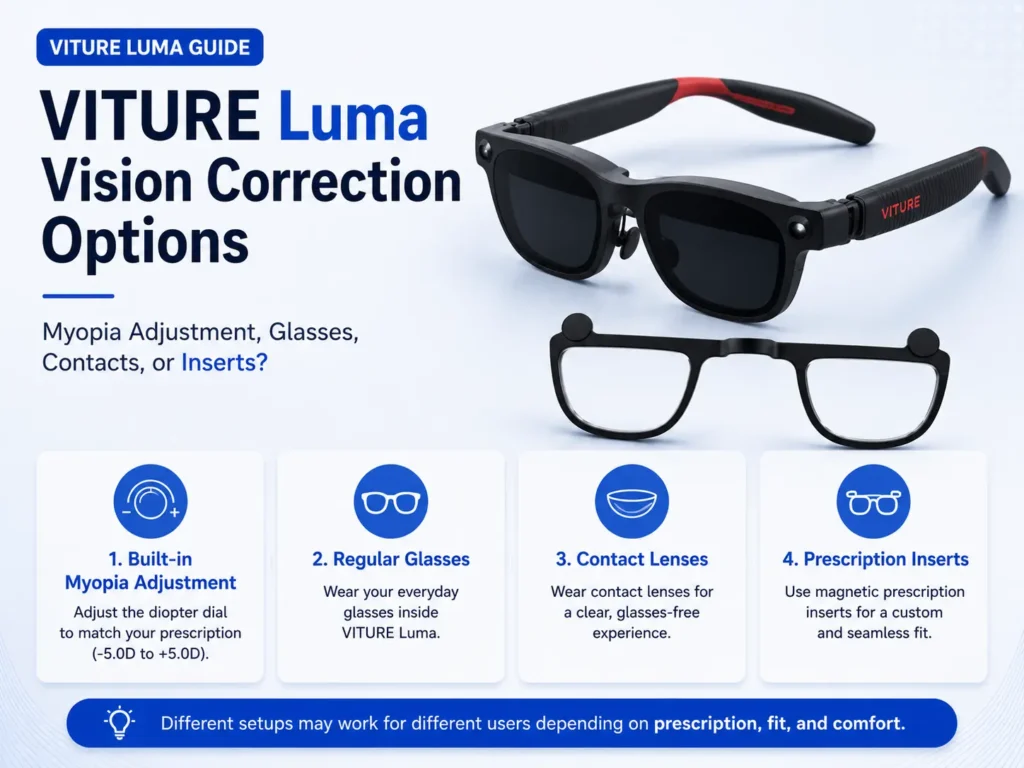
The best VITURE Luma vision correction option depends on what you are trying to solve. Built-in myopia adjustment may help some nearsighted users. Regular glasses may work for quick testing but can affect fit. Contacts may be comfortable for some users but do not solve every blur or alignment issue. Reading glasses are not automatically the right answer for XR viewing. Prescription inserts may be worth comparing when confirmed prescription values are needed without stacking regular glasses under XR glasses. This article is a decision map, not a second Hub. For the full prescription lens route, start with the VITURE Luma prescription lenses guide.
Which VITURE Luma Vision Correction Option Should You Compare?
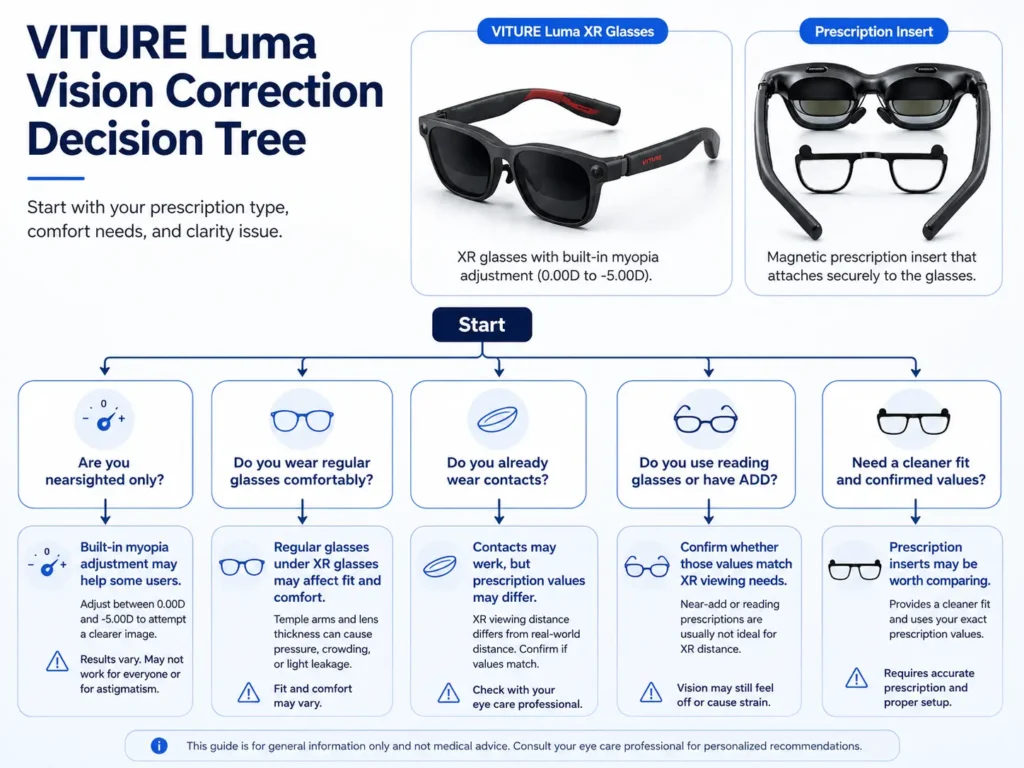
Start with the problem you can verify. Are you nearsighted and inside VITURE’s built-in adjustment range? Are you trying to wear regular glasses under the XR glasses frame? Are contacts comfortable for the session length you want? Do you have astigmatism, +SPH, ADD, progressives, bifocals, or unclear PD values?
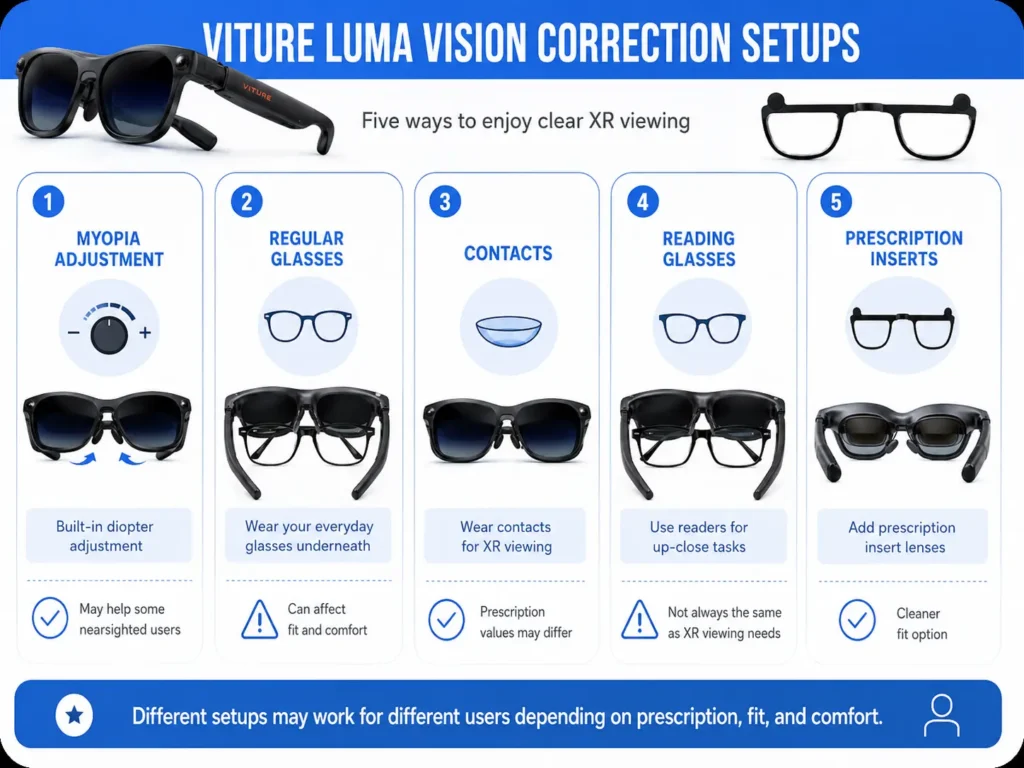
VITURE Luma vision correction options are easiest to compare when you separate them into five routes:
- built-in myopia adjustment
- regular glasses under VITURE Luma
- contact lenses
- reading glasses or +SPH / ADD values
- prescription inserts
No route is best for everyone. Fit, prescription type, PD/IPD, astigmatism, comfort, and the kind of content you view can all change the decision.
Option 1: Built-In Myopia Adjustment
Built-in myopia adjustment may be enough when the main issue is supported nearsightedness and the image becomes clear after careful adjustment. VITURE’s official prescription lens frame page states that Luma has myopia adjustment up to -6.0D, while Luma Pro and Luma Ultra list up to -4.0D on that official page.
The limitation is that myopia adjustment is not full prescription correction. It does not replace CYL and AXIS for astigmatism, it does not solve PD/IPD alignment, and it does not handle +SPH, ADD, progressive or bifocal questions by itself.
If your main question is whether the built-in dials are enough, read VITURE Luma myopia adjustment next.
Option 2: Regular Glasses Under VITURE Luma
Regular glasses may work for some users, especially for short tests with thin frames. The problem is physical fit. A regular glasses frame can push VITURE Luma farther from your eyes, change the angle of the display, add nose or temple pressure, or make the visual sweet spot harder to hold.
Regular glasses are also not a clean solution if the frame is wide, thick, or constantly touching the XR glasses. If clarity changes when you lift, tilt, or press the VITURE frame closer, the issue may be fit and alignment, not only prescription power.
For that route, use the detailed article on whether you can wear glasses under VITURE Luma.
Option 3: Contact Lenses
Contacts can be a clean physical fit because they do not add another frame between your eyes and VITURE Luma. They may work well when your contact correction is comfortable, stable, and current.
Contacts still have limits. They do not change how the XR glasses sit on your face. They do not solve PD/IPD alignment. They may feel dry during long screen-like sessions. Toric contacts and astigmatism correction can also matter for small XR text. Contact lens prescriptions should not be used for inserts without confirmation; the FDA treats contact lens prescriptions as their own prescription category.
If this route sounds closest to your situation, read wear contacts with VITURE Luma.
Option 4: Reading Glasses or +SPH / ADD Values
Reading glasses are not automatically the right answer for VITURE Luma. Readers are usually designed for near tasks, while XR viewing may require a different prescription context.
+SPH, ADD, and reader strength are also different things. +SPH is a sphere value often associated with farsighted correction. ADD is a near addition used in reading or multifocal prescriptions. The National Eye Institute explains that single vision and multifocal lenses serve different correction needs, so users should not treat all near-vision values as interchangeable.
If your question is mainly about +SPH, ADD, readers, or presbyopia, review the farsightedness and presbyopia guide before ordering inserts.
Option 5: Prescription Inserts
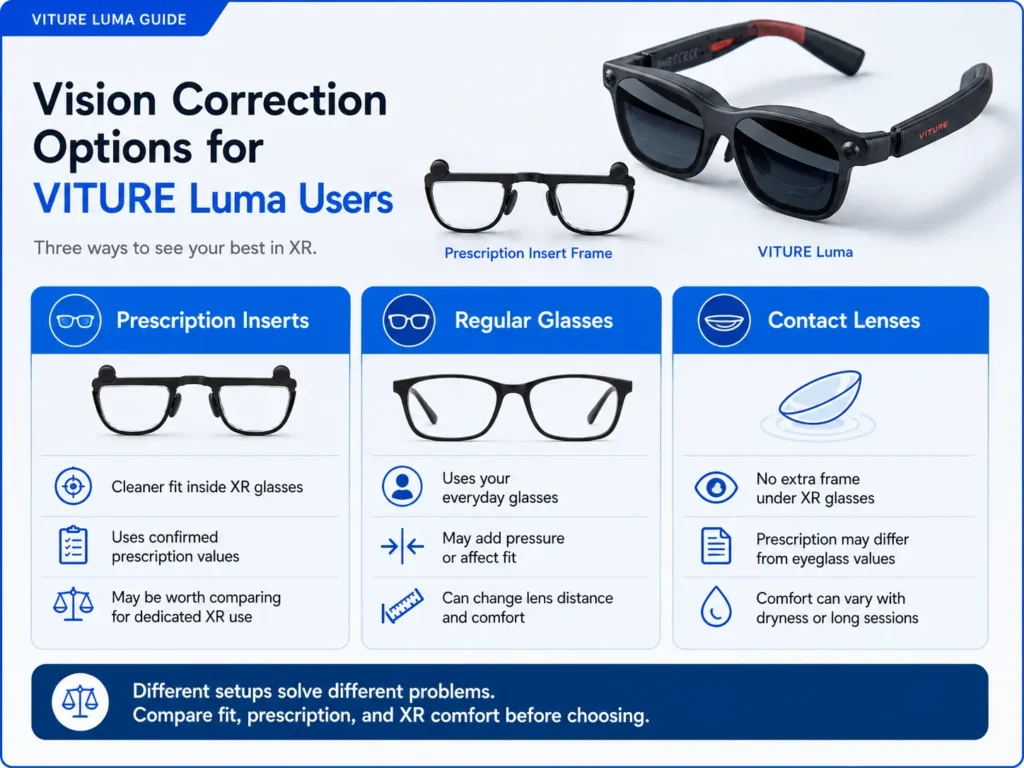
Prescription inserts may be worth comparing when you need confirmed prescription correction without stacking regular glasses under XR glasses or relying on contacts every time. They can be especially relevant when built-in myopia adjustment is not enough, regular glasses are uncomfortable, or prescription values need to be held in a dedicated insert.
Inserts are not a universal fix. They depend on model compatibility, fit, prescription type, PD, and correct values. If blur comes from smudges, low-resolution content, poor fit, eye fatigue, or unconfirmed prescription values, inserts may not solve the whole issue.
Use the VITURE Luma prescription values article if you need help identifying SPH, CYL, AXIS, or PD before comparing inserts.
Setup Comparison Table
| Setup | May work for | Main limitation | Best next article to read |
|---|---|---|---|
| Built-in myopia adjustment | Supported nearsighted users whose image clears with the built-in dials. | Does not replace full prescription correction, astigmatism correction, or PD/IPD fit. | VITURE Luma myopia adjustment |
| Regular glasses | Short tests with thin frames and users who already have comfortable eyeglasses. | Can affect frame distance, pressure, alignment, and comfort. | wear glasses under VITURE Luma |
| Contact lenses | Users whose contacts are comfortable and provide stable correction. | Do not solve frame fit, PD/IPD, dry contacts, or insert-order prescription values. | wear contacts with VITURE Luma |
| Reading glasses / +SPH / ADD | Users trying to understand near-vision or farsighted correction needs. | Reader strength, +SPH, and ADD are not the same thing. | Review the farsightedness and presbyopia guide before ordering. |
| Prescription inserts | Users with confirmed values who want correction without regular glasses under XR glasses. | Require correct values, model compatibility, fit, and supported prescription type. | VITURE Luma prescription lenses guide |
Decision Checklist: What Should You Check First?
Use the situation that feels closest to your problem. If more than one row fits, start with fit and prescription verification before buying anything.
| Your situation | What to check | Suggested next step |
|---|---|---|
| Mild nearsightedness | Whether built-in myopia adjustment brings both eyes into focus. | Read the myopia adjustment article before comparing inserts. |
| Astigmatism / CYL / AXIS | Whether your prescription includes CYL and AXIS values. | Read the VITURE Luma astigmatism guide. |
| Glasses feel squeezed | Frame pressure, lens distance, and whether VITURE Luma shifts out of position. | Compare regular glasses with contacts or inserts. |
| Contacts feel dry | Session length, blinking, lens comfort, and whether blur changes over time. | Read the contacts article and avoid using contact prescription values for inserts without confirmation. |
| Reading glasses or ADD | Whether the needed values are distance, intermediate, or near. | Review the farsightedness and presbyopia guide before ordering. |
| Progressive / bifocal / prism | ADD handling, distance values, prism support, and seller rules. | Review the progressive and bifocal prescription guide before ordering. |
| Blurry text remains | Smudges, fit, source text, PD/IPD, astigmatism, and prescription values. | Read about blurry VITURE Luma text. |
| Discomfort or headache | Fit, brightness, session length, contacts, prescription values, and whether symptoms persist. | Pause use if discomfort persists and ask an eye-care professional. |
How PD, IPD, and Fit Change the Decision
Vision correction is not only about prescription power. If VITURE Luma does not sit naturally in front of your eyes, text may look soft even when your prescription is correct.
PD matters for lens placement in prescription inserts. IPD and frame fit affect how your eyes line up with the display and sweet spot. Contacts and built-in adjustment do not solve frame alignment. Regular glasses can also change the distance between your eyes and the XR display area.
For fit and measurement details, read the VITURE Luma PD and IPD guide.
When ANNKUTVR Inserts May Be Worth Comparing
ANNKUTVR prescription inserts may be worth comparing if your prescription values are confirmed, your model is supported, and you want vision correction without stacking regular glasses under XR glasses or relying on contacts every time.
They are not the best route for every situation. If blur is from fit, smudges, source quality, dry contacts, display settings, or unclear prescription values, solve those questions first. If the issue appears tied to confirmed prescription needs, inserts can be one practical option to compare.
Comparing VITURE Luma Insert Options?
ANNKUTVR prescription inserts are designed for VITURE Luma users who need confirmed vision correction without stacking regular glasses under XR glasses. Compare them after checking your prescription values, fit, and model.
View VITURE Luma Prescription InsertsFAQ
1. What is the easiest VITURE Luma vision correction option?
The easiest option depends on your prescription and fit. Built-in myopia adjustment may be simplest for supported nearsighted users, while contacts, glasses, or inserts may make more sense for other needs.
2. When is built-in myopia adjustment enough?
It may be enough when the main issue is supported nearsightedness and both eyes become clear after adjustment. It does not replace astigmatism correction, PD/IPD fit, or complex prescription handling.
3. Are glasses, contacts, or inserts better for VITURE Luma?
No single option is better for everyone. Glasses can affect fit, contacts can still involve dryness or prescription differences, and inserts require confirmed values and model compatibility.
4. Can reading glasses work with VITURE Luma?
Reading glasses may help some near tasks, but they are not automatically correct for VITURE Luma inserts. +SPH, ADD, reader strength, and distance values should be confirmed separately.
5. Do contacts solve blurry VITURE Luma text?
Contacts may help if blur is caused by uncorrected vision and the contacts are comfortable and stable. They do not solve every blur cause, including fit, PD/IPD, smudges, or source text quality.
6. When should I compare prescription inserts?
Compare inserts when your prescription values are confirmed and you want correction without regular glasses under XR glasses or relying on contacts every session.
7. What if I have astigmatism, +SPH, ADD, or a progressive prescription?
Use the specific prescription article for that issue before ordering. Astigmatism, +SPH, ADD, progressives, bifocals, and prism notes need careful confirmation.
8. Which VITURE Luma guide should I read next?
If your issue is built-in adjustment, read the myopia article. If it is blur, read the blur article. If it is fit, read the PD/IPD or glasses article. If it is contacts, read the contacts article.