Enjoy 5% OFF + FREE shipping on orders $49+! Use Code: 202512AK5

RayNeo iO Prescription Lenses: What Glasses Wearers Need to Know
Yes, RayNeo iO AI Glasses support prescription lenses. But if you already wear prescription glasses—or you’ve purchased the standard iO without vision correction—there is an important difference between RayNeo’s official prescription version and an aftermarket lens solution.
RayNeo offers a prescription-configured version of its iO glasses. ANNKUTVR offers a separate option: custom prescription lenses that install on the eye-side of the existing optical waveguide lenses, without removing the original optics.
That distinction matters.
The original waveguide system delivers the transparent heads-up display (HUD). Your prescription lenses provide the vision correction you need to see the real world clearly.
Before ordering, you should understand how those two functions work together, whether your prescription can be made, and what changes when you add another optical layer to the glasses.
Does RayNeo iO Support Prescription Lenses?
RayNeo officially confirms that iO supports prescription lenses. Its dedicated prescription version lets buyers submit their vision correction information during the purchasing process.
This is particularly relevant because iO is designed for everyday information rather than the large virtual cinema screens associated with RayNeo GT and GT Max.
RayNeo iO uses a transparent optical waveguide display. It can show notifications, translations, teleprompter content and other supported information while allowing you to continue seeing your surroundings.
But the display itself does not replace your eyeglass prescription.
If you normally need correction for myopia, hyperopia or astigmatism, you still need an appropriate optical solution to see clearly.
The Original Waveguide Is Not Your Prescription Lens
RayNeo describes its Blue Lake optical waveguide as part of the iO display system.
The waveguide and prescription lens have different jobs:
- Optical waveguide: Delivers the transparent digital display into your field of view.
- Prescription lens: Corrects refractive errors according to your eyeglass prescription.
This distinction becomes especially important when choosing an aftermarket solution.
You should not treat the original waveguide as a removable ordinary eyeglass lens or attempt to replace it with a prescription lens.
With ANNKUTVR’s approach, the original waveguide remains installed.
Official RayNeo iO Prescription Version vs. Aftermarket Prescription Lenses
There are two different purchasing paths to understand.
RayNeo’s official prescription service is associated with ordering prescription-configured iO glasses. Its UK prescription-ordering guidance explicitly says that prescription lenses cannot be added to iO after purchase through the official ordering process.
ANNKUTVR, meanwhile, provides a third-party aftermarket solution for users who already own the standard RayNeo iO or prefer to order custom lenses separately.
These are different products and installation methods.
| What to Compare | RayNeo Official Prescription Version | ANNKUTVR Aftermarket Lenses |
|---|---|---|
| Purchase method | Order prescription-configured iO glasses through RayNeo | Order custom lenses separately |
| Includes RayNeo iO hardware | Yes, as part of the configured eyewear purchase | No, custom lenses only |
| Prescription fitting | RayNeo’s factory-integrated prescription process | Separate eye-side lens installation |
| After-purchase addition | Not offered through RayNeo’s stated official iO ordering process | Designed as an aftermarket addition |
| Original waveguide | Part of RayNeo’s integrated optical assembly | Remains installed and is not removed |
RayNeo’s official guidance describes its prescription elements as integrated into the display optics during customization. It should not be confused with a separately installed third-party lens layer.
For the official policy, see RayNeo’s custom prescription ordering instructions.
The important takeaway is that RayNeo’s official no-retrofit policy does not describe ANNKUTVR’s independent aftermarket installation method. It also does not mean RayNeo has endorsed that third-party method.
How ANNKUTVR Prescription Lenses Work With RayNeo iO
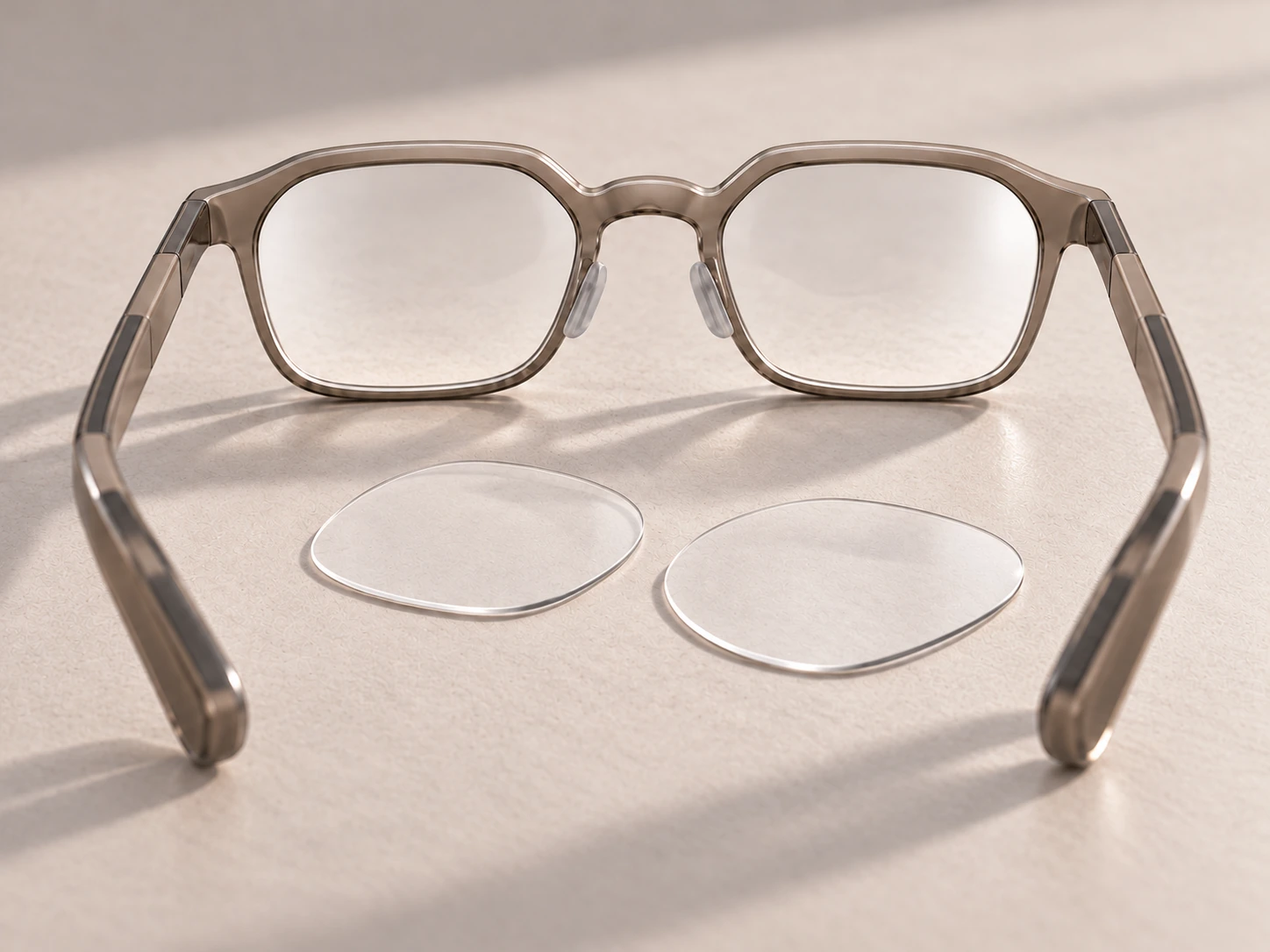
The ANNKUTVR solution is designed for users who want prescription correction without replacing the original iO waveguide assembly.
The custom lenses are installed between your eyes and the existing optical waveguide lenses.
The original RayNeo iO waveguide lenses must remain installed.
The installation method depends on the prescription configuration.
Nearsighted Prescriptions: Direct Press-Fit Installation
For the standard nearsighted version with minus SPH values, ANNKUTVR uses a direct press-fit installation method.
The custom lenses are aligned with the corresponding sides and gently pressed into their intended positions.
The process does not require removing the original RayNeo iO optical waveguide or using adhesive for the normal nearsighted configuration.
Do not force a lens into position if it does not align correctly.
Farsighted Prescriptions: Removable Soft-Setting Adhesive
The farsighted version, which uses positive SPH values, requires a different fitting method.
ANNKUTVR supplies a dedicated soft-setting adhesive with this configuration.
After applying the adhesive according to the supplied instructions, allow approximately 20 minutes for it to set before using the glasses.
Unlike a permanent optical bonding process, this adhesive is designed to remain soft and removable after setting, allowing the aftermarket lenses to be removed and reinstalled when necessary.
It is not intended to permanently bond the custom prescription lenses to the original waveguide or frame.
What You Should Not Do During Installation
Do not remove or attempt to disassemble RayNeo iO’s original optical waveguide.
Do not substitute another adhesive for the supplied material or force the aftermarket lenses into place.
Installation details matter because the optical layers need to remain correctly positioned.
Which Prescriptions Can RayNeo iO Support?
The answer depends partly on the optical provider.
RayNeo’s official prescription configurator and third-party lens laboratories may offer different ranges and options. A limitation in one checkout form should not automatically be treated as a physical limit of every lens that can be made.
ANNKUTVR currently lists Single Vision, Progressive and Non-prescription configurations for its iO lenses.
Myopia and Astigmatism
For nearsighted users, prescription lenses provide the negative spherical correction specified by the eyeglass prescription.
If you also have astigmatism, the lenses must account for the appropriate CYL and AXIS values.
For example, a prescription might require a CYL value of -2.50 while an online configurator offers values only down to -2.00.
That does not establish the manufacturing limits of every aftermarket provider.
If your prescription exceeds an available dropdown range, request confirmation from the lens supplier before ordering.
Do not change -2.50 CYL to -2.00 or adjust SPH yourself just to make an online form accept the prescription.
That would produce a different optical prescription.
Farsightedness and Positive SPH
Positive SPH values require attention because different ordering services may handle farsighted prescriptions differently.
ANNKUTVR offers a farsighted iO lens configuration using the dedicated removable adhesive installation method described above.
The exact positive power and any combined astigmatism requirements still need to fall within the manufacturing capabilities confirmed for your order.
If your prescription combines significant hyperopia and astigmatism, confirm both values before purchasing.
Progressive Prescription Lenses
ANNKUTVR also offers a Progressive option for RayNeo iO.
Progressive lenses provide multiple correction zones for different viewing distances. They require the ADD value from your prescription.
However, progressive availability should not be confused with guaranteed comfort or ideal HUD clarity.
The iO display occupies a particular viewing position. Progressive lenses have distance, intermediate and near zones, and their effectiveness depends on where your eyes look through those zones.
That can make the viewing experience more sensitive to lens positioning than with ordinary single-vision correction.
For users primarily interested in reading HUD notifications or teleprompter text, the interaction between the display position and progressive zones deserves careful consideration before ordering.
Should You Choose Progressive or Single Vision?
Use your current prescription and discuss the intended iO viewing setup with an eye-care professional when necessary.
Do not automatically select Progressive simply because your everyday glasses use progressive lenses. Equally, do not omit a medically necessary correction without obtaining appropriate optical advice.
Clear vs. Photochromic RayNeo iO Prescription Lenses
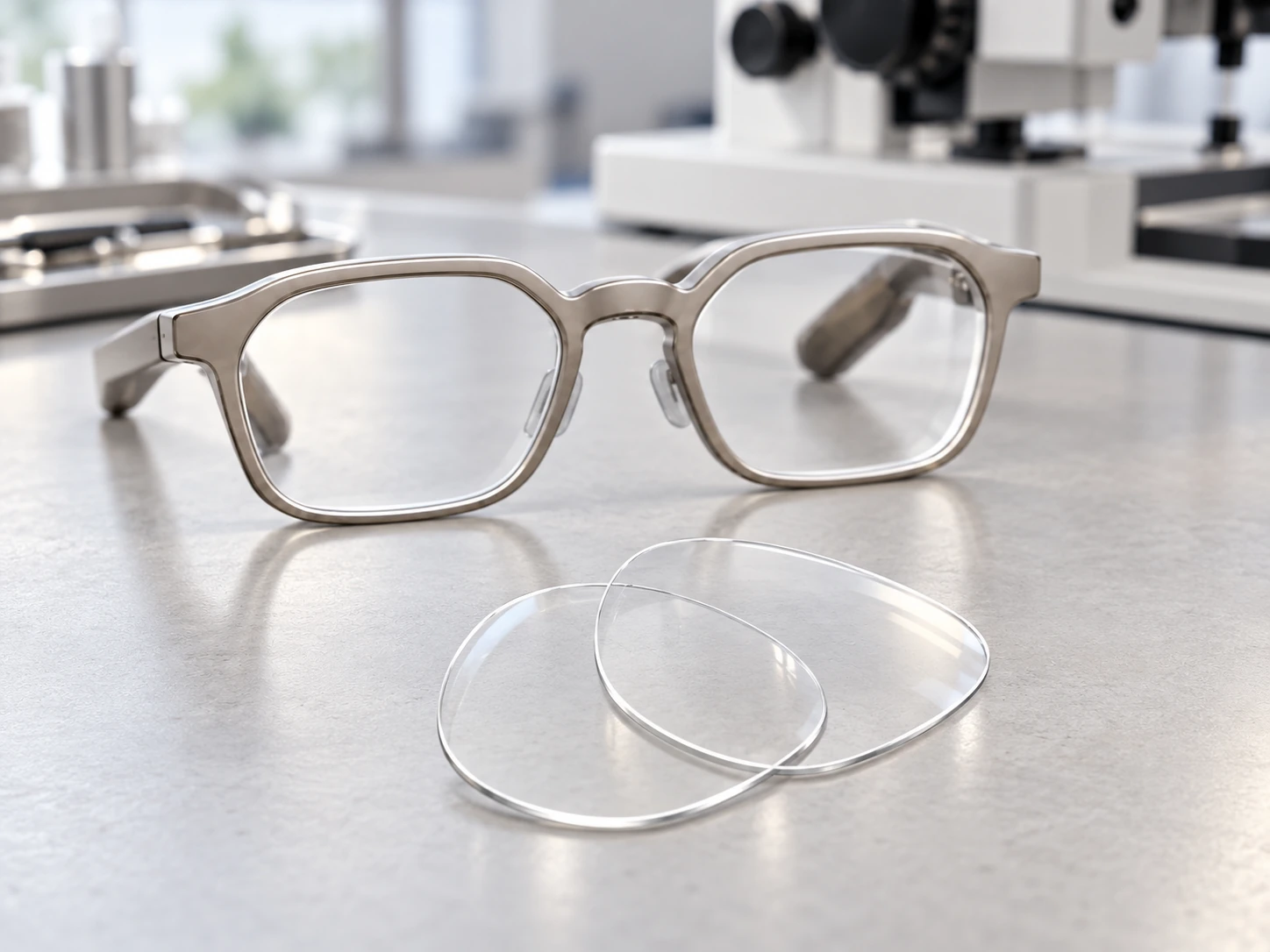
For ANNKUTVR’s current iO aftermarket solution, the available lens-type choices are Clear and Photochromic.
These options serve different purposes, and their behavior should not be confused.
Clear Lenses
Clear prescription lenses provide the selected optical correction without an added tint.
They are the simpler option for users who want vision correction while using iO’s transparent display, without relying on a UV-responsive treatment.
Photochromic Lenses
Photochromic lenses are designed to darken in response to ultraviolet light and return toward clear when UV exposure decreases.
However, the iO aftermarket installation introduces an important limitation.
ANNKUTVR lenses sit behind the original optical waveguide lenses, closer to the eyes.
Because the original lenses remain between sunlight and the photochromic layer, some UV light may be reduced before reaching the custom lenses.
That means the photochromic lenses may darken more slowly or may not become as dark as ordinary photochromic eyeglasses receiving more direct UV exposure.
Do not expect exactly the same outdoor response as conventional photochromic glasses.
Customization time: ANNKUTVR photochromic lenses normally require 3–7 business days for production before shipping.
If outdoor darkening performance is your main reason for choosing photochromic lenses, consider this optical arrangement before paying for the upgrade.
Prescription Correction Does Not Guarantee Perfect HUD Alignment
Correct prescription lenses can help you see clearly, but they do not solve every possible display-position problem.
RayNeo iO uses a transparent HUD that needs to sit within your usable viewing area.
The position of the glasses on your nose, the selected nose-pad bridge and the viewing angle can affect how much of the display is visible.
RayNeo’s official support guidance recommends changing the nose-pad bridge if the glasses sit too high or too low. It also describes adjustable vertical display positioning to accommodate different users.
This is a separate issue from your SPH or CYL correction.
For example, if the prescription is correct but part of the HUD is cut off, ordering stronger lenses is unlikely to correct the physical positioning problem.
Similarly, a good fit does not replace the correction you need for myopia or astigmatism.
You need to evaluate the optical prescription and the wearing position separately.

Can RayNeo iO Replace Your Everyday Prescription Glasses?
The presence of prescription correction makes RayNeo iO a potential everyday eyewear option for some users.
But it does not establish that the glasses will be comfortable or visually suitable for everyone throughout an entire day.
RayNeo lists the standard iO hardware at approximately 33 grams, which helps explain its emphasis on lightweight everyday use.
Actual comfort still depends on face shape, nose pressure, temple contact, lens configuration and how the display sits relative to the eyes.
Adding a separate prescription lens layer can also change the overall optical and wearing setup compared with the standard factory configuration.
The better way to evaluate iO is to separate three questions:
Can the lenses provide your prescription correction?
Can you see the HUD clearly in a natural wearing position?
Can you wear the complete setup comfortably for your intended activities?
Those questions should not be answered with one blanket claim about all-day comfort.
What to Check Before Ordering RayNeo iO Prescription Lenses
Once you understand the difference between the official prescription version and aftermarket lenses, the final purchase check is relatively straightforward.
Confirm the Exact Model
The ANNKUTVR iO lenses are made for RayNeo iO AI Glasses.
They are not interchangeable with RayNeo GT, GT Max or Air-series prescription inserts.
Use a Current Prescription
Enter the correct right-eye and left-eye values, including SPH, CYL and AXIS where applicable.
Provide an accurate PD. If you select Progressive, include your prescribed ADD value.
Do not estimate missing values.
Confirm Special Prescriptions Before Ordering
High astigmatism, strong positive prescriptions and other unusual configurations may require additional manufacturing review.
If the online form does not show your exact prescription, contact the lens provider instead of choosing a nearby value.
Select the Appropriate Lens Option
Choose Clear or Photochromic based on your requirements.
Remember that photochromic performance may be reduced because the lens is installed behind the original waveguide.
Check What Is Included and How Long Production Takes
ANNKUTVR sells custom iO lenses separately. The RayNeo iO glasses themselves are not included.
Standard clear prescription lenses normally require 1–4 business days for production. Photochromic lenses normally require 3–7 business days. Complex prescriptions may take longer.
These are manufacturing times, not guaranteed delivery dates.
For the actual lens configuration, visit ANNKUTVR RayNeo iO Prescription Lenses.
You can also explore the RayNeo Prescription Lens Hub to compare prescription solutions across RayNeo models.
ANNKUTVR is an independent third-party lens manufacturer and is not affiliated with or endorsed by RayNeo.
FAQ
Can I add prescription lenses to RayNeo iO after buying the standard glasses?
RayNeo’s official iO prescription ordering process requires prescription customization when purchasing the glasses and does not offer an official post-purchase retrofit. ANNKUTVR provides a separate third-party aftermarket lens solution designed to install on the eye-side of the original waveguide without replacing the original optical assembly.
Do I need to remove the original RayNeo iO waveguide lenses?
No. For the ANNKUTVR aftermarket solution, the original RayNeo iO optical waveguide lenses must remain installed. The custom prescription lenses sit behind them, closer to your eyes. Do not attempt to remove or replace the original waveguide during installation.
Can RayNeo iO prescription lenses correct astigmatism beyond the standard dropdown range?
It depends on the lens provider and the individual prescription. A value missing from an online dropdown is not necessarily a universal manufacturing limit. If your CYL or AXIS requirements fall outside the available options, request confirmation from the provider before ordering. Do not reduce CYL or alter SPH yourself to fit an available selection.
Can RayNeo iO use farsighted prescriptions with positive SPH?
ANNKUTVR offers an aftermarket farsighted configuration for positive SPH prescriptions, subject to manufacturing confirmation. This version uses the supplied removable soft-setting adhesive rather than the standard nearsighted press-fit method. Allow approximately 20 minutes for the adhesive to set before use, following the supplied instructions.
Can I order progressive prescription lenses for RayNeo iO?
Yes. ANNKUTVR offers a Progressive option that requires the ADD value from your prescription. However, progressive lenses contain different viewing zones, and the RayNeo iO HUD may not align optimally with every zone or wearing position. Availability does not guarantee the same visual experience as your everyday progressive eyeglasses.
Will photochromic prescription lenses darken normally behind the RayNeo iO waveguide?
Not necessarily. ANNKUTVR photochromic lenses install behind the original RayNeo iO waveguide, which may reduce the UV light reaching them. They may darken more slowly or less strongly than conventional photochromic glasses exposed directly to sunlight. Photochromic customization normally requires 3–7 business days before shipping.
Works Cited
RayNeo. "How to Order Your Custom Prescription Glasses." RayNeo UK, How to Order Your Custom Prescription Glasses. Accessed 27 Oct. 2026.