Enjoy 5% OFF + FREE shipping on orders $49+! Use Code: 202512AK5

Table of Contents
Valve Index Prescription Lenses: Fit, Comfort & Setup Guide
Valve Index prescription lenses are model-specific inserts that place vision correction over the headset optics without requiring a full eyeglass frame inside the facial interface. They are most useful for Index owners who need distance correction and want a repeatable fit for PC VR sessions.
This guide covers compatibility, prescription details, installation, comfort, and care. It does not rely on release-year market predictions, temporary prices, or unsupported comparisons with other lens providers.
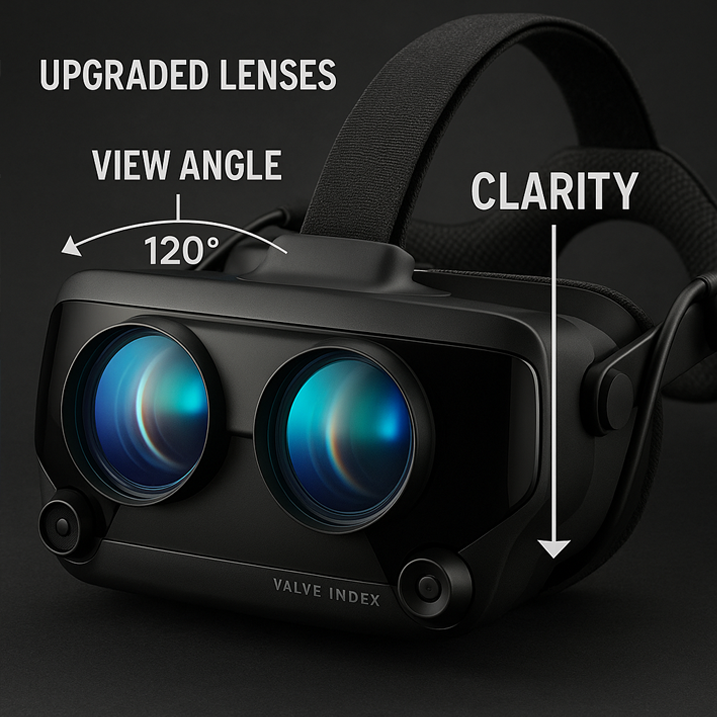
Why Use Dedicated Valve Index Prescription Lenses?
Ordinary glasses can create pressure at the temples and may move as the headset shifts. More importantly, eyeglass and headset lenses need safe clearance. A dedicated insert removes the eyeglass frame and stays aligned with the Index optics.
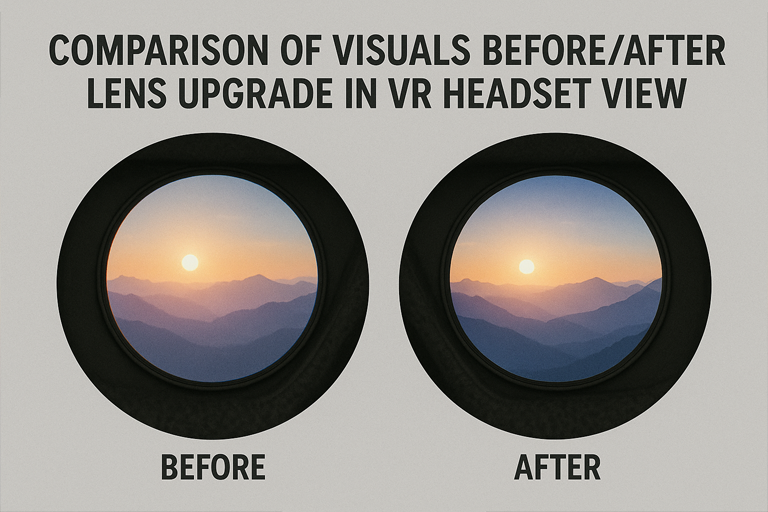
The insert corrects the user’s vision; it does not increase the native display resolution or change tracking. The benefit is a stable optical correction and a simpler fit inside the headset.
Confirm Valve Index Compatibility
Use a product explicitly made for Valve Index. Similar-looking inserts for HTC, Meta, Pimax, or another PC VR headset can use different lens shapes and attachment geometry.
The matching ANNKUTVR option is the Valve Index prescription lens product. Check the headset model and the product label before ordering.
Prepare the Correct Prescription
Use a current distance eyeglass prescription. Keep right-eye and left-eye values separate and copy every sign accurately. SPH gives the main nearsighted or farsighted correction; CYL and AXIS describe astigmatism correction; PD helps center the lenses.
Do not substitute a contact lens prescription or a reading-only value. Ask the provider about prism, unsupported ranges, or missing PD before submitting the order.
Review Each Eye Before Checkout
Compare the completed order form with the original prescription line by line. Confirm that OD/right and OS/left have not been reversed, that every plus or minus sign is present, and that AXIS accompanies the correct CYL value. If PD is written as two monocular values, do not combine or rearrange them unless the form asks for a single total.
A value missing from the selector needs review, not rounding. Send the prescription to the provider when the notation is unclear or includes prism, ADD, or another field the form does not show.
Lens Materials and Coatings
Higher prescriptions may use high-index material to reduce thickness. Anti-reflective or anti-glare coatings can reduce reflections from the additional optical surfaces, while scratch-resistant coatings support routine handling.
These features help the insert remain practical inside the headset, but they do not alter Valve Index display specifications.
What to Check Before Ordering
- Confirm Valve Index as the exact headset.
- Use a current distance prescription for the correct eye.
- Review supported SPH, CYL, AXIS, and PD fields.
- Check current manufacturing information and included options on the live product page.
- Keep a record of the values submitted.
Install the Inserts Without Force
Identify the right and left insert and follow the mounting direction provided for Index. Hold each insert by the frame, align it with the corresponding headset lens, and press only where the instructions indicate.
If the frame tilts, rocks, or requires unusual pressure, remove it and verify orientation. The ANNKUTVR installation guide provides device-specific help.
Verify the View After Installation
With both inserts seated, put on the headset and adjust Valve Index as usual. Check that the frame remains stable, that eyelashes do not touch the lenses, and that the image is clear for each eye before testing both eyes together. Move through a normal range of head motion to make sure neither insert shifts.
If clarity changes when the headset is moved slightly, check headset position and eye relief first. If one eye stays blurred, compare the insert labels and submitted prescription. Do not overtighten the strap or force the insert to compensate for a mismatch.
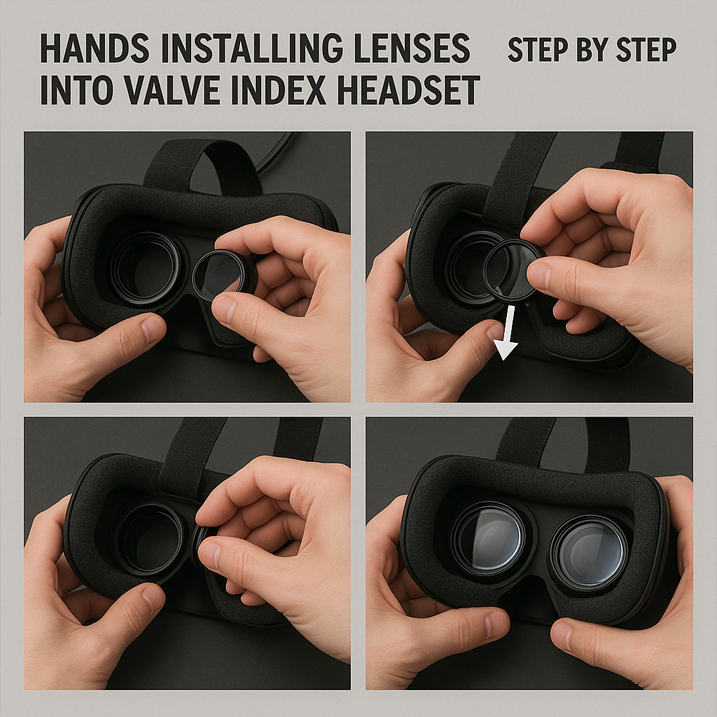
Clean Valve Index Inserts Safely
Remove the inserts when the mounting design allows and clean them separately with a clean microfiber cloth. Avoid transferring facial-interface cleaner to the optical surfaces. Follow the insert maker’s guidance before using any liquid.
Keep the headset lenses themselves dry unless Valve’s instructions state otherwise, and store the headset away from direct sunlight and abrasive debris.
Glasses, Contacts, and Inserts Compared
Glasses require no additional insert but need physical clearance. Contacts avoid frame pressure and work across headsets, but they suit only users who tolerate them. Inserts remain attached to one headset and offer a consistent optical position.
The broader glasses for VR comparison can help users choose among these options.
Protect Comfort and Field of View
After installing inserts, adjust the headset fit normally. Do not overtighten the head strap to compensate for blur. Check that eyelashes do not brush the insert and that the frame does not press against the face.
Any extra optical layer takes physical space, so a thin, correctly fitted insert is important. Comfort and usable field of view depend on both the lens profile and headset positioning.
Avoid Cross-Model Assumptions
Valve Index inserts should stay with Valve Index. Do not move them to another headset because the optical openings appear similar. Incorrect geometry can create poor alignment or unsafe contact with the headset optics.
When changing headsets, order the product designed for the new model and confirm compatibility again.
Using a Shared Valve Index
Custom inserts match one user’s prescription. Remove them before another person uses the headset unless that person has the same verified correction. Store both pieces together in a clean case, keeping the right and left markings visible. Recheck that each insert is fully seated whenever it is reinstalled.
Valve Index Lens FAQ
Do inserts replace the headset lenses? No. They sit over the original optics. Can plano inserts be ordered? Use the live product options to confirm. Can one insert fit both eyes? No; orientation and prescription values are eye-specific. Will inserts fix headset blur? They correct the user’s refractive prescription, but software settings, fit, and headset optics still matter.
Final Valve Index Ordering Checklist
Match the exact headset, use a current distance prescription, enter both eyes correctly, and review the live product specifications before checkout. Install the finished lenses without force and keep them clean with a dedicated microfiber cloth.
That approach is more dependable than choosing by price, trend, or a generic claim that one frame fits several VR headsets.

Thanks sharing
Thanks sharing