Enjoy 5% OFF + FREE shipping on orders $49+! Use Code: 202512AK5

Can You Add Prescription Lenses to RayNeo iO After You Already Bought the Glasses?
Can You Add Prescription Lenses to RayNeo iO After Purchase?
Already bought the standard RayNeo iO without prescription lenses?
You may be wondering whether you now have to live with the original configuration or buy another pair of glasses just to get vision correction.
The answer is yes, there is an aftermarket option.
RayNeo’s official prescription ordering process is designed around selecting a prescription configuration when purchasing the glasses. If you already own the standard version, ANNKUTVR offers a separate aftermarket prescription lens solution designed specifically for existing RayNeo iO owners.
The important difference is how the lenses are installed.
ANNKUTVR’s custom prescription lenses sit on the eye-facing side of the original RayNeo iO optical waveguide lenses.
You do not need to remove or replace the original waveguide.
The installation method also depends on your prescription:
- Nearsighted prescriptions (negative SPH) use direct press-fit installation.
- Farsighted prescriptions (positive SPH) use the supplied soft double-sided adhesive tape.
If you already own RayNeo iO, here’s what you should know before ordering.
Does RayNeo Offer an Official Prescription Upgrade After Purchase?
RayNeo’s official prescription ordering process focuses on selecting the prescription configuration when purchasing the glasses.
You can review its official ordering instructions.
RayNeo’s UK ordering guide states that prescription correction for iO must be arranged before checkout and is not available as an official post-purchase addition. That statement concerns RayNeo’s factory prescription configuration, rather than ANNKUTVR’s independent aftermarket lenses.
This is an important distinction if you already own the standard version.
If you want to explore an aftermarket option instead of purchasing another pair of glasses, ANNKUTVR provides a separately manufactured prescription lens solution.
This is not a RayNeo factory upgrade. It is an independent aftermarket product designed for existing RayNeo iO glasses.
What Can You Do If You Already Own Standard RayNeo iO?
If you already have RayNeo iO, you can order ANNKUTVR prescription lenses separately.
Unlike purchasing a new pair of factory-configured prescription glasses, this option allows you to keep your existing device.
The installation structure is different from replacing the original optical assembly.
ANNKUTVR prescription lenses are positioned:
- Behind the original RayNeo iO optical waveguide lenses.
- On the side closer to your eyes.
- Without removing the original waveguide.
- Without replacing the original display optics.
The original RayNeo iO glasses remain the main device. You are purchasing an additional prescription lens component.
The ANNKUTVR product listing is for custom prescription lenses only. The RayNeo iO glasses, electronics and other hardware are not included.
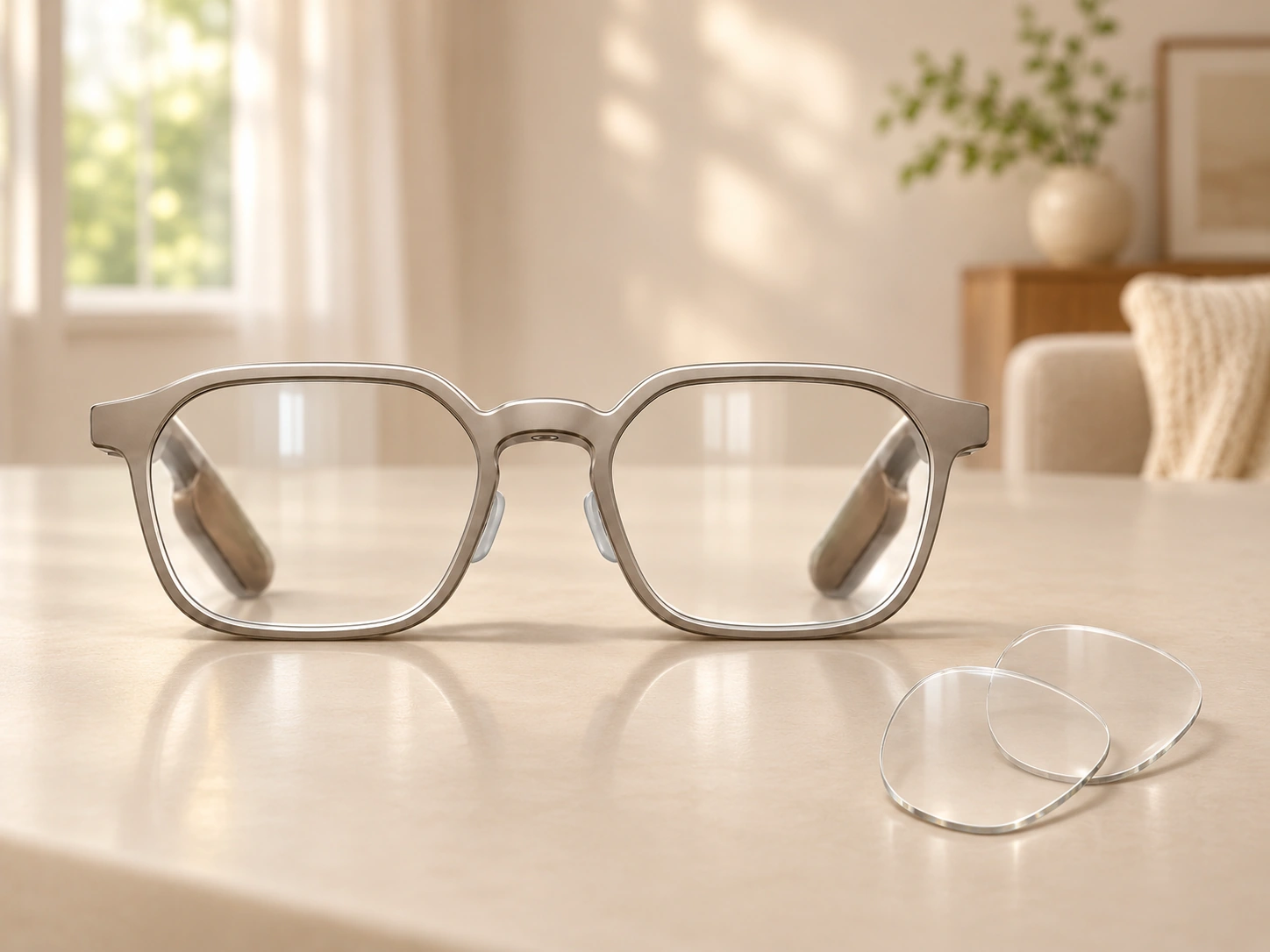
How Are ANNKUTVR Prescription Lenses Installed on RayNeo iO?
The installation process is one of the most important things to understand before placing your order.
ANNKUTVR does not require you to remove the original RayNeo iO optical waveguide lenses.
The custom prescription lenses are installed on the eye-facing side of the original optical assembly.
However, nearsighted and farsighted prescriptions use different fitting methods.
Nearsighted Prescriptions: Direct Press-Fit Installation
If your prescription has negative SPH values, the standard installation method is direct press-fit.
The process is straightforward:
- Keep the original RayNeo iO optical waveguide lenses installed.
- Identify the corresponding left and right prescription lenses.
- Align each prescription lens with its intended installation position on the eye-facing side.
- Gently press the lens into place until it is properly seated.
The normal nearsighted installation does not require adhesive tape.
The important point is to align the lens correctly before applying pressure.
Do not force the lens into position if it does not fit naturally. Excessive pressure could damage the prescription lens or the original optical components.
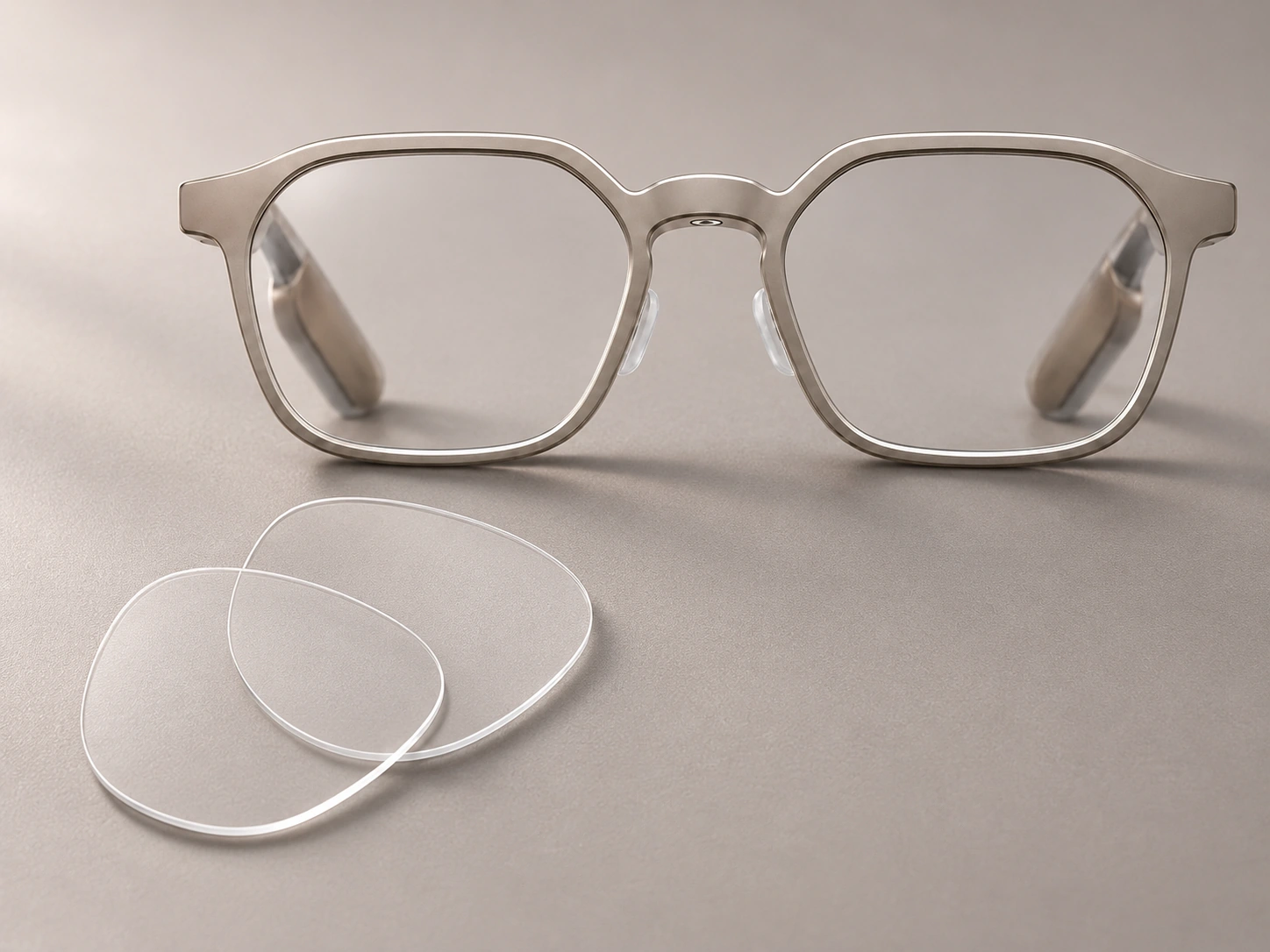
Farsighted Prescriptions: Use the Supplied Double-Sided Adhesive Tape
Positive SPH prescriptions use a different installation method.
For this configuration, ANNKUTVR supplies a dedicated soft double-sided adhesive tape with the prescription lenses.
The tape helps secure the prescription lenses in their intended position.
A few points are worth clarifying:
- It is a dedicated double-sided adhesive tape, not liquid glue.
- It is supplied with the farsighted lens configuration.
- It helps hold the prescription lenses in place.
- Follow the supplied installation instructions when applying it.
- It does not require a curing or 20-minute waiting period.
Make sure the prescription insert is correctly positioned before securing it.
The original RayNeo iO optical waveguide lenses remain installed throughout the process.
Does the Double-Sided Tape Change the Original Optical Structure?
No.
The tape is an installation aid for the aftermarket prescription lenses.
It does not replace the original waveguide or require modification of the RayNeo iO display system.
The purpose is simply to help secure the additional prescription lens layer.
Can You Remove or Reinstall ANNKUTVR Prescription Lenses?
The aftermarket prescription lenses are separate from the original RayNeo iO optical waveguide.
They are not a replacement for the original optical assembly.
If you need to remove the prescription lenses for inspection or maintenance, follow the installation instructions supplied with your lenses.
The two fitting configurations should still be treated separately.
For nearsighted lenses, use the intended press-fit installation method.
For farsighted lenses, follow the supplied instructions for the dedicated double-sided tape.
Do not pull or twist the lenses aggressively, and never attempt to remove the original RayNeo iO waveguide as part of routine prescription lens removal.
What If Your Prescription Changes?
If your prescription changes, you should not assume that your existing custom lenses can simply be adjusted.
Prescription lenses are manufactured to specific optical values.
A change in SPH, CYL or AXIS may require a new custom lens pair.
In that situation, contact ANNKUTVR with your updated prescription so the laboratory can review the new requirements.
What Should You Check Before Ordering RayNeo iO Aftermarket Lenses?
Before purchasing, there are several things worth confirming.
1. Confirm That You Own the Correct Device
ANNKUTVR’s product is specifically designed for RayNeo iO AI Glasses.
It is not interchangeable with:
- RayNeo GT
- RayNeo GT Max
- RayNeo Air series
These devices use different lens structures.
Always select the exact model before ordering.
2. Prepare Your Current Prescription
Use your current prescription rather than estimating your values.
The ordering form supports the prescription information required for the selected configuration, including:
- SPH
- CYL
- AXIS
- PD
- ADD, when ordering progressive lenses
If your prescription contains unusual values or you cannot find the correct option in the product form, contact us before ordering.
Do not change your prescription values simply to match an available dropdown option.
For a broader look at prescription support, configurations and fit, read our RayNeo iO prescription lens guide.
3. Check the Price on the Product Page
You do not need to request a separate quotation.
Visit the ANNKUTVR RayNeo iO product page.
Enter your prescription and select the available options.
Our website automatically calculates the price based on your selected configuration.
The displayed price is the product price for that configuration. Applicable shipping charges are shown during checkout.
4. Understand the Production Time
ANNKUTVR’s normal manufacturing timelines are:
- Standard customization: 1–4 business days.
- Advanced customization or special requirements: 3–7 business days.
These timeframes refer to custom lens production only.
They do not include shipping or transit time.
If your prescription requires additional manufacturing work, the laboratory may need more time to complete the lenses.
5. Remember That You Are Ordering Lenses Only
The ANNKUTVR product page sells custom prescription lenses for RayNeo iO.
It does not include another RayNeo iO device.
You should already own the glasses before placing an aftermarket lens order.
Is an Aftermarket Prescription Upgrade Right for You?
If you already own standard RayNeo iO and need prescription correction, an aftermarket lens solution gives you another option without purchasing a second pair of glasses.
The main difference is the installation structure.
RayNeo’s official prescription ordering process is designed around the original purchase. ANNKUTVR provides a separate custom lens solution that installs behind the original waveguide, closer to your eyes.
For nearsighted prescriptions, the normal installation is press-fit.
For farsighted prescriptions, the supplied soft double-sided adhesive tape helps secure the additional lenses.
Before ordering, check your exact device model and current prescription.
Already own RayNeo iO?
If everything is confirmed, you can enter your prescription directly on the product page and see the final price before checkout.
Explore ANNKUTVR RayNeo iO Prescription LensesYou can also visit our RayNeo Prescription Lens Hub to explore prescription lens options for other RayNeo models.
ANNKUTVR is an independent third-party lens manufacturer and is not affiliated with, sponsored by, or endorsed by RayNeo.
Frequently Asked Questions
Can I add prescription lenses to RayNeo iO after buying the glasses?
RayNeo’s official prescription ordering process focuses on selecting the prescription configuration when purchasing the glasses. However, ANNKUTVR offers a separate aftermarket prescription lens solution for customers who already own standard RayNeo iO AI Glasses. The custom lenses install behind the original optical waveguide, closer to your eyes.
Do I need to remove the original RayNeo iO waveguide lenses?
No. You must keep the original RayNeo iO optical waveguide lenses installed. ANNKUTVR prescription lenses are fitted on the eye-facing side of the original optics. There is no need to remove or modify the original waveguide.
Do nearsighted and farsighted RayNeo iO lenses use the same installation method?
No. Nearsighted prescriptions with negative SPH values use direct press-fit installation and normally require no adhesive. Farsighted prescriptions with positive SPH values use the dedicated soft double-sided adhesive tape supplied with the lenses to help secure the prescription inserts.
Is the double-sided tape liquid glue, and does it need time to cure?
No. The farsighted configuration uses a dedicated soft double-sided adhesive tape, not liquid glue. It does not require a 20-minute curing period. Follow the installation instructions supplied with your lenses.
Can I remove and reinstall ANNKUTVR RayNeo iO prescription lenses?
The aftermarket prescription lenses are separate from the original waveguide. Follow the supplied fitting instructions if removal is needed. Avoid excessive force, and keep the original RayNeo iO optical waveguide installed throughout the process.
What should I do if my prescription lenses do not fit or snap into place?
Stop the installation and do not force the lenses into position. Take a few clear photos or record a short video showing the prescription lenses and the installation area on your RayNeo iO glasses. Send them to ANNKUTVR support so our team can check the alignment, dimensions and installation method.