Enjoy 5% OFF on all orders over $49 + FREE shipping! Use code: 202512AK5

Can i wear glasses with PS VR2?
Table of Contents
The PlayStation VR2 is a game-changer in virtual reality. But can you wear glasses with it? Many gamers wonder about this. The good news is, yes, you can. The PS VR2 is designed with glasses wearers in mind.
Comfort is key when gaming. The PS VR2 headset accommodates prescription glasses. It features an adjustable headband and lens distance. This ensures a snug fit for different head sizes and glasses.
Worried about scratches or damage? The PS VR2's design minimizes these risks. It includes a spacer to help protect your glasses.
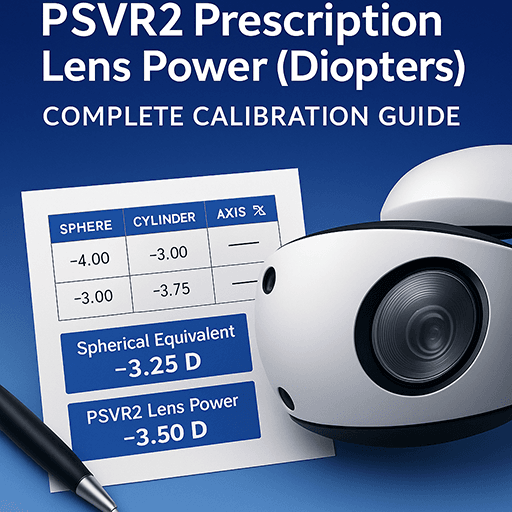
For those seeking alternatives, PSVR2 prescription lenses are available. These can be attached to the PS VR2 lens.
Explore third-party solutions like ANNKUTVR for enhanced comfort. The PS VR2's compatibility with glasses makes it accessible to more gamers.
Is the PS VR2 headset compatible with glasses?
Absolutely, the PS VR2 headset accommodates glasses comfortably. It's an essential feature for many gamers who wear prescription eyewear. The headset's design includes various aspects that ensure compatibility with glasses.
One of the standout features is the adjustable headband. It allows users to set the fit that suits their head size and glasses, ensuring a snug experience. Additionally, the PS VR2 features adjustable lens distance. This helps in reducing pressure on the glasses, enhancing comfort.
Here are some key features that make the PS VR2 glasses-friendly:
- Adjustable headband for a custom fit.
- Spacer included to avoid direct contact between headset lenses and glasses.
- Flexible head strap material to fit comfortably over glasses.
The headset's ergonomic design also plays a critical role. It distributes the weight evenly, minimizing pressure on the user's glasses. This prevents discomfort during extended gaming sessions. Users can enjoy the immersive experience without worrying about their eyewear. Overall, the PS VR2's design ensures that glasses-wearing gamers aren't left behind.
How to wear glasses comfortably with PS VR2
Lorem ipsum dolor sit amet, consectetur adipiscing elit. Ut elit tellus, luctus nec ullamcorper mattis, pulvinar dapibus leo.
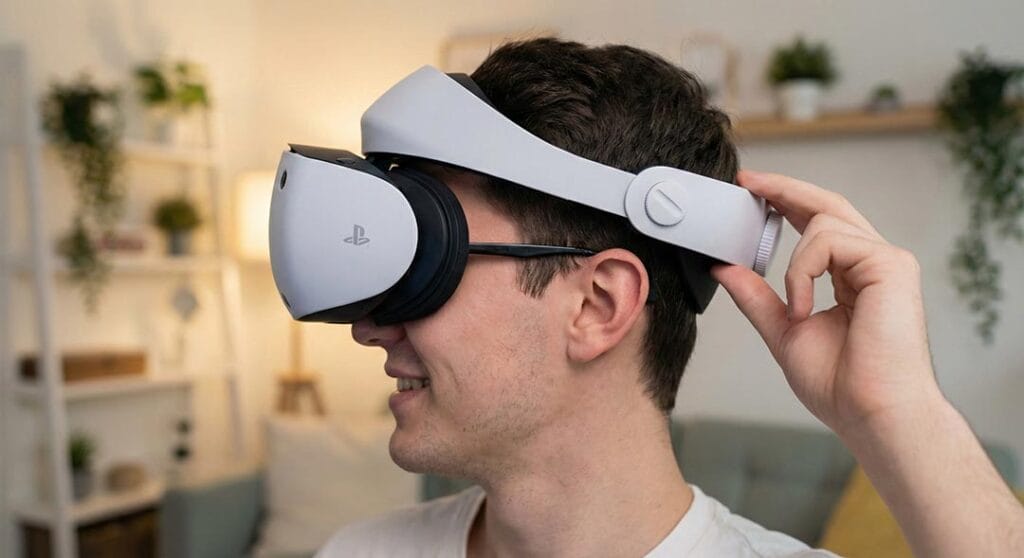
Wearing glasses with the PS VR2 can be a seamless experience if done correctly. Start by positioning your glasses properly on your face. Ensuring a firm, non-slipping fit is vital for comfort and clarity.
Next, adjust the headband to accommodate the additional space required by your glasses. Make sure it is not too tight to avoid pressure but snug enough to hold securely. A well-adjusted headband aids in a comfortable and immersive gaming session.
To enhance comfort, be mindful of a few practices:
- Keep glasses clean to prevent lens fogging.
- Use the spacer included with the headset to avoid contact with PS VR2 lenses.
- Opt for thin-frame glasses for easier fit and reduced pressure.
Take regular breaks to alleviate any discomfort that might arise. Also, consider experimenting with the lens distance for better focus and reduced eye strain. Proper adjustment and care can significantly improve your VR experience with glasses, making gaming sessions enjoyable and stress-free.
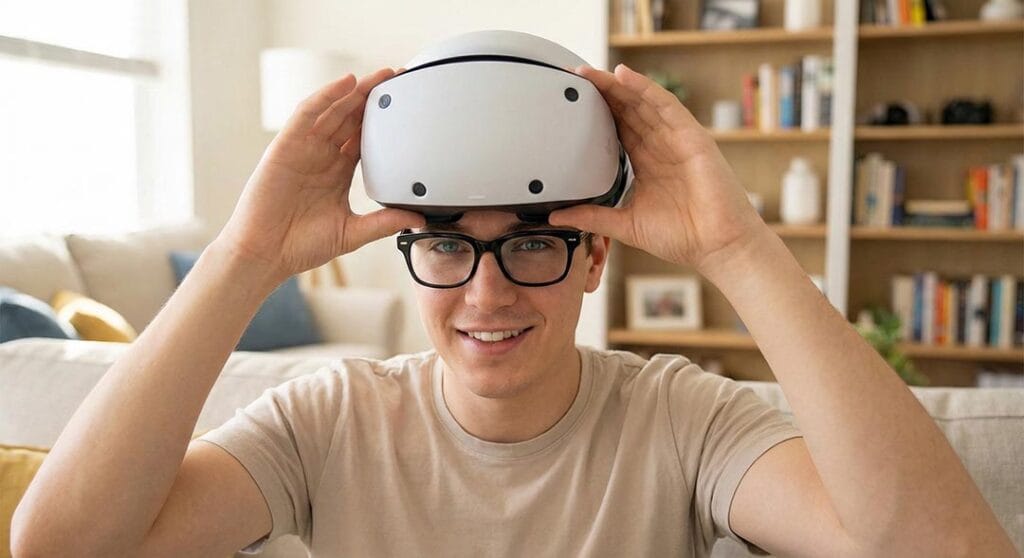
Tips to prevent scratches and damage to PS VR2 lens and glasses
Protecting your PS VR2 lens and glasses is crucial for a lasting VR experience. Scratches can degrade visual quality and reduce immersion.
Begin by ensuring that your glasses and the VR headset are clean before each use. A microfiber cloth works best for cleaning lenses without scratching. Avoid using paper towels or abrasive materials that might cause harm.
You can also avoid damage by following these tips:
- Place the headset on gently, aligning it with your glasses.
- Use the included spacer to prevent direct contact between lenses.
- Store the headset in a safe locati0n, away from hard surfaces.
Regularly inspect both your glasses and headset lenses for any signs of scratches or damage. Acting early can prevent further issues. By taking these simple precautions, you can maintain your equipment's quality and prolong its use.
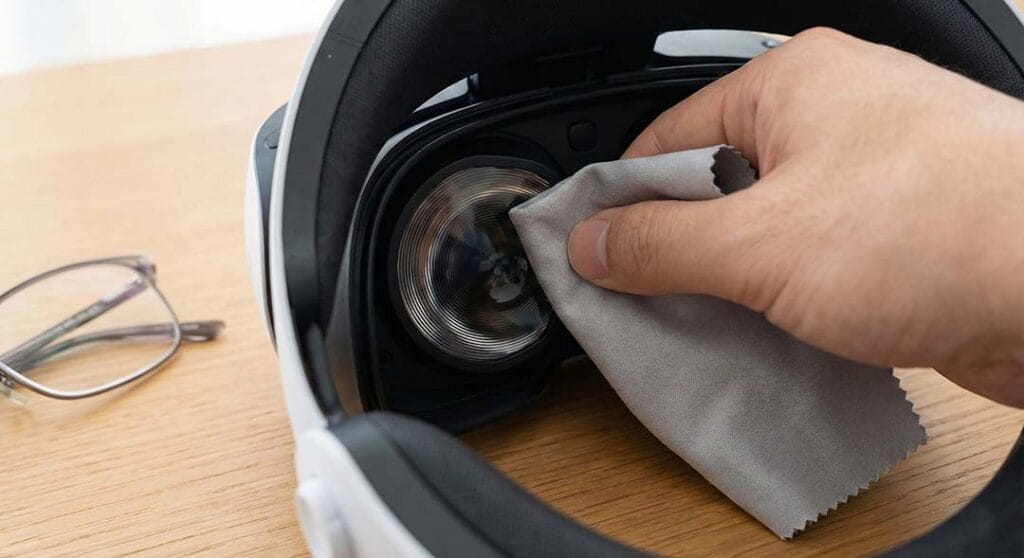
Alternatives: PSVR2 prescription lenses and lens inserts
For some users, wearing glasses with a VR headset might not be ideal. Fortunately, alternatives like PSVR2 prescription lenses and lens inserts are available. These options provide a seamless experience, eliminating the need for glasses.
PSVR2 prescription lenses are custom-made to match your prescription. These lenses clip onto the headset’s lens, providing vision correction. This approach allows users to enjoy VR without the discomfort glasses may bring.
Lens inserts offer additional benefits, including:
- Reduction of potential lens fogging.
- Prevention of optical damage due to pressure.
- Enhanced compatibility for users needing precise vision correction.
Choosing lens inserts or prescription options can lead to a personalized VR experience. Many users find them more comfortable, especially during long sessions.
Before purchasing, consult with an eye care professional to ensure your prescription is accurate. This extra step guarantees the lens inserts meet your vision needs. Overall, these alternatives can significantly enhance your time with the PlayStation VR2.
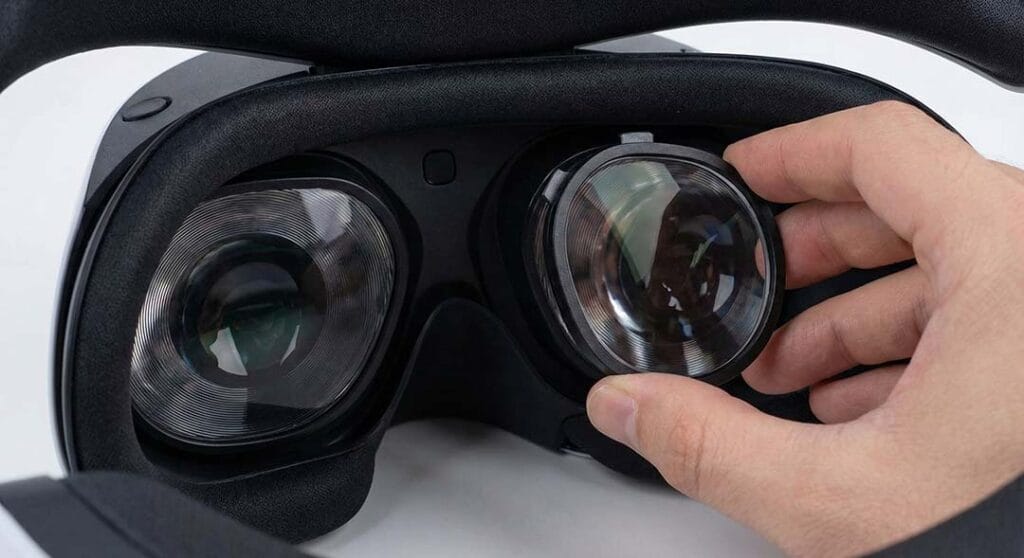
Popular third-party solutions: ANNKUTVR and more
Third-party solutions can elevate the PS VR2 experience, especially for glasses wearers. Companies like ANNKUTVR offer accessories designed with user comfort in mind. These can be essential for gamers who use glasses with their VR headset.
Products offered by ANNKUTVR and other brands include:
- Enhanced cushion pads for glasses accommodation.
- Adjustable head straps for a secure fit.
- Specially designed spacers to increase headset depth.
These accessories support users by minimizing discomfort and enhancing wearability. Gamers find them valuable for long gaming sessions.
Exploring third-party options can reveal diverse solutions tailored to individual needs. Always research products to ensure compatibility with your specific PS VR2 setup. These enhancements contribute to an immersive and comfortable VR gaming experience.
Adjusting and maintaining your PS VR2 for the best experience
Proper adjustment is key to enjoying your PlayStation VR2 comfortably, especially with glasses. Align the headband snugly to reduce pressure on the frames. Adjust the lens distance to accommodate your eyewear size.
Maintenance is crucial for keeping your headset and glasses in top condition. Regular cleaning prevents smudges and scratches, which can affect your view. Ensure the headset is clean and free from dust.
Consider the following to enhance your PS VR2 maintenance routine:
- Clean lenses with a soft, dry cloth.
- Store the headset in a protective case.
- Regularly inspect for wear and tear.
By adopting these practices, you prolong the lifespan and performance of your PS VR2, ensuring consistent quality in every gaming session.
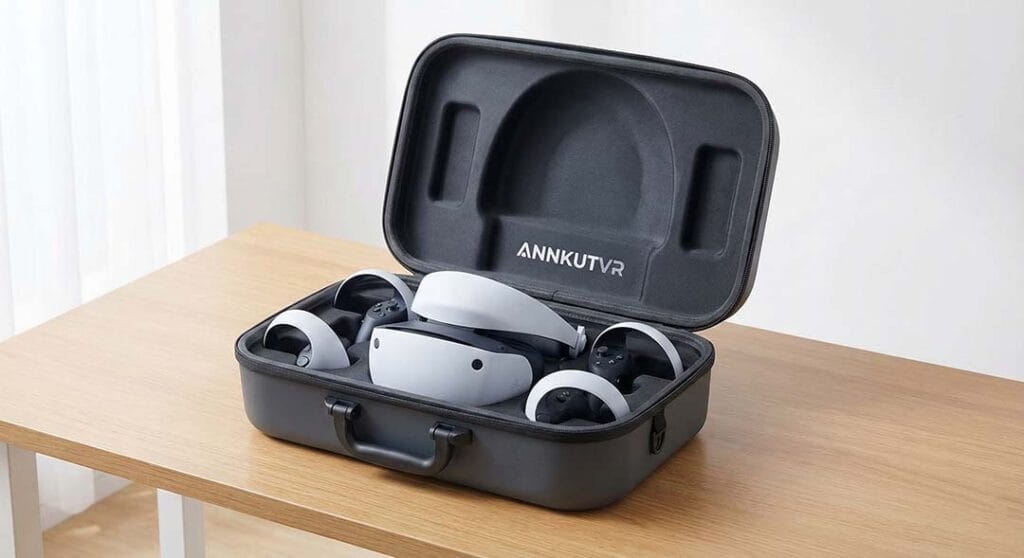
Many users wonder if they can wear glasses with the PS VR2 comfortably. The headset is designed to accommodate glasses, ensuring a good fit. This feature opens VR experiences to a wider audience.
People often ask about potential impact on image quality. Rest assured, with proper adjustment, you will have a clear and immersive view. Cleaning both the headset and glasses regularly is recommended.
Here are answers to common questions:
- Can the headset cause pressure on frames? Proper adjustments help reduce pressure.
- Do glasses scratch the VR lenses? Being careful when putting on the headset minimizes risk.
- Are there alternatives to glasses? Yes, consider PSVR2 prescription lenses or contact lenses.