Enjoy 5% OFF + FREE shipping on orders $49+! Use Code: 202512AK5

Table of Contents
PSVR2 Prescription Lens Power: How to Read Your Rx
Ordering PSVR2 prescription lenses is not a process of choosing one generic “diopter power.” A complete eyeglass prescription may contain separate sphere, cylinder, and axis values for each eye, plus pupillary distance. Those values should be copied accurately from a current distance prescription rather than estimated from how the headset looks.
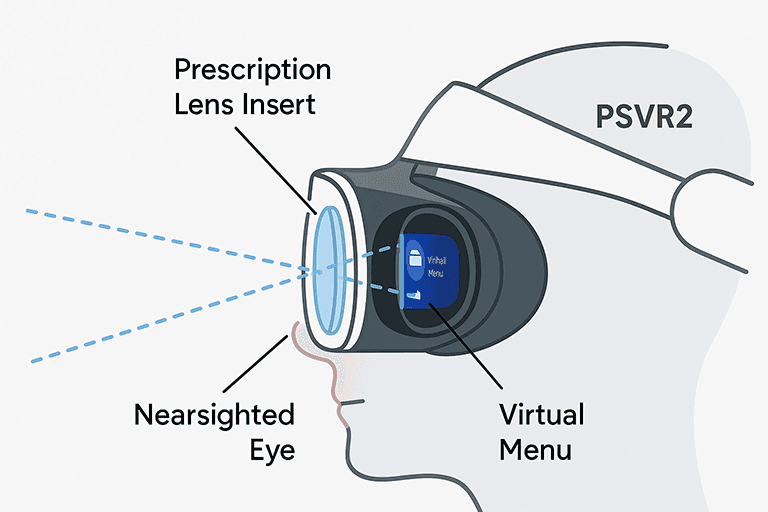
Sony states that the PS VR2 focal distance is approximately two meters. That helps explain why distance correction is normally relevant, but it does not create a safe formula for self-diagnosis. Use the prescription provided by an eye-care professional and ask for help when a value is missing or unsupported.
How to Read a PSVR2 Lens Prescription
Begin with the distance section of the prescription and keep the right and left eye separate. Optical prescriptions use several fields:
SPH: Sphere Power
SPH is the main refractive correction. Minus values generally correct myopia and plus values generally correct hyperopia. Copy the sign and number exactly for each eye; do not assume that the two eyes match.
CYL and AXIS: Astigmatism Correction
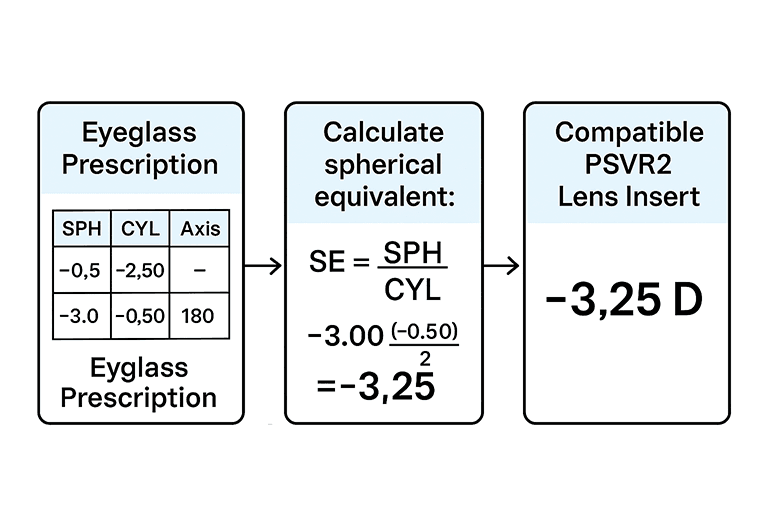
CYL records the amount of astigmatism correction. AXIS records its orientation and is meaningful when CYL is present. A single spherical-equivalent calculation removes information about the cylinder and axis, so it should not be used as a substitute when ordering a custom lens that supports astigmatism.
PD: Pupillary Distance
PD helps place the optical centers correctly. It may appear as one binocular measurement or as separate right and left monocular values. Research on spectacle fitting notes that accurate PD supports proper optical-center alignment. Use the recorded value rather than estimating from a screenshot when possible.
ADD, Prism, and Special Prescriptions
ADD is usually associated with near or multifocal correction and should not be copied into a field that does not request it. Prism and other special values require confirmation from the provider. Ask an eye-care professional and ANNKUTVR before ordering if the form does not represent the prescription exactly.
Copy Signs, Decimals, and Eye Labels Exactly
Prescription forms often display plus and minus signs, decimal steps, and abbreviations that are easy to overlook. OD usually identifies the right eye and OS the left eye. Copy the value beside each label rather than entering the visually stronger eye first. A missing minus sign changes the meaning of a sphere or cylinder value.
Some prescriptions write zero sphere as Plano, PL, or 0.00. Do not turn a blank field into zero unless the prescription or eye-care professional confirms that meaning. Axis is normally recorded as a number and should not be entered when the form does not have a corresponding cylinder value.
If the order form uses a different cylinder notation from the prescription, do not transpose it from memory. Send a clear copy to the provider or ask the prescriber for the required notation.
Why You Should Not Convert or Calibrate the Rx Yourself
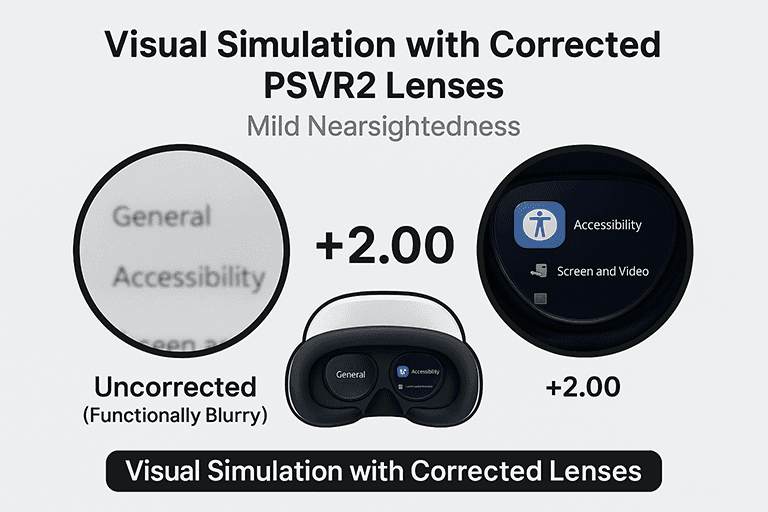
A blurred headset image can come from fit, lens position, headset settings, dirty optics, or an inaccurate prescription. It is not a reliable home eye test. Moving sliders until text looks sharper cannot determine cylinder, axis, PD, or eye health.
Do not average the two eyes, remove astigmatism values, change plus-cylinder to minus-cylinder notation, or choose the nearest power without approval. Prescription transposition is a defined optical calculation, and an error can change sphere, cylinder sign, and axis. Leave that work to an eye-care professional or the lens provider.
Sony’s PS VR2 adjustment guidance explains the headset’s approximate focal distance and visibility controls. Use those controls to position the device after the correct prescription has been ordered; do not use them to invent a prescription.
If the prescription is old, if one eye has changed, or if headaches and blur continue outside VR, arrange an eye examination. This article explains order-form fields and is not medical diagnosis.
Use the Product Range as a Compatibility Check
An order form can accept only the values that the lens design and manufacturing service support. If SPH, CYL, AXIS, PD, or prism cannot be selected, that does not mean the nearest available option is suitable. It means the order needs review.
Contact ANNKUTVR before checkout with the exact prescription and headset model. The provider can confirm whether the combination is supported or whether an alternative is needed. This is especially important when the two eyes differ substantially, the prescription includes prism, or the values sit outside the displayed range.
Order, Install, and Verify PSVR2 Prescription Lenses
Separate Prescription Accuracy From Headset Adjustment
After installation, adjust PS VR2 using the headset’s normal visibility and fit controls. The headset position can improve alignment and the perceived sweet spot, but it cannot correct a wrong prescription. Likewise, correct inserts cannot compensate for a visor that is sitting too high, low, or off-center.
Evaluate the result in stages: confirm that both inserts are seated, center the headset, check each eye, and then test both eyes together. Persistent double vision, discomfort, or blur should be investigated rather than accepted as normal.
Before Ordering
- Confirm that the prescription is for distance vision and is still current.
- Match OD/right and OS/left values carefully.
- Enter SPH, CYL, AXIS, and PD exactly as requested.
- Ask before submitting prism, unusually strong values, or an incomplete prescription.
- Review the live PSVR2 prescription lens product page for supported ranges and current manufacturing information.
After the Inserts Arrive
Inspect the frame and confirm the right and left markings. Install the inserts without forcing them, then put on PS VR2 and use Sony’s visibility adjustment to center the headset. Check each eye separately and together. A secure insert should remain level and should not interfere with normal headset positioning.
Common Questions
Can I use one power for both eyes? Only when the actual prescription lists the same supported values. Can I omit CYL? Not when astigmatism correction is needed and the product supports it. What if a value is unavailable? Contact the lens provider before ordering rather than rounding or guessing.
For model fit, care, and broader setup guidance, read the PSVR2 prescription lenses ultimate guide and the installation guide.


Great guide! Finally, I can blame my VR headaches on something other than just playing too much. The step-by-step calibration test is a lifesaver—no more squinting at blurry menus. And those ANNKUTVR lenses sound amazing, like giving your eyes a VIP pass to the VR party. Definitely sharing this with my optometrist-challenged friends.