Enjoy 5% OFF + FREE shipping on orders $49+! Use Code: 202512AK5

10 Must-Have Meta Quest 3 Accessories in 2026: Ultimate Comfort & Visual Upgrades
Introduction
If you are searching for the absolute must have Quest 3 accessories in 2026, you already know the painful truth. The Meta Quest 3 is a technological marvel, but straight out of the box, it is incredibly uncomfortable. I remember taking off my headset after a 2-hour session with deep red marks on my forehead and a throbbing headache. The stock cloth strap and scratchy facial interface are simply not enough for serious gamers.
In this guide, I will share the ultimate Quest 3 comfort upgrades and visual enhancements I use daily. From fixing blurry vision to extending battery life, these 10 upgrades will transform your standard headset into a premium VR machine.

Category 1: Visual Clarity (The Absolute MVP)
1. ANNKUTVR Magnetic Prescription Lenses (Stop Wearing Glasses)
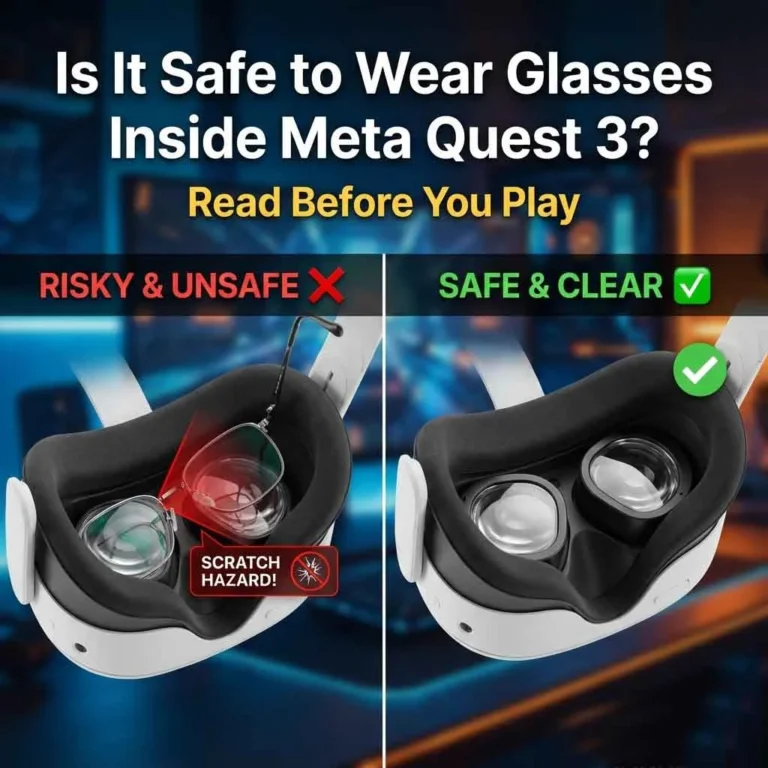
If you wear glasses, this is the single most important investment you will make. Shoving bulky frames (like thick wayfarer reading glasses) inside the headset is dangerous. It ruins your Field of View (FOV) and risks permanently scratching the Quest 3’s delicate Pancake lenses.
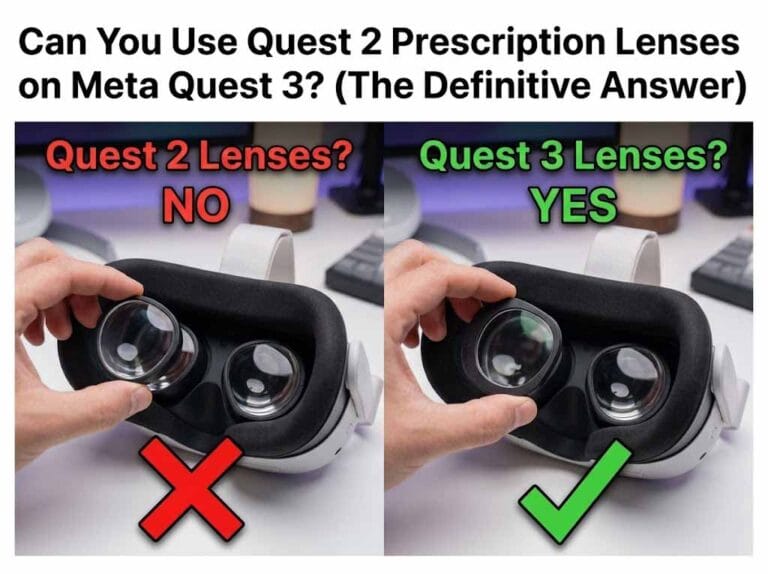
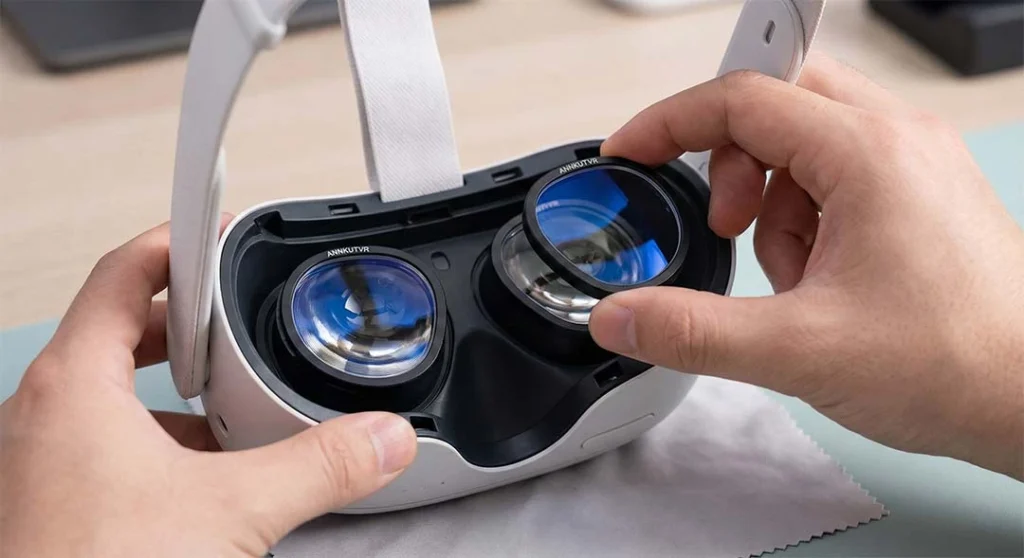
The Solution: You need dedicated optics. Many gamers waste hours hunting for a honsvr coupon or waiting for holiday sales from competitors, but you don’t have to compromise on quality or price. ANNKUTVR’s Quest 3 magnetic prescription lenses snap directly over the display. They provide a massive sweet spot, zero glasses-glare, and instant eye relief.
Safety Check: Not convinced? Read our definitive guide on why it is barely safe to wear glasses inside Meta Quest 3.
Category 2: Core Quest 3 Comfort Upgrades
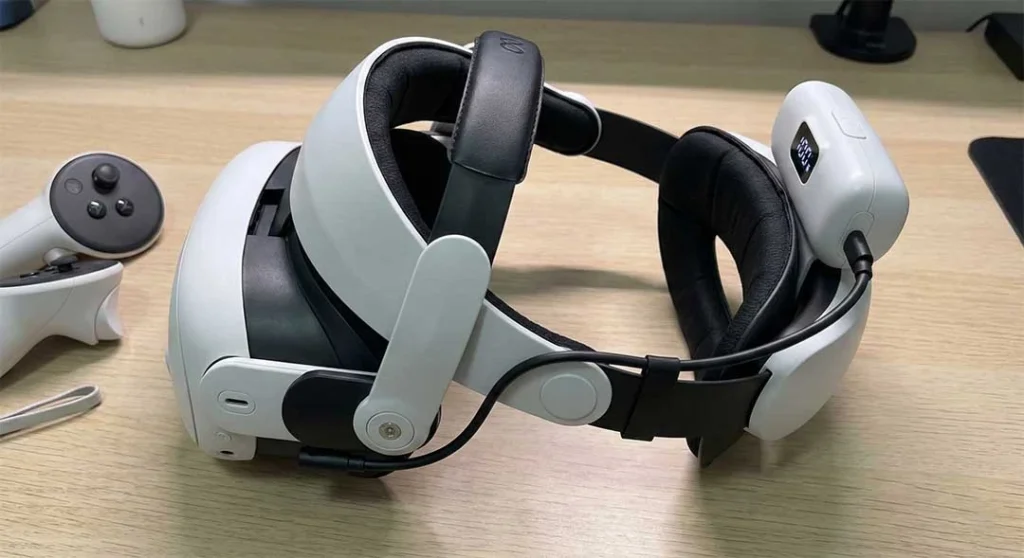
2. Battery Head Strap (Fix the Headache)
The stock strap pulls the entire 515-gram weight of the headset directly onto your cheekbones. By upgrading to a Halo-style strap (like the BoboVR M3 Pro) or an Elite-style strap equipped with a rear battery pack, you achieve perfect 50/50 weight distribution. Modern straps even use a quick attach 3 point adapter system, making installation a breeze and instantly relieving forehead pressure.
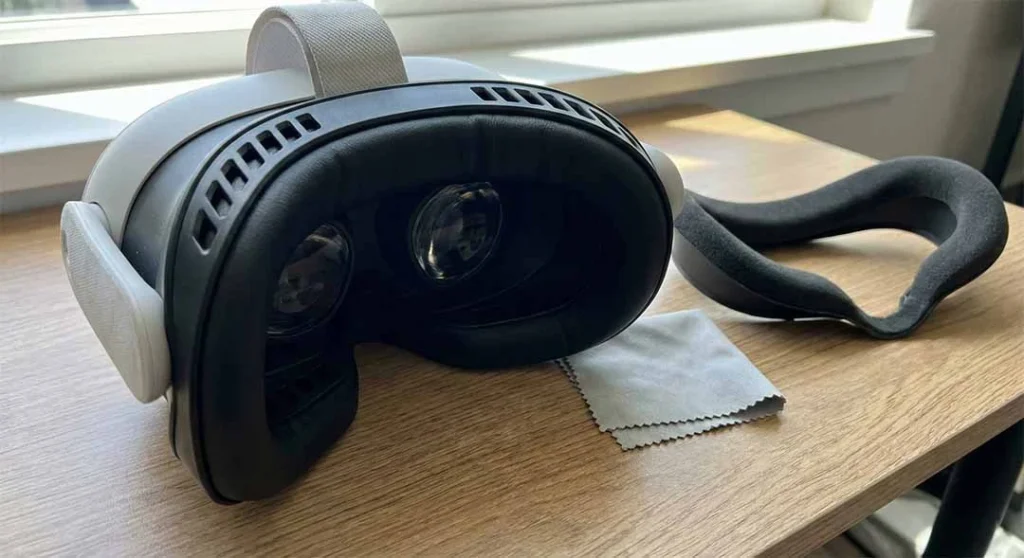
3. Vented Facial Interface (Stop the Fog)
The standard foam interface absorbs sweat like a sponge, leading to bacteria and foggy lenses. Upgrading to a PU leather or silk-ice interface with passive air vents is crucial for active gaming.
Pro Tip: If you still struggle with condensation, check our guide on how to stop Meta Quest 3 lenses from fogging.
Category 3: Controller & Gameplay Enhancements
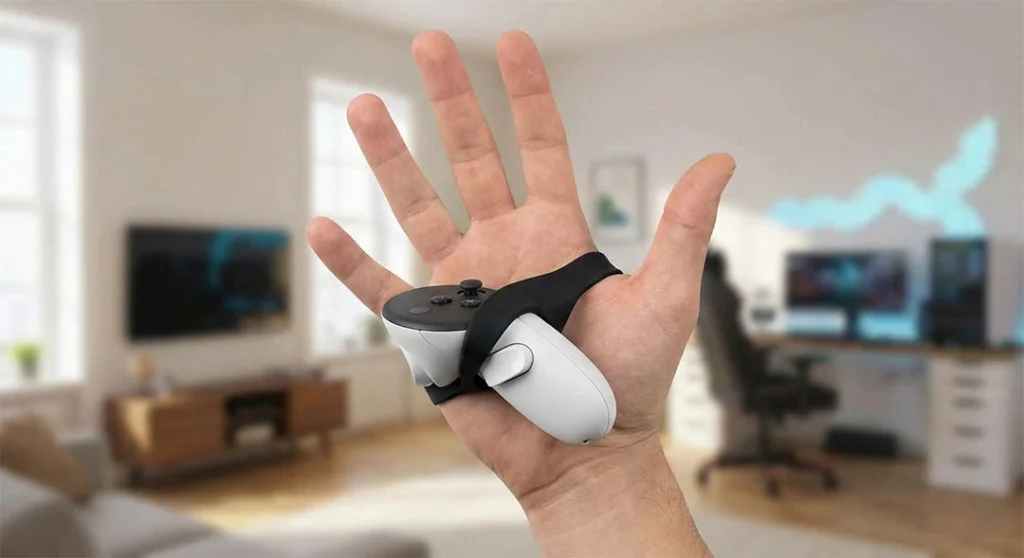
4. Active Knuckle Controller Grips
Because the Quest 3 removed the tracking rings, the controllers are smaller and easier to drop. When playing highly social and active games like Among Us VR or exploring expansive VRChat worlds, you want to use your hands naturally. Knuckle grips strap the controller to your palm, allowing you to completely let go without dropping them.
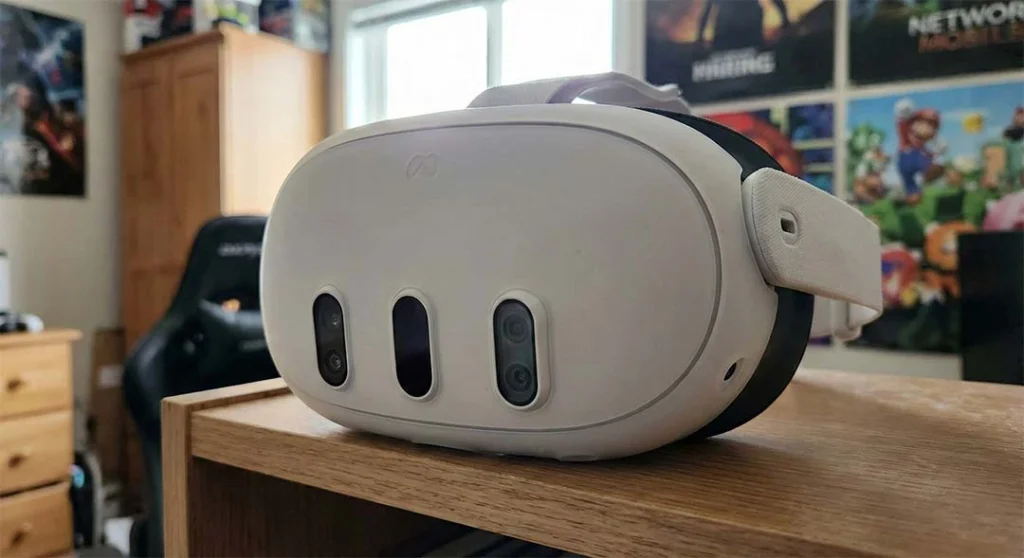
5. Silicone Protective Shell
If you play in a tight space, you will eventually smack your headset. A lightweight silicone shell protects the front depth sensor and cameras from catastrophic scratches without blocking heat dissipation.
Category 4: Power & Audio
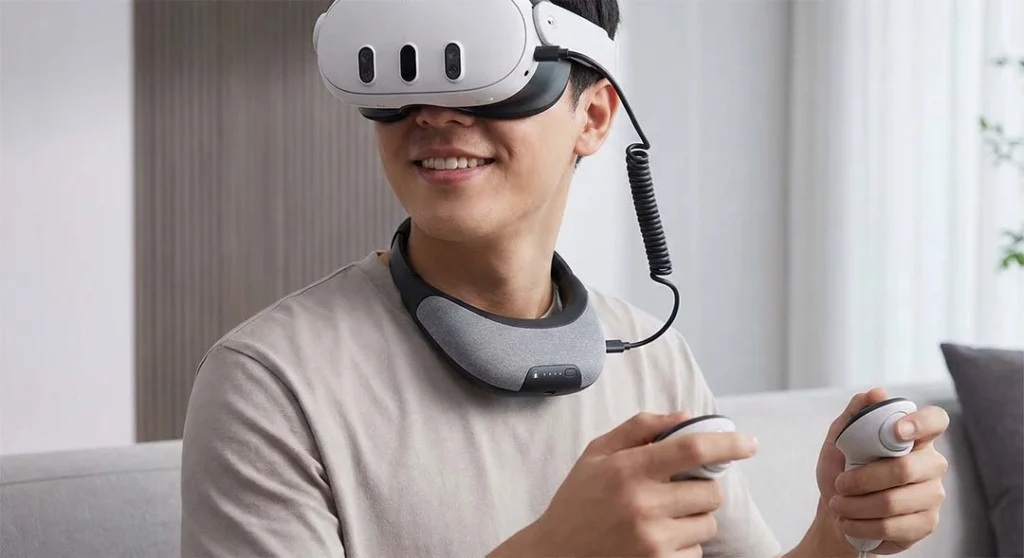
6. Wearable Neck Battery Pack
The Quest 3 battery only lasts about 2 hours. If you don’t like the added weight of a battery head strap, a wearable neck power bank is a genius alternative. It keeps the headset light while giving you an extra 3-4 hours of playtime.
7. Low-Latency VR Earbuds
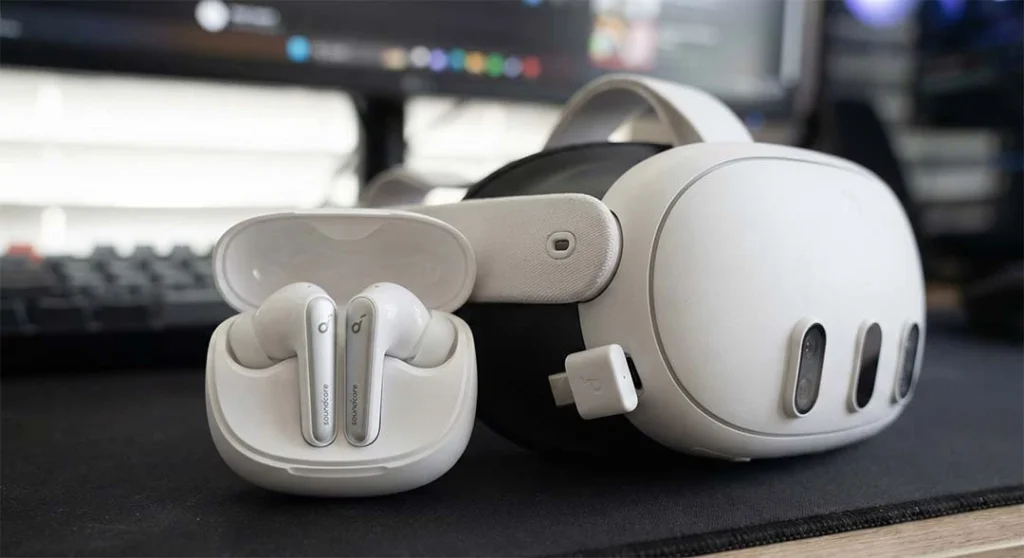
The built-in speakers are decent, but they leak sound to everyone in the room. Dedicated low-latency wireless earbuds (like the Soundcore VR P10) drastically improve spatial audio immersion for competitive shooters.
Category 5: Storage & PCVR
8. Hard Shell Carrying Case
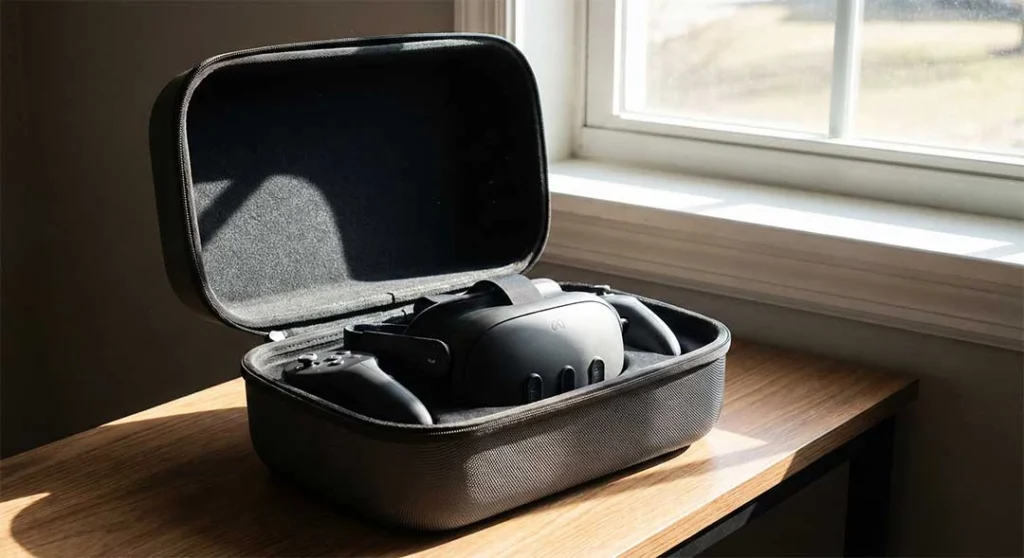
Never leave your Quest 3 on a desk near a window. Sunlight can burn the display panels in seconds. A sturdy, molded carrying case keeps dust off the lenses and protects it from UV light.
9. IR Illuminator for Night Play
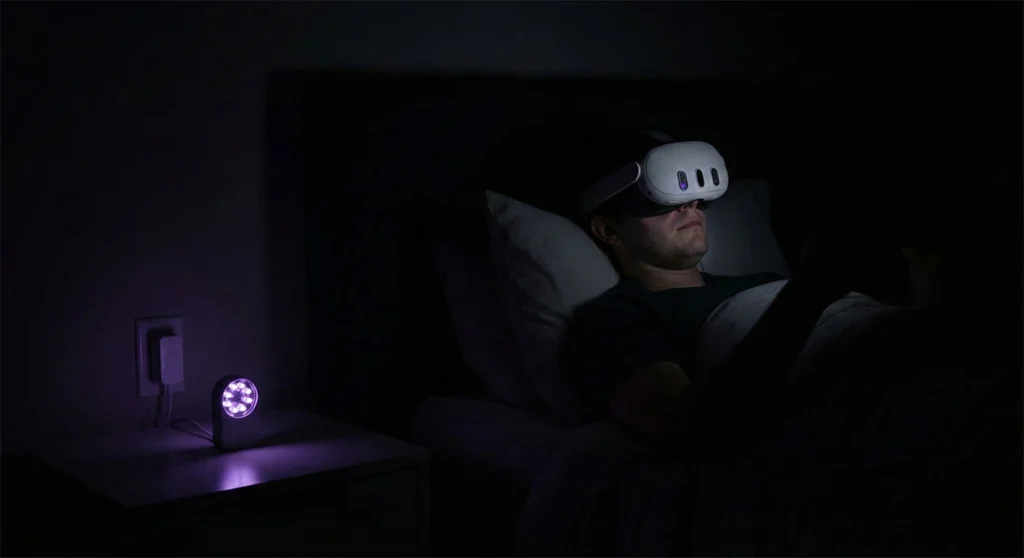
The Quest 3 cannot track in the dark. An inexpensive IR (Infrared) illuminator floods the room with invisible light, allowing perfect 6DoF tracking in pitch-black rooms—perfect for watching movies in bed.
10. High-Speed PCVR Link Cable
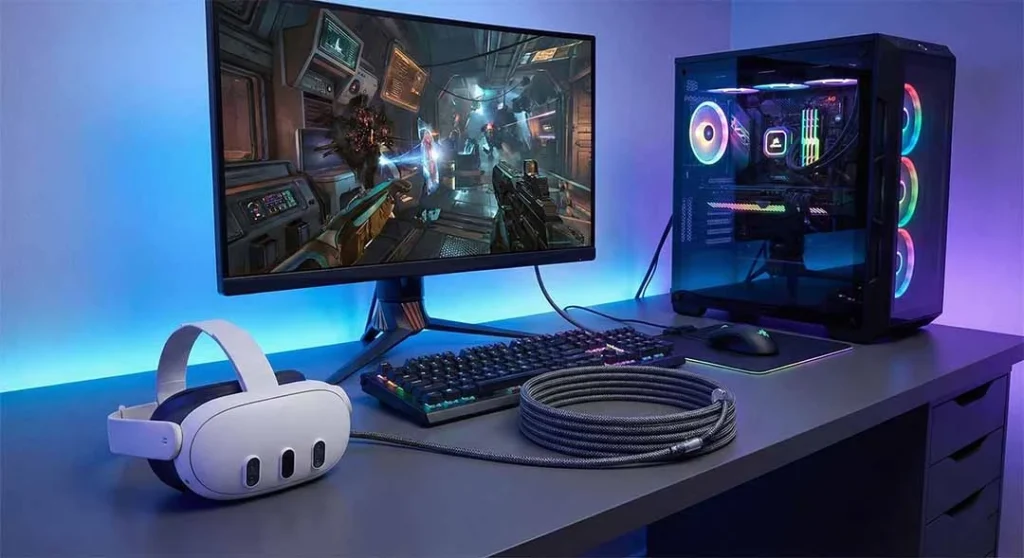
While Air Link is great, sometimes Wi-Fi isn’t stable enough for fast-paced PCVR games. A 16ft fiber-optic USB-C cable ensures zero compression artifacts and keeps your headset charged during PC sessions.
FAQ: Quest 3 Accessories & Upgrades
Do I really need prescription lenses if my glasses fit inside the Quest 3?
Yes. Even if they fit, the risk of “glass-on-glass” scratching is immense. Wearing glasses pushes you further away from the sweet spot, reducing your FOV. Custom lenses provide a safer, much clearer experience.
Why does my Quest 3 still give me a headache after upgrading the strap?
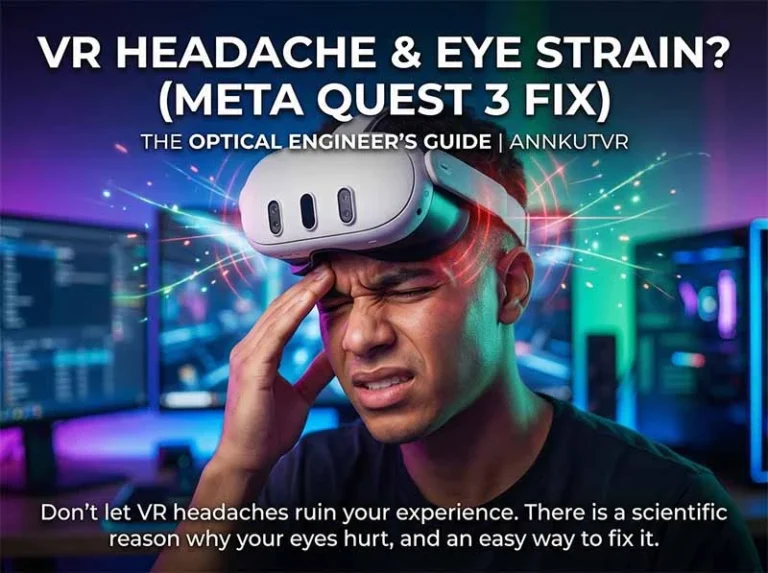
If your physical fit is perfect but you still get headaches, it is likely optical strain. Incorrect IPD settings or trying to focus through blurry glasses can severely strain your eye muscles. Ensure your IPD is correct and switch to optical inserts.
Does Meta Quest 3 need accessories?
While the Meta Quest 3 works fine right out of the box, third-party accessories are highly recommended for regular users. The default cloth strap often causes severe forehead pressure after 30 minutes, and glasses wearers face a high risk of permanently scratching the internal lenses. Upgrading to a balanced head strap and installing ANNKUTVR magnetic prescription lenses are essential steps for a comfortable, long-term VR experience.
Is it healthy to play VR every day?
Yes, playing VR daily is generally safe if you manage your comfort and eye health properly. However, squeezing glasses into the headset or dealing with an unbalanced head strap can cause physical headaches and severe digital eye strain. To keep your daily sessions healthy, use a battery strap for weight distribution, take visual breaks every hour, and use custom optical lenses to reduce eye fatigue.
Is Meta Quest 3 safe for kids under 12?
Meta recently lowered the official minimum age limit for Quest accounts from 13 down to 10 years old. While it is safe for pre-teens to use, their developing eyes and smaller heads require extra care. If kids are playing active games, comfort upgrades are crucial. We also highly recommend snapping on non-prescription (Plano) lens inserts to protect the fragile Quest 3 lenses from the inevitable accidental scratches caused by children.
For glasses wearers, our glasses for VR guide explains the comfort and lens-protection tradeoffs before you choose accessories.
Conclusion
Your Meta Quest 3 is an incredible $500 investment. Don’t let a $20 piece of scratchy elastic fabric or blurry glasses ruin the magic. By starting with the absolute essentials—like ANNKUTVR magnetic prescription lenses and a balanced head strap—you can dive into VR for hours without a single red mark on your face. Gear up, protect your eyes, and experience MR the way it was meant to be seen.
References
IGN Tech Review: Meta Quest 3 Review: The Best VR Headset Ever Made.
About the Author
Written by the ANNKUTVR Optical Engineering Team. With over 10 years of dedicated experience in the VR optics industry—ranging from the original Oculus Rift DK1 to the cutting-edge Meta Quest 3—we are passionate about eliminating visual barriers. We believe that ultimate immersion starts with perfect clarity and absolute comfort.