Enjoy 5% OFF + FREE shipping on orders $49+! Use Code: 202512AK5

The Best Meta Quest 3 Games to Play Right Now (And How to See Them Clearly)
Introduction
If you are endlessly searching for the best games for Meta Quest 3, you are in for a treat. The Quest 3’s Pancake lenses and powerful Snapdragon XR2 Gen 2 chip have completely revolutionized standalone VR. However, as an optical engineer who plays VR daily, I have to give you a harsh truth: the most beautiful games in the world look terrible if you can’t see them properly.Before we dive into the ultimate 2026 gaming list, remember that wearing frame glasses inside the headset is actually unsafe and a recipe for permanently scratched lenses and blurry graphics.
Let’s explore the absolute best titles across every genre—and how to ensure your vision is crystal clear for every single one of them.
Category 1: Social & Multiplayer (The Imposter & The Worlds)
Among Us VR & VRChat
Social VR is where the Quest 3 truly shines. If you are jumping into social deduction games like Among Us VR or spending hours exploring custom VRChat worlds with friends, visual clarity is your biggest advantage. Spotting an imposter venting in the distance or reading a tiny name tag across a crowded virtual room requires perfect 20/20 vision.
🛑 The Visual Clarity Warning (How to Actually See the Game)
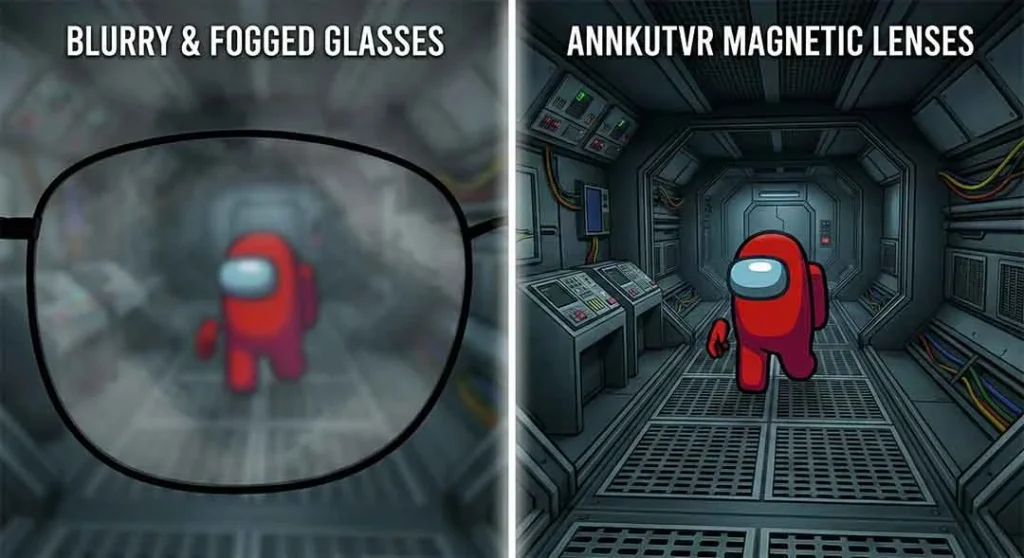
Here is the problem: playing these highly active social games while wearing prescription glasses is a nightmare. Your frames dig into your temples, the lenses fog up when you laugh or move, and wearing contact lenses quickly leads to severe dry eyes due to the headset’s internal heat.
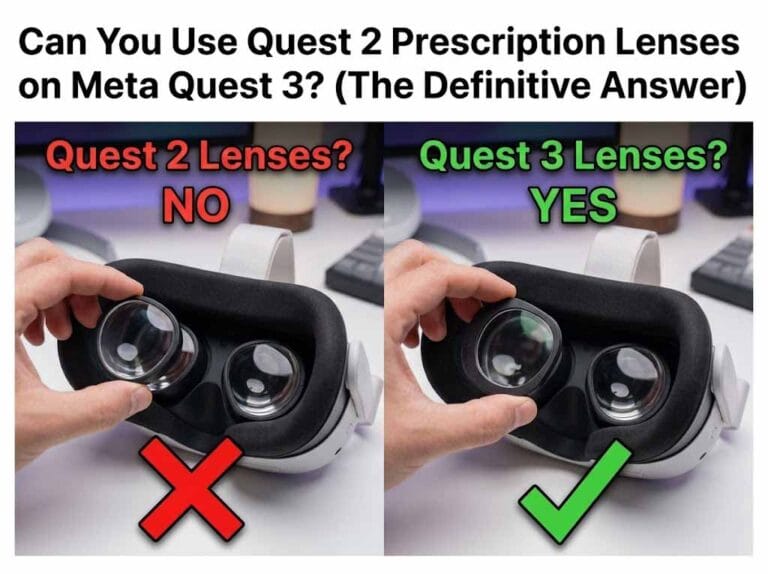
The Fix: If you want to dominate in multiplayer, you need ANNKUTVR Magnetic Prescription Lenses. They snap directly onto your Quest 3 displays, expanding your Field of View (FOV) and eliminating glare. You simply put the headset on and everything is instantly, perfectly sharp—no glasses required.
Category 2: Breaking a Sweat (Fitness & Active)
The Best Meta Quest 3 Workout Games
Who needs a gym when you have VR? Top-tier Meta Quest 3 workout games like Beat Saber, Supernatural, and The Thrill of the Fight will have you drenched in sweat within 15 minutes. The Quest 3’s improved tracking means you won’t lose your sabers during fast songs.
Pro Tip: To survive these games without your lenses steaming up, you absolutely must upgrade your gear. Check out our list of the 10 Must-Have Meta Quest 3 Accessories to find the best vented facial interfaces to stop the fog.
Category 3: Blurring the Lines (MR & Action)
Asgard's Wrath 2 & Mixed Reality
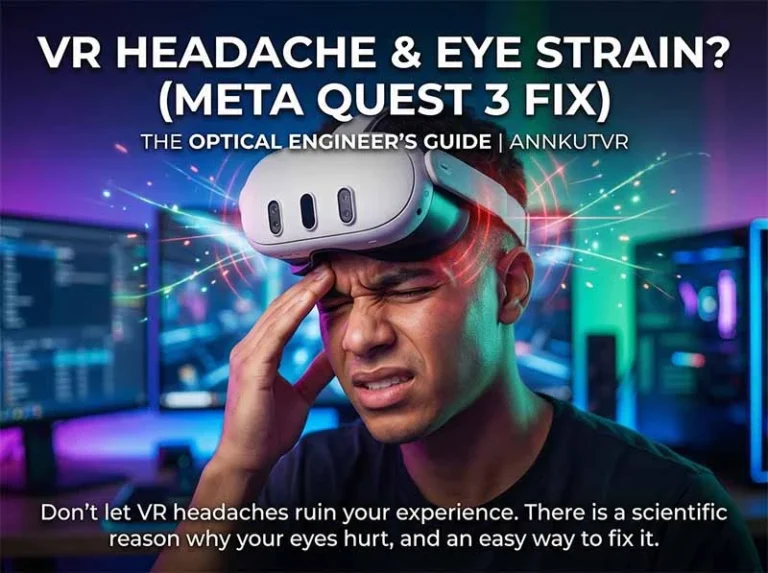
If you want a 100-hour AAA RPG, Asgard’s Wrath 2 is the undisputed king. However, playing epic campaigns for hours can take a toll on your vision. If you ever feel discomfort, be sure to check out our medical guide on why Meta Quest 3 gives you eye strain and headaches (and the ultimate fix).But the Quest 3’s secret weapon is its full-color passthrough. Dedicated Meta Quest 3 mixed reality games like First Encounters or Drop Dead: The Cabin (MR Edition) allow aliens and zombies to literally break through your real-world living room walls. It is a mind-bending experience that you cannot get on older headsets.
Category 4: Gaming on a Budget (Free to Play)
Top Meta Quest 3 Free Games
You don’t have to spend a fortune to have fun. If you are looking for Meta Quest 3 free games, start with Population: ONE (an incredible battle royale now completely free on the official Meta Quest Store), Bait! (a relaxing fishing simulator), and Gorilla Tag (the ultimate chaotic playground). These free titles have massive player bases and offer endless hours of replayability.
Category 5: Expanding Your Horizon (PCVR & Sandboxes)
Many players ask us how to push their headset beyond the official Meta Store. Here are the answers to your two biggest questions:
How to play Steam games on Meta Quest 3?
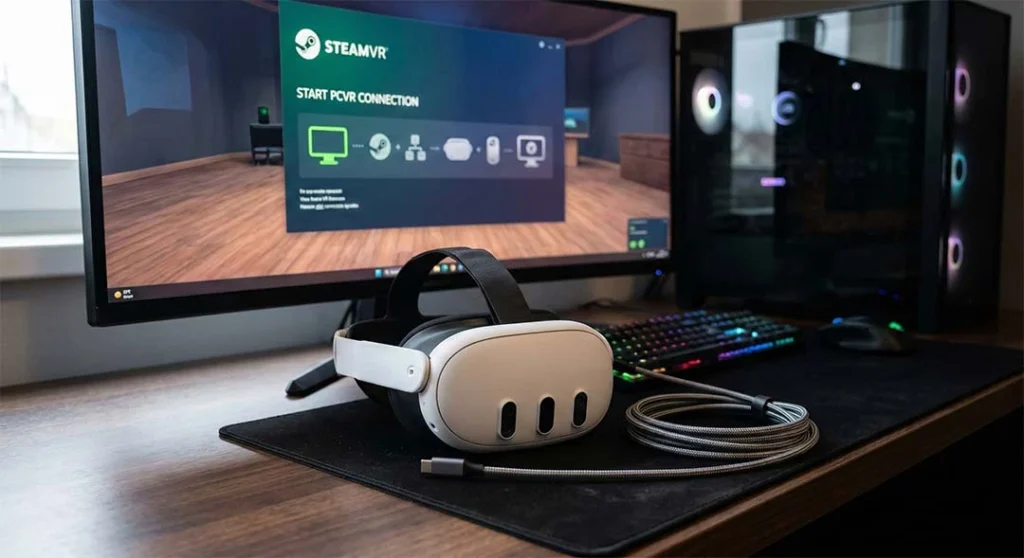
You are not limited to standalone games! If you have a powerful gaming PC, you can access incredible titles like Half-Life: Alyx. Here is the easiest way to do it:
Wireless (Steam Link / Air Link): Download the free “Steam Link” app directly from the Meta Quest store. Ensure your PC is connected to your router via Ethernet, and your Quest 3 is on a 5GHz Wi-Fi band. Open the app, and you are instantly in SteamVR!
Wired (Link Cable): For zero latency, plug a high-speed fiber-optic USB-C cable from your PC to your headset. Enable “Quest Link” in the headset settings, launch the Oculus PC app, and then open SteamVR.
Can you play Minecraft on Meta Quest 3?
Yes, absolutely! While there isn’t an “official” standalone Minecraft app in the Meta store yet, you have two great options:
For PCVR Users: Install the Vivecraft mod for Minecraft Java Edition. Use Steam Link (as explained above) to play the full PC version in glorious VR.
For Standalone Users: You can sideload QuestCraft (a community-made port) using SideQuest to play Minecraft directly on the headset without a PC.
FAQ: Quest 3 Gaming
Are Meta Quest 3 graphics better than Quest 2?
Yes, drastically. The Quest 3 features Pancake lenses that offer edge-to-edge clarity and a processor that renders games at nearly double the resolution of the Quest 2, meaning textures and lighting in games look significantly more realistic.
Do I need a PC to play games on Quest 3?
No. The Meta Quest 3 is a fully standalone console. You can download and play hundreds of games directly on the headset. A PC is only required if you want to play specific SteamVR games.
What are some of the best Meta Quest 3 games to play right now?
The Meta Quest 3 library is packed with incredible titles that showcase its upgraded graphics and mixed-reality capabilities. Must-play games right now include immersive RPGs like Asgard’s Wrath 2 and action-packed adventures like Assassin’s Creed Nexus VR and Batman: Arkham Shadow. For competitive multiplayer or intense physical activity, hits like Ghosts of Tabor and The Thrill of the Fight remain community favorites.
Why do these high-end games sometimes look blurry in my headset?
If visually stunning games look blurry, it usually means your headset isn’t dialed in for your specific eyes. The most common culprits are an incorrect IPD (Interpupillary Distance) setting, wearing the headset slightly off-center from the visual “sweet spot,” or playing with smudged lenses. More importantly, if you require a prescription to see clearly at a distance in the real world, you still need that vision correction inside VR to see the graphics sharply.
What is the most effective way to see Quest 3 games clearly and protect the headset?
While the Quest 3 allows you to wear standard glasses by adjusting the facial interface, the absolute best way to see your games clearly is by upgrading to custom VR prescription lenses. These lenses snap securely over the headset’s built-in displays, giving you edge-to-edge clarity and a much wider field of view without the discomfort of glasses frames squeezing your face. Furthermore, they act as a protective barrier, ensuring your fragile Quest 3 lenses never get permanently scratched during intense gameplay.
Before long Quest 3 sessions, check our glasses for VR guide to compare ordinary glasses, contacts and prescription inserts for comfort.
Conclusion
The Meta Quest 3 boasts an incredible library, from the intense social deception of Among Us VR to the limitless possibilities of SteamVR. But remember, the ultimate gaming upgrade isn’t just software—it’s your hardware. Equip your headset with ANNKUTVR magnetic prescription inserts to ditch your uncomfortable glasses forever. If you are ready to upgrade, don’t checkout before reading our 2026 Ultimate VR Lens Buyer’s Guide & Coupons to snag an exclusive discount! See the virtual world exactly as the developers intended: sharp, vibrant, and completely immersive.