Enjoy 5% OFF + FREE shipping on orders $49+! Use Code: 202512AK5

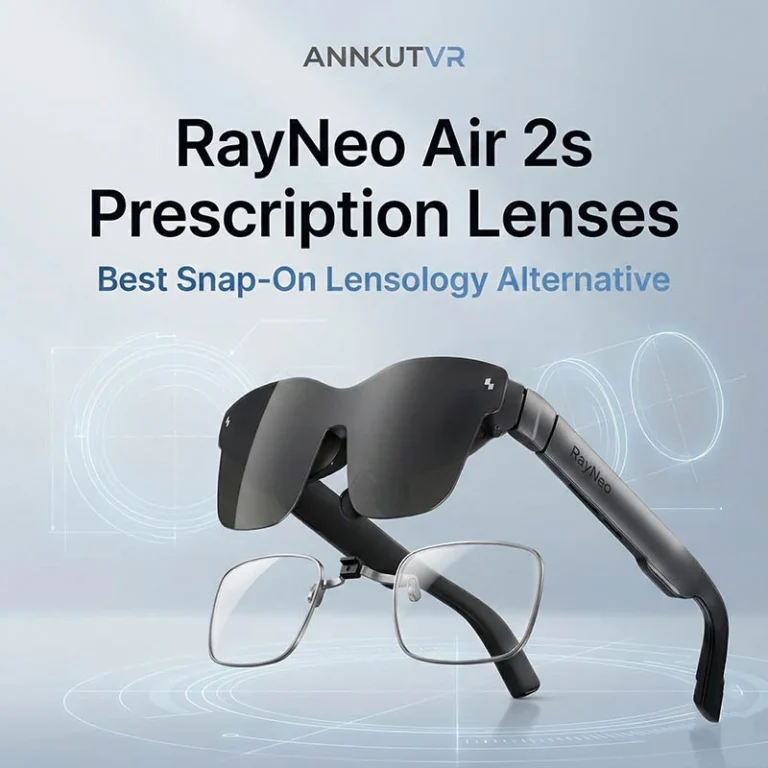
RayNeo Air 2s & 3s Pro Guide: The ANNKUTVR "Snap-on" Solution
⚠️ 2025 Update for New Device Owners: Have you upgraded to the latest model? This guide focuses on the Air 2s/3s series. If you own the new RayNeo Air 4, Air 4s, or Air 4s Pro, please check out our dedicated RayNeo Air 4 Prescription Lenses (Frame Insert Included) product page. For model-by-model buying help, see our RayNeo prescription lenses guide. We provide the complete magnetic solution for the new series!
(Introduction) The RayNeo Air 2s has redefined portable cinema with its stunning micro-OLED screen and improved “Cloud Comfort” fit. With the launch of the RayNeo Air 3s and 3s Pro, the experience has only gotten better.
But for glasses wearers, the struggle is real.
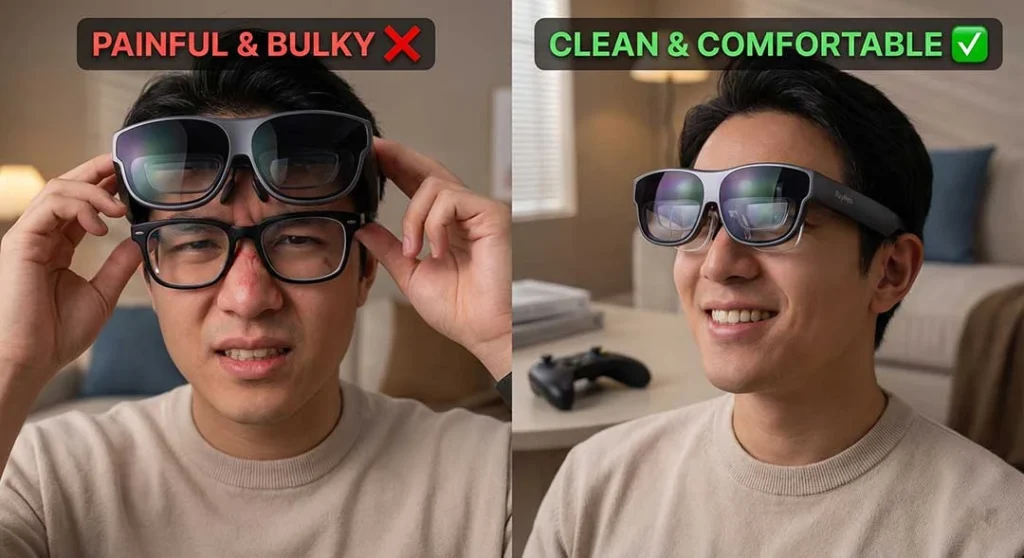
Jamming your frame glasses under these ultra-light AR glasses defeats the purpose. It hurts your nose, risks scratching the projection lens, and frankly, ruins the futuristic look.
That’s where ANNKUTVR comes in. We have engineered the ultimate “set and forget” prescription solution compatible with the entire Air 2s and 3s lineup.
Why Standard Glasses Fail with RayNeo Air 2s
While the RayNeo Air 2s official page boasts about its lightweight design, adding your own heavy frames destroys that balance.
Nose Bridge Agony: Two pairs of glasses mean double the weight on your nose.
Blurry Edges: Glasses push the AR display further from your eyes, reducing the Field of View (FOV).
Scratch Risk: Just like we warned in our PSVR2 Safety Guide, metal frames rubbing against soft XR lenses can cause permanent damage.
The ANNKUTVR Advantage: "Case-Friendly" Design
Unlike generic adapters, ANNKUTVR prescription lenses are designed with one goal: Portability.
1. Seamless Snap-on Mechanism
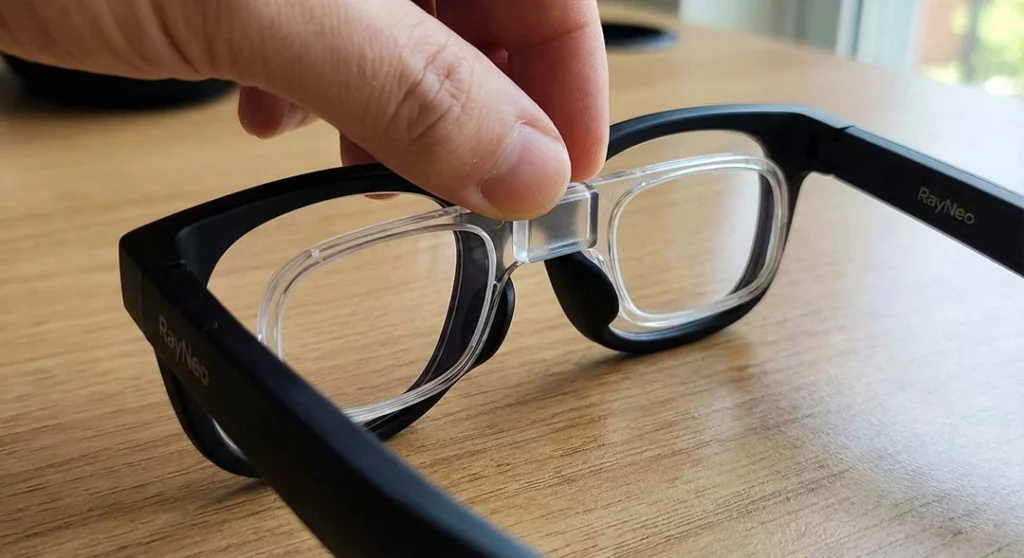
Our custom inserts clip directly onto the nose assembly of the RayNeo Air 2s, 3s, and 3s Pro. Once clicked in, they are rock solid. Whether you are lying on a couch or gaming on a train, the lenses stay perfectly aligned with your eyes.
2. Fits Inside the Box (No Removal Needed)
This is why users choose ANNKUTVR. Top tech media like TechRadar praise the Air 2s for its “compact size and lightweight design” that fits anywhere. We respect that.
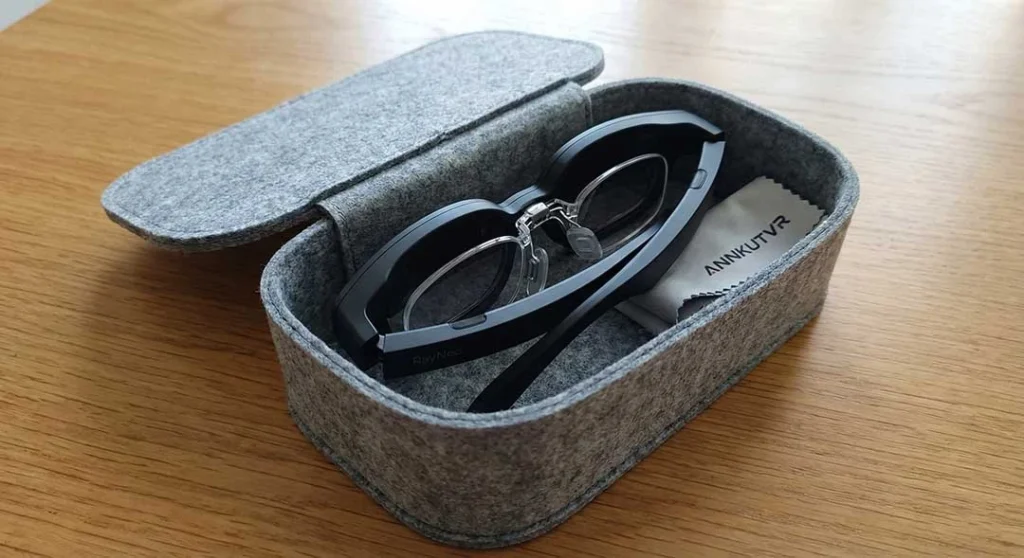
Our lenses are so slim that you can fold your RayNeo glasses and put them straight into the original carrying case without removing the inserts.
No disassembly.
No carrying separate lens boxes.
Just fold and go.
Installation Guide
Installing your ANNKUTVR custom inserts takes less than 10 seconds.
Align: Hold the insert by the bridge.
Click: Press it gently onto the RayNeo nose piece until you hear a satisfying “snap.”
Adjust: Because it mounts to the nose pad arm, you can still adjust the depth and height to find your visual sweet spot.
Conclusion
Don’t let near-sightedness hold back your AR experience. Upgrade your RayNeo Air 2s or 3s Pro with ANNKUTVR for a crystal-clear, comfortable, and truly portable experience.
Want to learn more? If you are still comparing different options or want a detailed breakdown of why magnetic snap-on designs are superior to traditional inserts, read our in-depth review: RayNeo Air 2s Prescription Lenses: Best Snap-On Lensology Alternative.
Ready to upgrade your view?