Enjoy 5% OFF + FREE shipping on orders $49+! Use Code: 202512AK5

RayNeo Air 2s Prescription Lenses: Best Snap-On Lensology Alternative
The Quick Answer
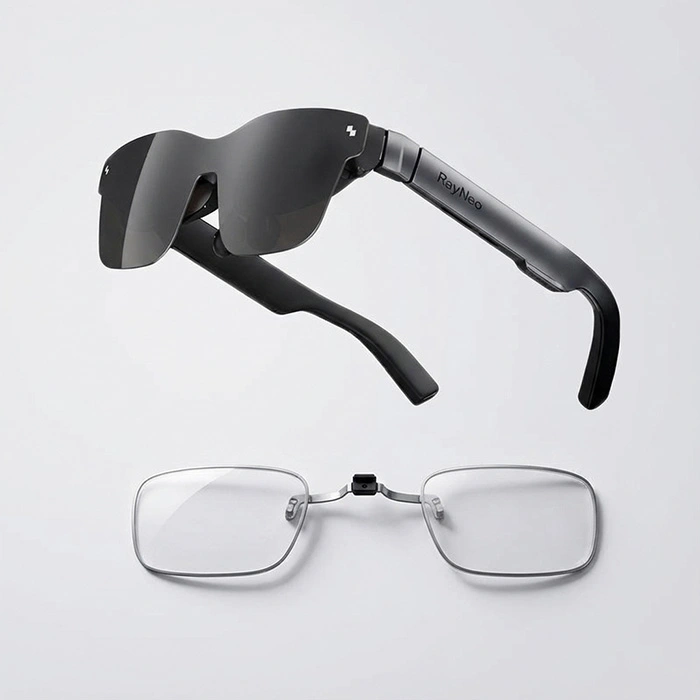
If you are searching for affordable RayNeo Air 2s prescription lenses that you never have to remove, ANNKUTVR is your best choice. Unlike magnetic options or expensive brands like Lensology, our snap-on design allows for perfect “leave-in” storage, costs 50% less, and installs in seconds without tools.
Why You Need Dedicated Inserts (Not Just Glasses)
Trying to wear your daily framed glasses under an AR headset is a recipe for disaster. It causes discomfort, lens scratching, and breaks your immersion. Proper vision correction is crucial for preventing digital eye strain during long gaming sessions.
The "Snap-On & Forget" Storage Advantage
The standout feature of our RayNeo Air 2s prescription lenses is the “Leave-In” capability.
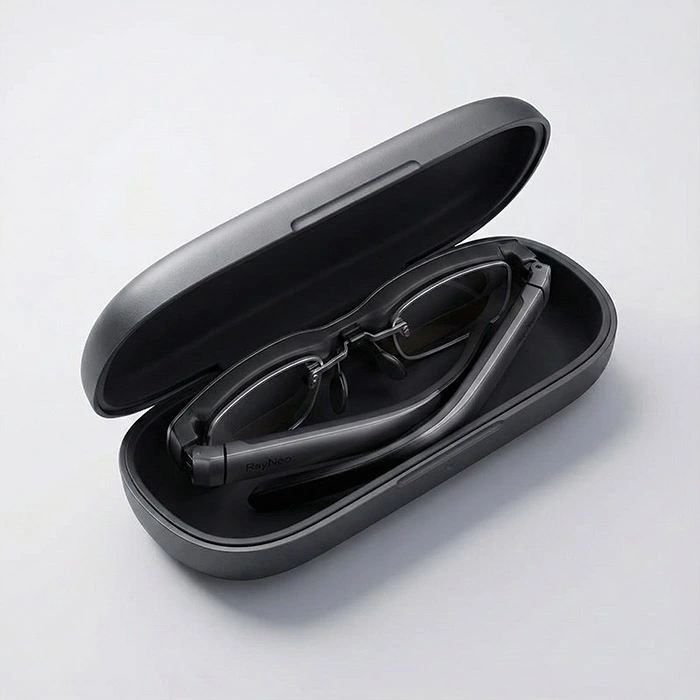
Many competitors use magnetic bases that add bulk or detach easily. In contrast, our custom-molded buckle snaps securely onto the nose bridge. This design is ultra-slim, allowing you to fold the temple arms completely without the inserts touching the AR display.
No removal needed: Pack your glasses into their original case instantly.
Zero screen contact: Your AR display stays scratch-free.
Secure fit: Head movement won’t shake them loose.
Tool-Free Installation in 10 Seconds
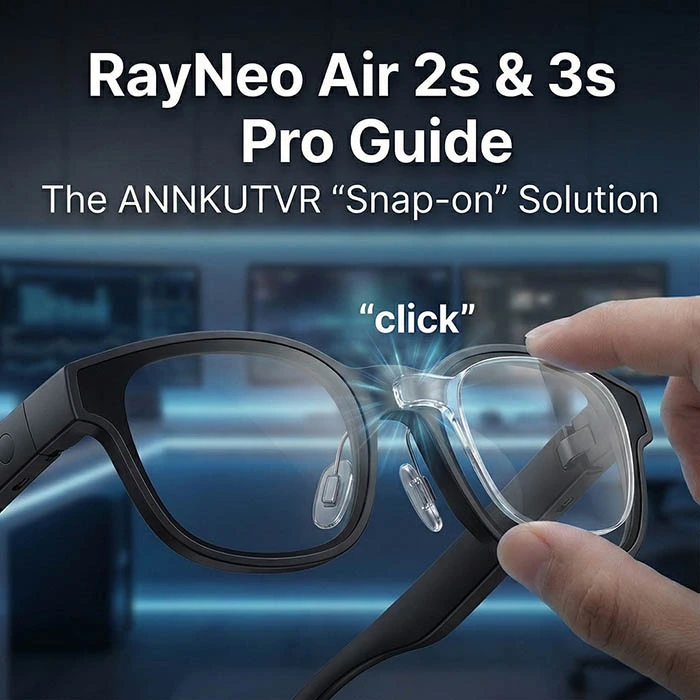
We designed this mechanism for simplicity. You don’t need screws, screwdrivers, or professional help. Just align the buckle and snap it on.
It takes less than 10 seconds and requires absolutely zero tools. It is truly a plug-and-play solution for gamers.
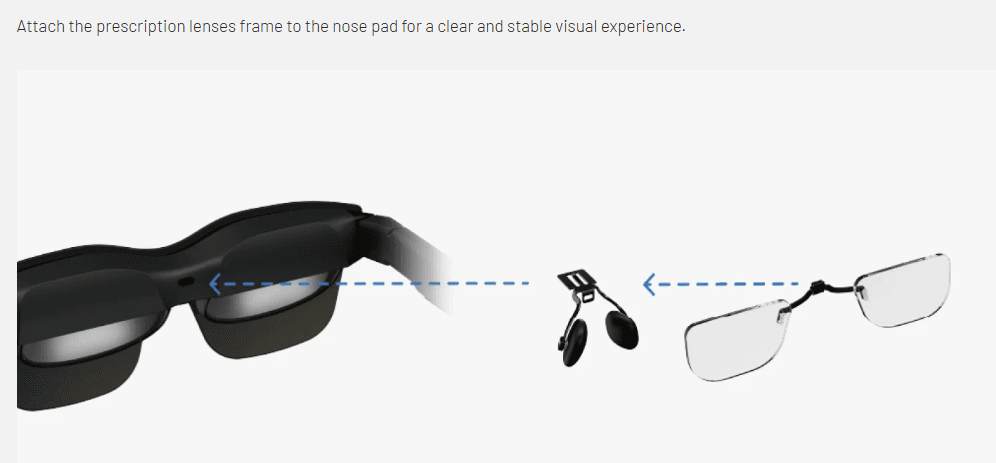
Compatibility: Air 2s, 3s & 3s Pro (Crucial Check)
Before you order, please verify your headset model. Our snap-on kit is precision-engineered based on the RayNeo Air 2s official specifications.
⚠️ Important: This model is NOT compatible with the older RayNeo Air 4 due to different nose pad architecture.
For a detailed technical breakdown of why these specific models share the same mounting system, check out our deep dive guide: RayNeo Air 2s/3s/3s Pro Guide: The ANNKUTVR Snap-On Solution. For a broader model overview, see our RayNeo prescription lenses guide.
Conclusion
Don’t let a blurry screen or an empty wallet ruin your AR experience. Upgrade to the best RayNeo Air 2s prescription lenses today—snap them on once, and enjoy crystal-clear visuals forever.