Enjoy 5% OFF + FREE shipping on orders $49+! Use Code: 202512AK5

Table of Contents
How to Clean VR Lenses Safely: Quest, PSVR2 & AR Glasses
Clear VR and AR lenses start with a careful cleaning routine, not extra pressure or a stronger chemical. Dust, skin oil, and fingerprints can soften the image, but the lens coatings used by different headsets do not all tolerate the same products. The safest rule is to check the device maker’s instructions before putting any liquid on an optical surface.
Meta recommends a dry optical microfiber cloth for Quest lenses, and PlayStation says PS VR2 lenses should be wiped with a soft, dry cloth made for lens cleaning. This guide uses that dry-first approach and treats removable prescription inserts separately from the headset optics.
Start With Manufacturer Instructions
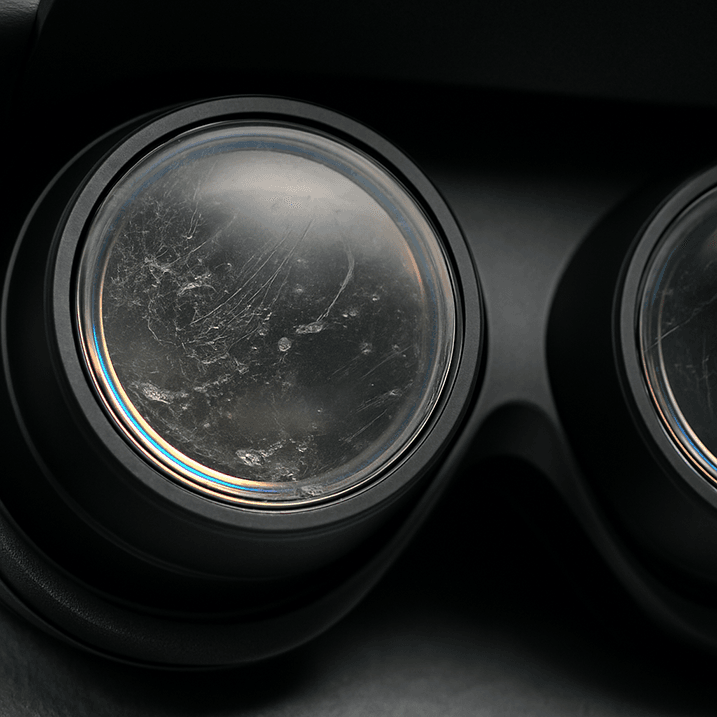
Before cleaning, turn the headset off, disconnect any cable, and work in a well-lit area where dust is easy to see. Wash and dry your hands so that oil is not transferred back to the lens. Inspect the surface before touching it; a grain of sand or hard debris can be dragged across the coating if you start rubbing immediately.
For Meta Quest lenses, use a dry optical microfiber cloth as Meta recommends. PlayStation gives the same dry-cloth direction for PS VR2 lens care. XREAL guidance allows a soft microfiber cloth and, only where its instructions permit, a mild neutral cleaner. Follow the rule for the exact device rather than applying one brand’s method to every headset.
Safe Step-by-Step Cleaning Method
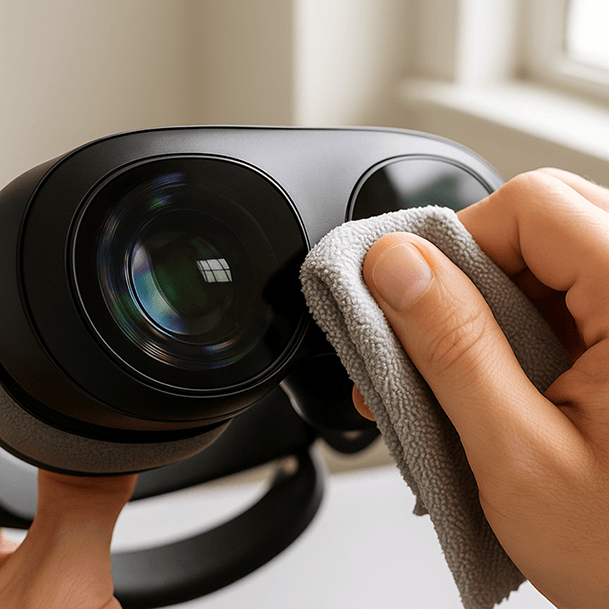
- Remove loose particles first. Hold the headset so debris can fall away. Do not grind visible particles into the lens.
- Use a clean optical microfiber cloth. A cloth that has been used on a phone screen, face pad, or table may already contain oil or grit.
- Wipe gently from the center outward. Use small circular movements and very light pressure. Several gentle passes are safer than one forceful pass.
- Check from more than one angle. Reflected light makes fingerprints and streaks easier to see.
- Store the cloth clean and dry. Wash or replace it when it becomes oily. Keep it in a sealed bag or case instead of loose in a drawer.
If a mark remains after dry cleaning, stop and check the manufacturer’s current instructions. Do not keep increasing pressure. A stubborn mark may need brand-specific service or an approved cleaning method.
What Not to Use on VR Lenses
Do not use paper towels, facial tissues, clothing, or a shirt sleeve. These materials can hold abrasive fibers or trapped particles. PlayStation specifically warns against paper products that are not intended for lens cleaning.
Do not spray liquid directly onto a headset lens. Moisture can run around the lens edge and reach areas that are difficult to dry. Avoid alcohol, window cleaner, household disinfectant, acetone, and other chemical cleaners unless the manufacturer of that exact optical component explicitly approves them.
Compressed air is also a poor default for internal optics because a strong or poorly directed stream can move debris deeper into the headset. Use only a method the device maker documents for the component you are cleaning.
Clean Prescription Inserts Separately
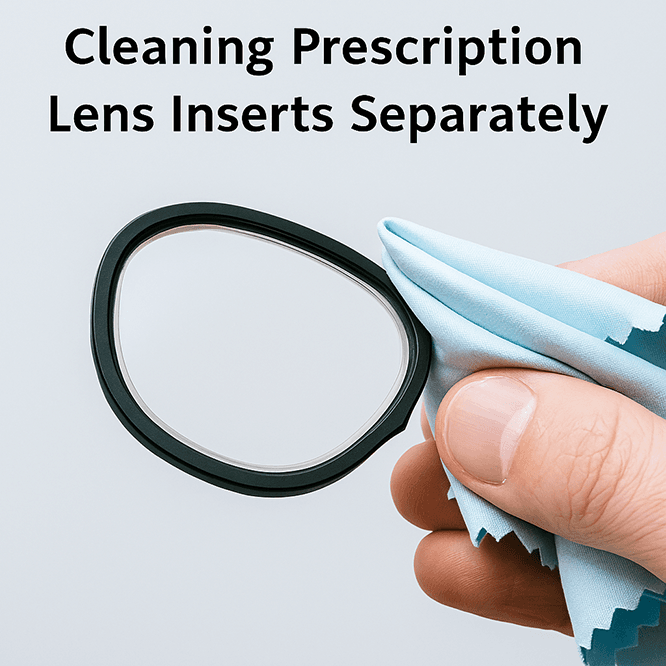
Remove prescription inserts before cleaning when their mounting design allows it. This gives you better control and prevents pressure on the headset lens below. Hold an insert by its frame, not by the optical surface, and use a separate clean microfiber cloth.
The insert maker’s instructions control whether a small amount of approved lens cleaner may be used. Do not assume that a cleaner that is safe for ordinary eyeglasses is also safe for a headset lens coating. Let the insert dry fully before reinstalling it, then confirm that both sides are free of dust.
For device-specific installation and removal steps, use the ANNKUTVR lens installation guide instead of forcing an unfamiliar clip or magnetic frame.
Handle Fog, Dust, and Stubborn Marks
Fog is moisture, not dirt. Let the headset and your face reach a similar temperature, improve room ventilation, and allow moisture to clear before wiping. Repeatedly rubbing a fogged lens during play can move skin oil across the surface without solving the temperature difference.
For dust, begin with inspection and a dry cloth rather than a chemical. For fingerprints, fold the microfiber cloth so a clean section touches the lens and make a second light pass. If you see a scratch, coating damage, or a mark that does not move, cleaning will not repair it. Contact the headset or insert provider before trying a stronger method.
A Simple Lens-Care Routine
Clean only when needed, but inspect the lenses before every session. Keep the headset away from direct sunlight, store it in a clean case, and replace dirty microfiber cloths instead of reusing them indefinitely. When several people share a headset, clean face-contact surfaces according to the manufacturer’s separate hygiene instructions without transferring those products to the optics.
A good routine is short: clean hands, inspect, use a dry optical microfiber cloth, apply light pressure, and store the headset safely. For broader advice about frame clearance and avoiding lens contact, see the glasses for VR guide.




I confirm. I agree with told all above. We can communicate on this theme.
I’m curious if you have any other insights on this topic; I’d also like to learn.
I am sorry, that I interrupt you, I too would like to express the opinion.