Enjoy 5% OFF on all orders over $49 + FREE shipping! Use code: 202512AK5

PSVR2 vs Quest 3: The Battle of Lenses & Visuals (2026 Comparison)
The debate of PSVR2 vs Quest 3 is the biggest question in VR today. On one side, you have Sony's tethered powerhouse with deep blacks. On the other, Meta's wireless all-rounder with crystal-clear edges.
If you look at the specs sheet, they seem similar. But once you put them on, the visual experience is night and day. Why does the Quest 3 look sharper instantly, while the PSVR2 takes time to adjust?
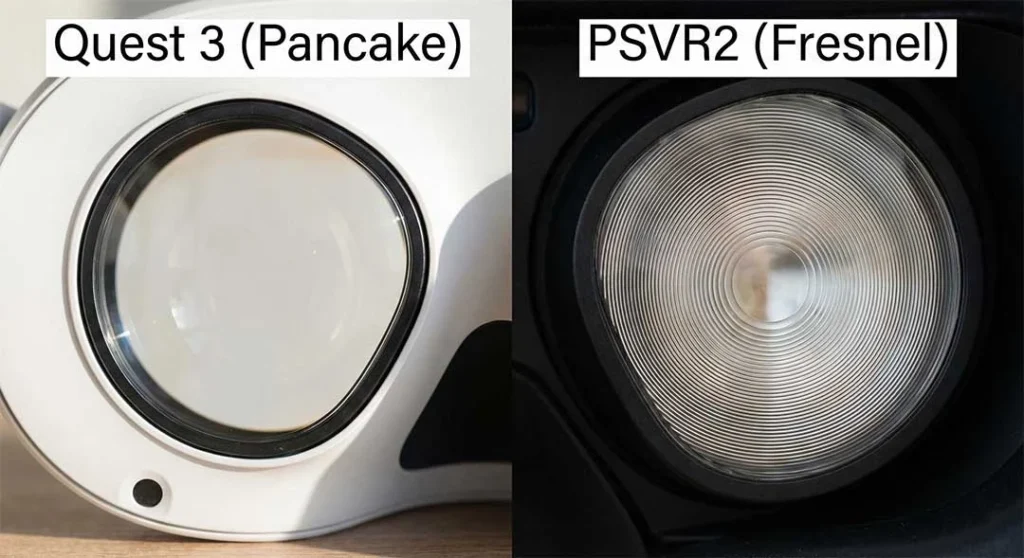
The answer lies in the battle of optics: Fresnel vs. Pancake lenses.
In this guide, we cut through the hype to compare the display technology, lens clarity, and immersion factors to help you decide which headset deserves your money in 2026.
At a Glance: The Cheat Sheet
| Feature | Meta Quest 3 | PlayStation VR2 (PSVR2) |
|---|---|---|
| Lens Type | Pancake (Thin, clear edge-to-edge) | Fresnel (Ridged, bright, tiny sweet spot) |
| Display Panel | LCD (Sharper, but gray blacks) | OLED (Infinite contrast, true blacks) |
| Sweet Spot | Massive (Forgiving fit) | Tiny (Requires perfect adjustment) |
| God Rays | Almost non-existent | Visible in high-contrast scenes |
| Best For | Clarity, MR, Wireless | Immersion, HDR, PCVR/PS5 |
Round 1: The Lenses (Pancake vs. Fresnel)
This is the most noticeable difference when you first put the headsets on.
Meta Quest 3: The Clarity King
The Quest 3 uses Pancake lenses. By folding light through multiple optical layers, Meta achieved a slimmer profile and a massive “Sweet Spot.” You can look around with your eyes—not just your head—and the text remains readable at the edges.
The Win: You can wear it loosely, and it still looks sharp.
The Loss: Pancake lenses block more light, requiring a brighter LCD backlight, which kills “true black” levels.
PSVR2: The Brightness Beast
Sony stuck with traditional Fresnel lenses. These have concentric ridges etched into the glass (like a lighthouse lens).
The Win: They allow maximum light transmission, which is essential for powering the HDR OLED panels to a blinding 2000 nits.
The Loss: The ridges cause a tiny sweet spot. If the headset shifts 1mm, the image blurs.
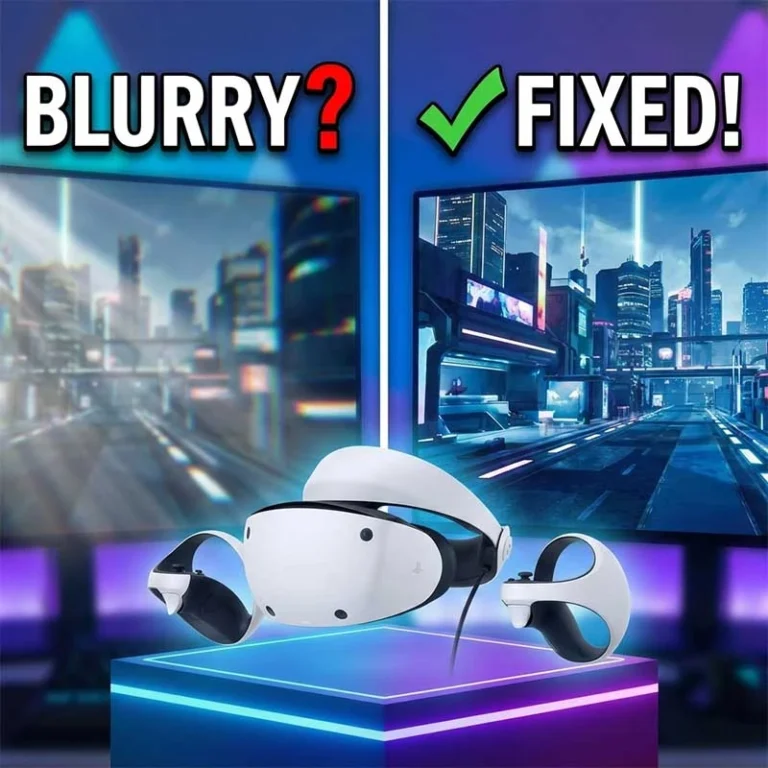
Visual Fix: Finding the sweet spot on Fresnel lenses can be frustrating. If your image looks soft, check our guide: Why Is My PSVR2 Blurry? Finding the “Sweet Spot” & Fixing Visuals.
Round 2: The Display (LCD vs. OLED)
Here is where the PSVR2 vs Quest 3 fight gets interesting. It’s a choice between Sharpness and Atmosphere.
Quest 3 (LCD): The resolution is slightly higher (2064 x 2208 per eye), and the sub-pixel arrangement makes it look incredibly crisp. However, in dark games, black looks like “glowing gray.”
PSVR2 (OLED): OLED pixels turn off completely for black. In games like Resident Evil Village, the darkness is terrifyingly real. The colors pop with an intensity LCD cannot match.
Expert Take: According to display analysis from Road to VR's deep dive on PSVR2 display tech, the “Mura” (grainy effect) on PSVR2 is a trade-off for its high dynamic range (HDR) capabilities.
Round 3: Glare and "God Rays"
Because of the ridges on the PSVR2's Fresnel lenses, you will often see streaks of light (God Rays) when white text appears on a black background. The Quest 3’s smooth lenses largely solve this.
Can you fix the glare on PSVR2? You can't eliminate it entirely, but you can minimize it significantly. Glare is amplified by smudges and improper eye distance.
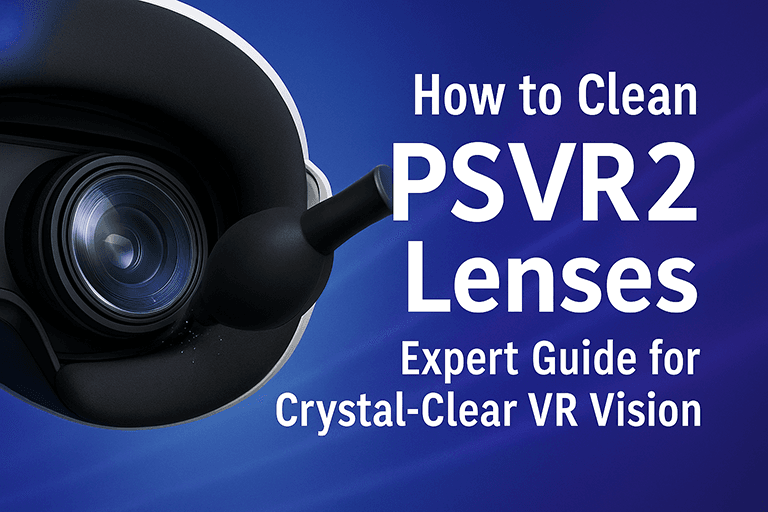
Clean it right: Oil spreads light. Learn the safe way to wipe them in our How to Clean PSVR2 Lenses: Expert Guide.
Close the gap: The closer your eyes are to the lens, the fewer God Rays you see.
The PCVR Factor: The 2026 Context
In the past, Quest 3 won the PCVR battle easily. But with the release of the Sony PC Adapter, the playing field has leveled. Using PSVR2 on PC means you get OLED colors in Half-Life: Alyx. However, be aware that you lose features like HDR and eye-tracking on PC.
Read More: Is the adapter worth the hassle? We analyzed the pros and cons in Is PSVR2 Worth It in 2025? The PC Adapter Changes Everything.
How to Make PSVR2 Feel Like Quest 3
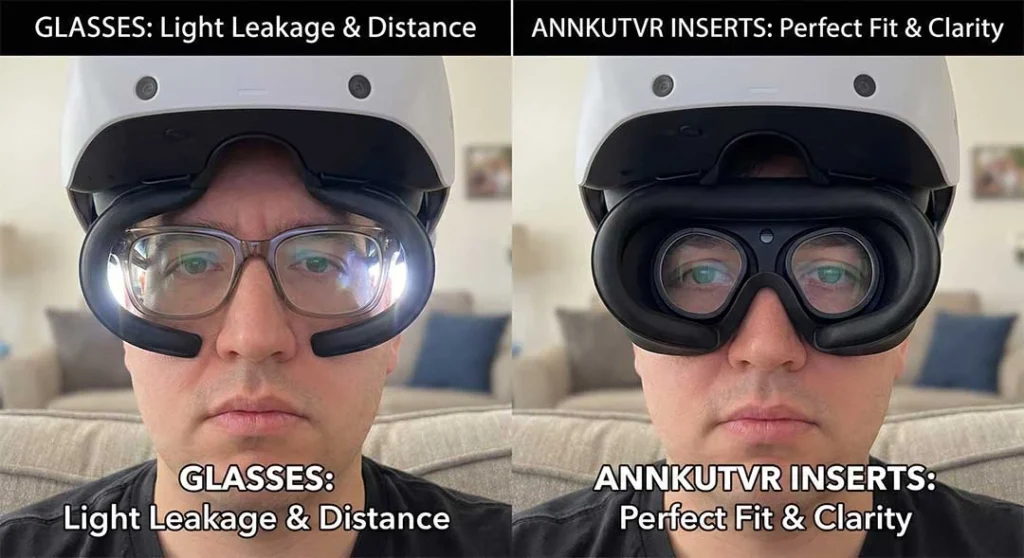
Here is the secret: The Quest 3 feels “clearer” partly because it is forgiving of glasses and bad fits. The PSVR2 is not. If you wear glasses inside the PSVR2, you are pushed away from the lens, making the sweet spot microscopic and increasing edge blur.
The Solution: Custom Optics To get Quest 3-level consistency on a PSVR2, you need to stabilize the optical path. Installing ANNKUTVR Prescription Lenses for PSVR2 solves the biggest downsides of Fresnel technology:
Wider Sweet Spot: They sit closer to the lens than glasses, maximizing the sweet spot.
Zero Glare from Glasses: Eliminates the double-reflection caused by glasses layers.
Protection: They prevent your glasses from scratching the soft Fresnel ridges.
Conclusion: Which Should You Buy?
The verdict on PSVR2 vs Quest 3 comes down to what you value more:
Choose Meta Quest 3 if: You want “plug-and-play” clarity. You hate fiddling with adjustments, you want the best Mixed Reality (Passthrough), and you prefer wireless gaming.
Choose PSVR2 if: You chase immersion. You want the deep blacks of OLED, the brightness of HDR, and you are willing to spend a minute dialing in the perfect fit.
The PSVR2 has a higher visual ceiling, but it demands perfection. If you choose Sony's headset, do yourself a favor: ditch the glasses and get custom inserts to unlock its full potential.
For more technical details on the Quest 3's optical stack, you can refer to Meta's official breakdown of the Quest 3 display technology.