Enjoy 5% OFF on all orders over $49 + FREE shipping! Use code: 202512AK5

How VR Affects Your Eye Health?
Table of Contents
Virtual reality (VR) is transforming how we interact with digital content. It offers immersive experiences that captivate users. However, this technology can impact eye health.
VR eye strain is a growing concern among users. Symptoms like headaches and blurred vision are common. Understanding these effects is crucial for maintaining eye health.
Digital eye strain is not new, but VR adds a unique dimension. The close proximity of screens in VR headsets can intensify discomfort.
Fortunately, there are ways to mitigate these effects. Simple adjustments and mindful practices can make a difference.
This article explores how VR affects your eyes and offers tips to protect your vision.
Understanding VR Eye Strain
VR eye strain occurs when our eyes work harder than usual. This strain is due to the intense focus required in VR environments. Our eyes are not naturally accustomed to processing digital imagery up close for long periods.
Symptoms can include fatigue, discomfort, and even temporary vision changes. This phenomenon is especially prevalent among avid VR users and gamers. These groups may spend long hours using VR devices.
The immersive nature of VR contributes to eye strain. Here, users often become deeply engaged in virtual worlds, forgetting to blink or take breaks. This can worsen strain over time.
Several factors intensify VR eye strain. Key contributors include prolonged exposure and improper headset adjustment. Additionally, the interpupillary distance (IPD) should be correctly set for optimal comfort.
To alleviate these issues, consider the following practices:
- Ensure proper headset fit and alignment
- Adjust screen brightness to comfortable levels
- Regularly take breaks to rest your eyes
Common Symptoms of VR and Digital Eye Strain
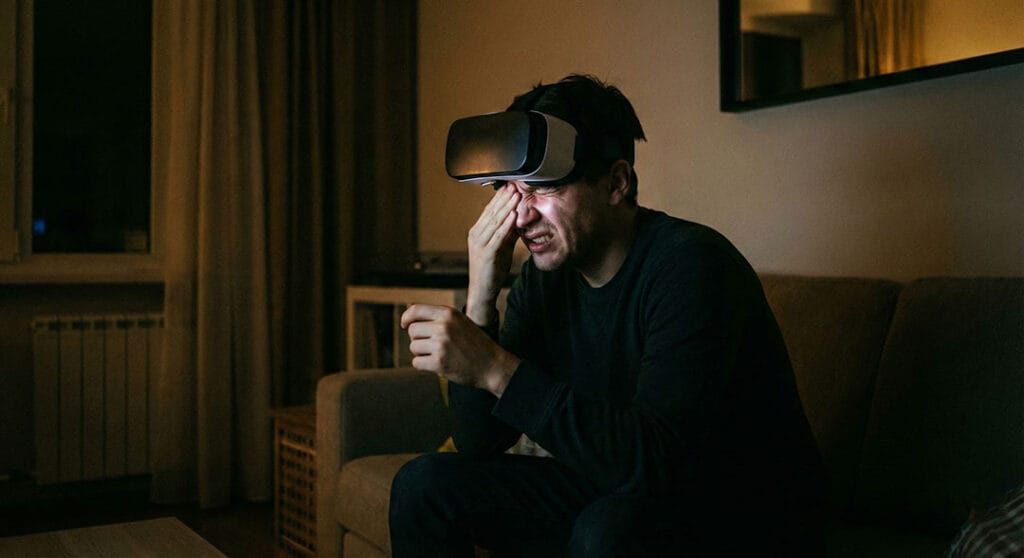
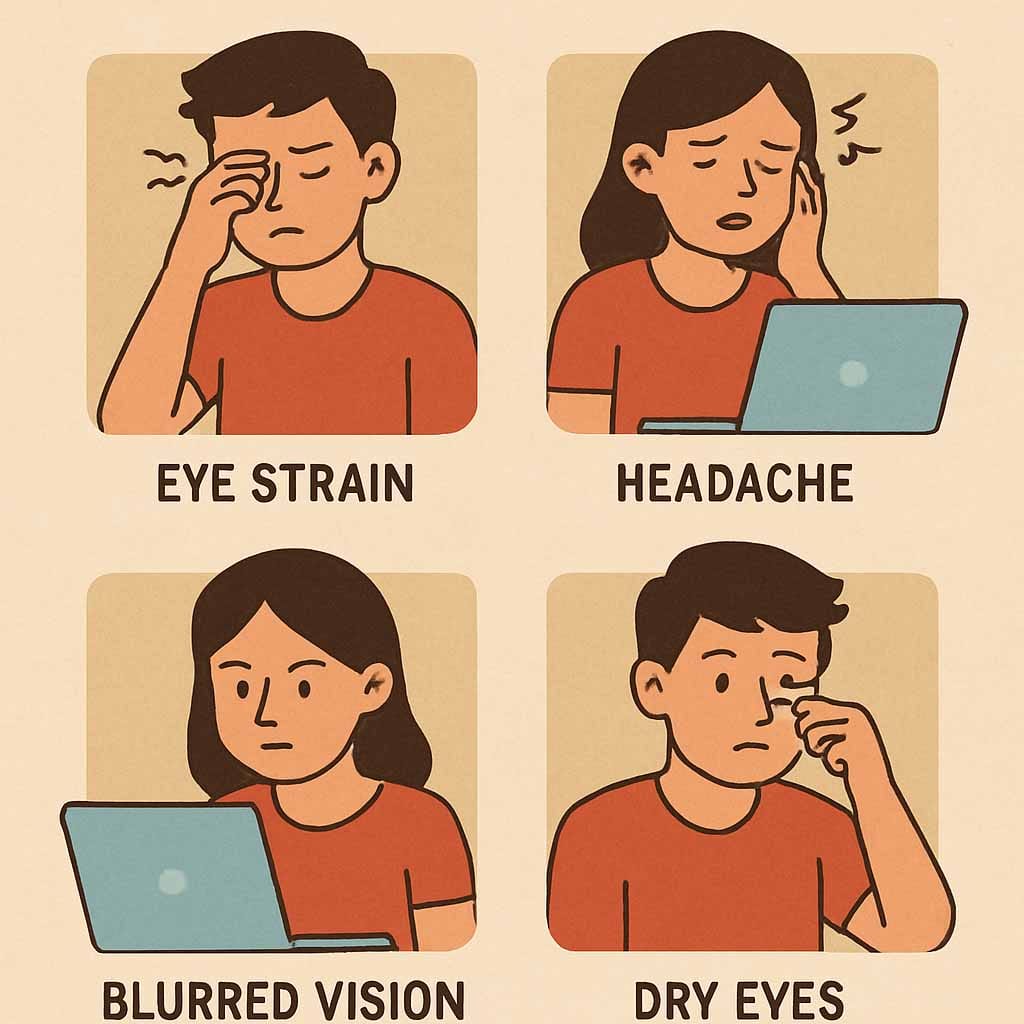
VR and digital eye strain can manifest in various ways. Common symptoms can affect vision and overall comfort. Recognizing these signs early is crucial.
Users often experience headaches or blurred vision. These symptoms can persist after using VR devices. Additionally, dry eyes and irritation may occur, making it hard to focus.
Other signs include increased sensitivity to light and difficulty concentrating. Some might even feel neck or shoulder pain due to tensing muscles when straining to see.
If you notice persistent issues, try to incorporate some preventative measures. Here are a few symptoms to watch for:
- Headaches
- Blurred vision
- Dry or itchy eyes
- Light sensitivity
Why Does VR Cause Eye Strain?
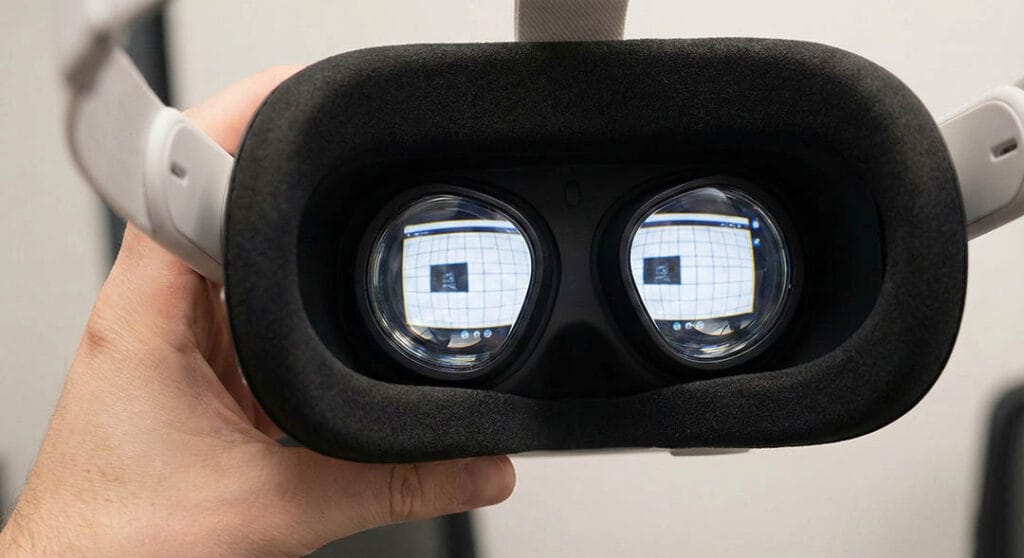
VR eye strain results from multiple factors inherent in VR technology. Close proximity to screens is a primary cause. The eyes work harder because the screens are so near.
Another factor is the immersive nature of VR. Engaging environments demand significant eye adjustments. Rapid shifts in perspective and focus exacerbate the strain.
The unnatural light emitted from VR screens impacts your eyes. Prolonged exposure to this light can fatigue the eye muscles. Additionally, VR demands continuous focus which is exhausting.
VR devices can also lead to eye strain due to improper setup. Misaligned headsets or incorrect interpupillary distance heighten discomfort. These settings must be adjusted for personalized use.
VR eye strain, though common, can often be managed or reduced. Consider these common causes:
- Close screen proximity
- Immersive environments
- Continuous focus requirements
- Improper headset alignment
Who Is Most at Risk?
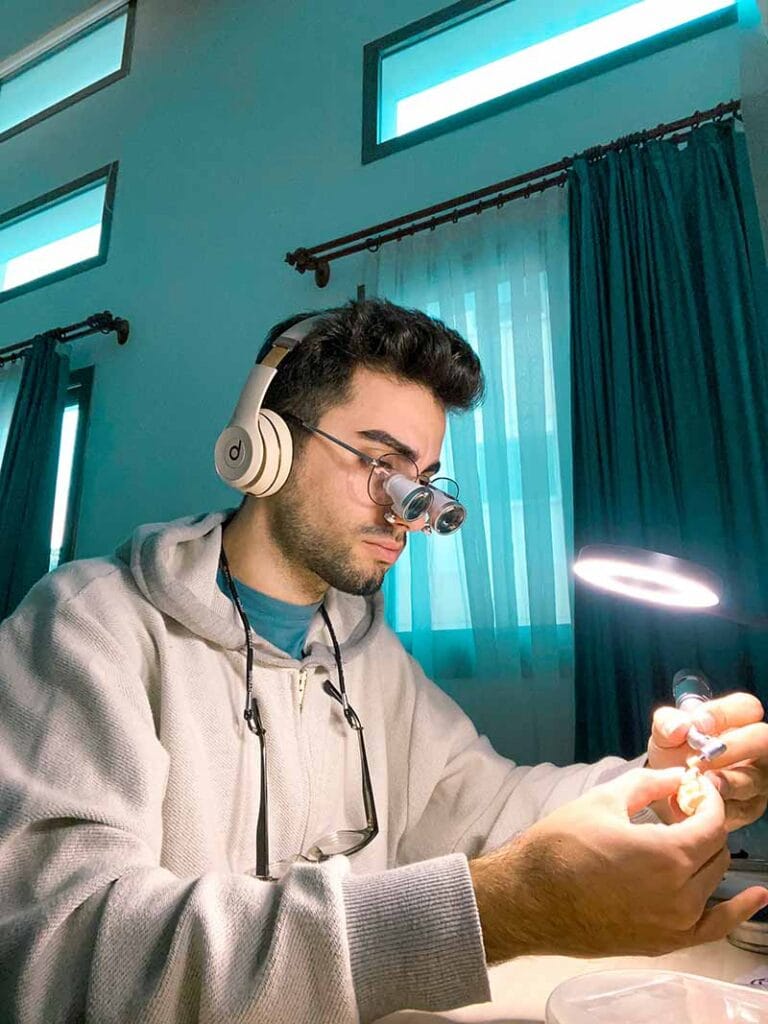
Some individuals are more susceptible to VR eye strain than others. Those with pre-existing eye conditions face higher risks. Conditions like astigmatism or farsightedness can intensify strain.
Children and young users may also experience increased eye strain. Their eyes are still developing, making them sensitive to VR exposure. Monitoring usage in younger audiences is crucial.
Here's a list of individuals most at risk:
- People with existing eye conditions
- Children and adolescents
- Individuals who use VR for extended periods
Tips to Prevent and Reduce VR Eye Strain
Preventing VR eye strain involves taking a few proactive steps. One effective method is to follow the 20-20-20 rule. Every 20 minutes, focus on something 20 feet away for 20 seconds.
Adjusting the interpupillary distance (IPD) on your VR headset can also help. Ensuring the headset fits properly reduces unnecessary strain. Take frequent breaks to rest your eyes.
Maintaining proper lighting in your environment is crucial. Dim lighting can cause your eyes to work harder. Adjust the screen brightness to match the ambient light.
Consider using prescription lenses if you usually wear glasses. They can fit into many VR headsets, enhancing comfort. These lenses help in maintaining clear vision, reducing strain.
Here’s a handy list to remember:
- Follow the 20-20-20 rule
- Adjust IPD and ensure a proper fit
- Maintain good lighting and adjust brightness
- Use prescription lenses when necessary
Regularly performing simple eye exercises helps in easing tension. Moving your eyes in different directions keeps them active. Your eyes need flexibility and frequent movement.
As VR technology evolves, so do solutions to mitigate eye strain. Stay informed about the latest advancements. This awareness can help in choosing better devices.
The Role of Prescription Lenses and VR Accessories
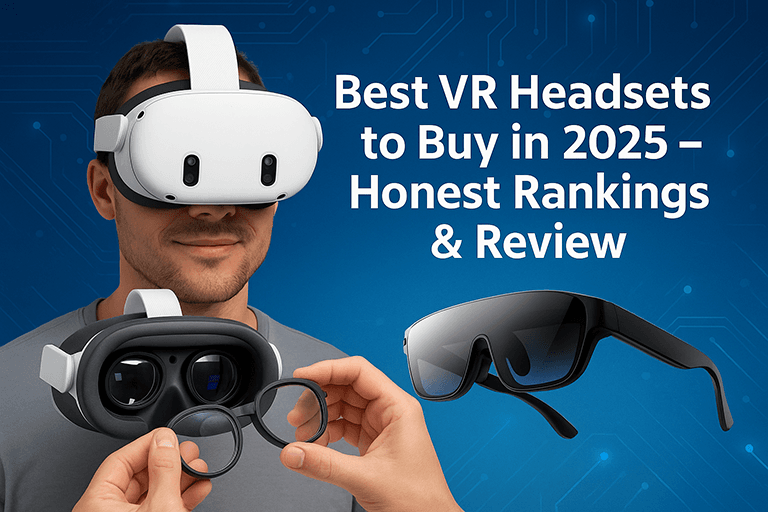
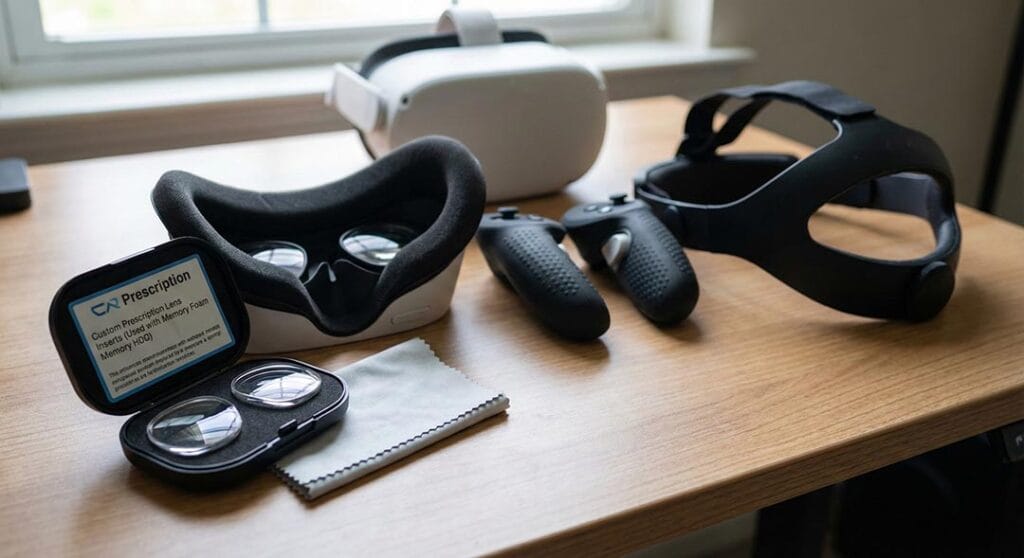
Prescription lenses play an essential role for VR users who wear glasses. They ensure clear vision and comfort during immersive experiences. These lenses fit directly into the headset, eliminating the need to squeeze glasses inside.
Several VR accessories aim to enhance user comfort. These include facial interface pads and adjustable head straps. Accessories can help ensure a snug fit, reducing unnecessary movement and strain.
For users, these enhancements significantly impact the VR experience. Improved comfort leads to more enjoyable sessions. They help reduce the likelihood of experiencing eye strain.
Key benefits of prescription lenses and accessories include:
- Clear vision without regular glasses
- Enhanced comfort and fit
- Improved overall VR experience
Keeping up with innovations can further enhance your VR experience. Brands continually release new accessories targeting comfort and efficiency. Staying updated helps make informed choices for eye health.
Innovations in VR Eye Comfort: The ANNKUTVR Example
ANNKUTVR is at the forefront of enhancing VR eye comfort. They focus on minimizing strain with advanced technologies and thoughtful design. Their innovations are transforming how users interact with VR environments.
Key developments by ANNKUTVR include:
- Adjustable interpupillary distance (IPD)
- Anti-reflective coatings
- Integrated prescription lens options
These features offer tailored VR experiences. They aim to accommodate diverse vision needs, enhancing comfort and reducing eye strain for users everywhere.
When to See an Eye Doctor
VR eye strain can be persistent. If symptoms linger despite taking breaks, it’s time to consult an eye professional. Ignoring prolonged discomfort might lead to long-term issues.
You should see an eye doctor if you experience:
- Consistent blurred vision
- Frequent headaches
- Chronic dry eyes
Being proactive protects your vision and enhances your VR experience in the long run.
Conclusion: Protecting Your Eyes in a Virtual World
VR offers incredible experiences but requires mindful use. Prioritizing eye health means taking breaks, adjusting settings, and using accessories like prescription lenses.
By staying informed and proactive, you can fully enjoy VR without compromising your vision. Enjoy the digital world responsibly while keeping your eyes safe and healthy.