Enjoy 5% OFF + FREE shipping on orders $49+! Use Code: 202512AK5

Is PSVR2 Worth It in 2026? The Ultimate PCVR & Gaming Roadmap Guide
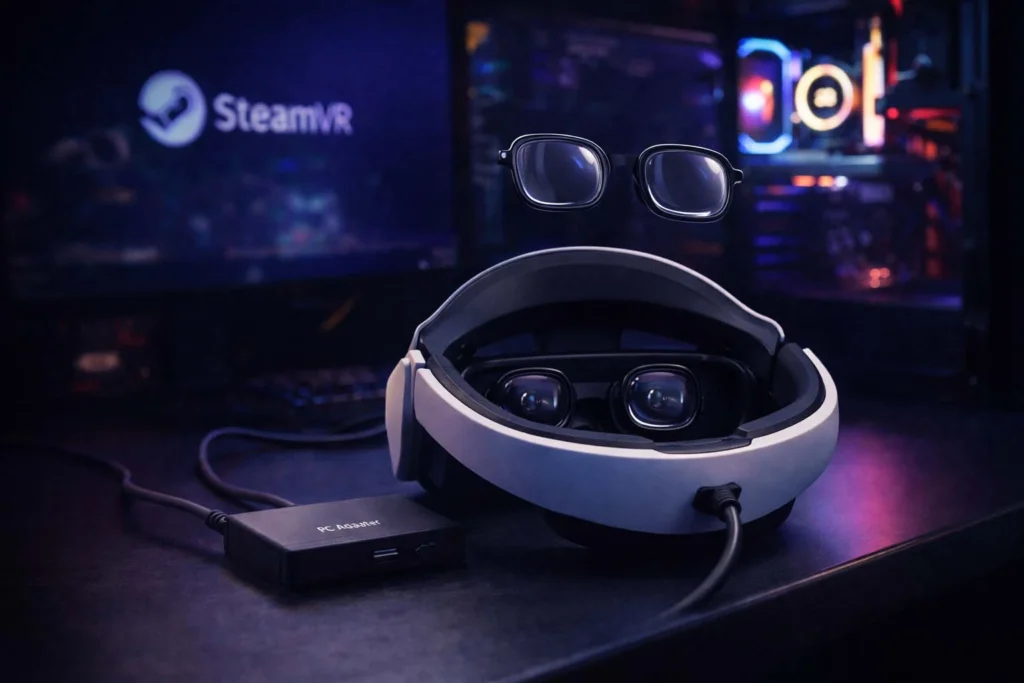
Introduction A year ago, the verdict on the PlayStation VR2 was harsh: “Great hardware, no games.” Many gamers, myself included, left it gathering dust on the shelf. But in 2026, the narrative has flipped completely. With the release of the Sony PSVR2 PC Adapter, this headset isn’t just a PS5 accessory anymore—it is arguably the best value OLED headset for PCVR on the market.
If you are thinking about buying one (or dusting off your old one) to play Half-Life: Alyx, here is what you need to know.
What are the Must-Play and Upcoming PSVR2 Games in 2026?
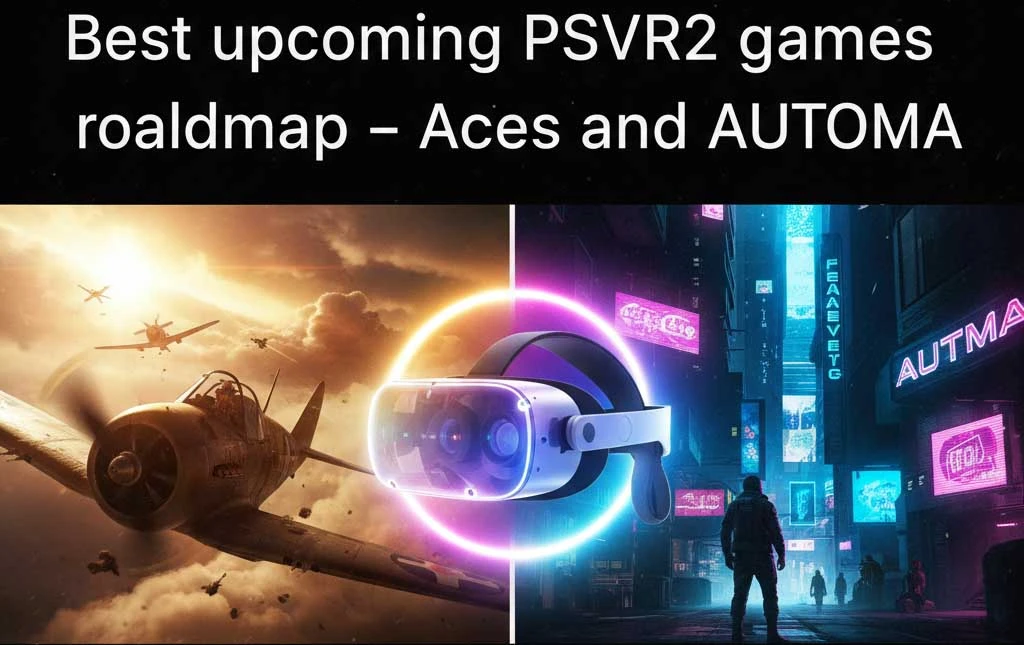
In 2026, the question isn’t just about hardware anymore—it’s about the content. With the PC adapter bridge fully matured, the PSVR2 library has evolved into a powerhouse. Two of the most anticipated titles everyone is talking about right now are:
Aces of Thunder: The definitive aerial combat simulator that finally brings high-fidelity dogfighting to PSVR2. The OLED HDR makes the sun glare and explosions in the cockpit look incredibly realistic.
AUTOMA: Often called the “spiritual successor to Half-Life: Alyx,” this title sets a new benchmark for VR visuals in 2026.
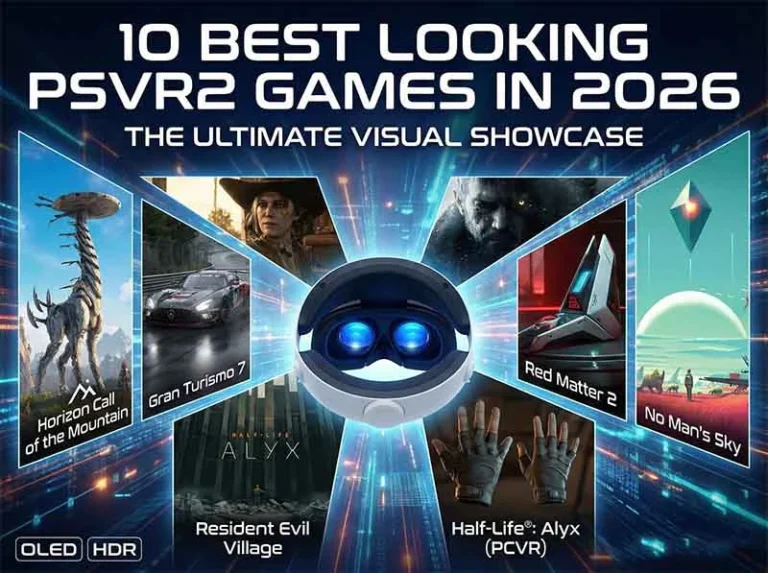
Want to see what else pushes the OLED limits? Check our full list of the 10 best looking PSVR2 games in 2026.
Whether you are waiting for these new releases or diving into SteamVR classics, the visual experience on OLED is unmatched—provided your vision is perfectly clear.
The "OLED" Advantage in a LCD World
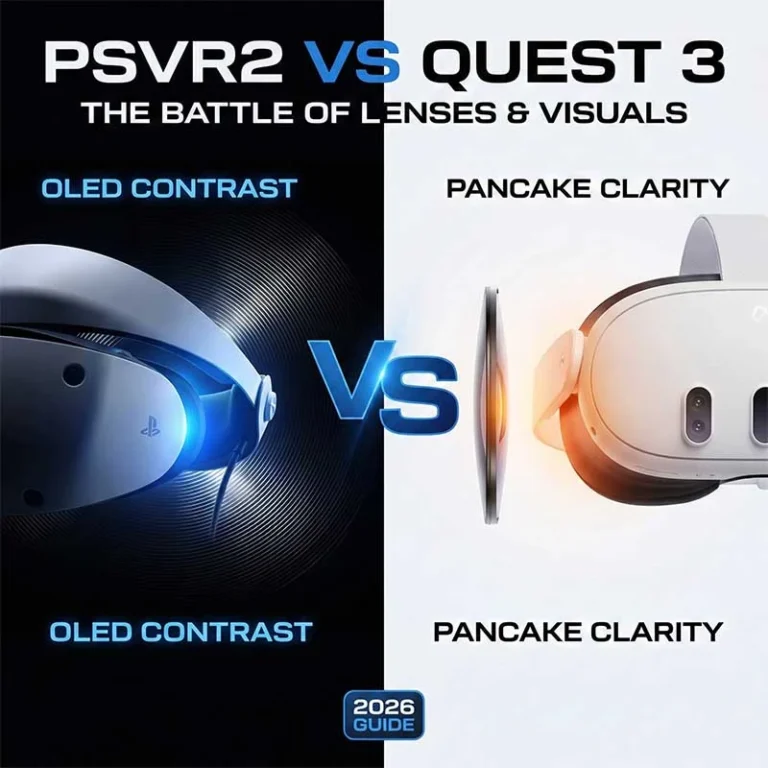
Most modern headsets, like the Meta Quest 3, use LCD screens. They are sharp, sure, but blacks look grey.(Stuck choosing between the two? We compared their visuals side-by-side in our guide: PSVR2 vs Quest 3: Lenses & Visuals Comparison.) The PSVR2 uses OLED. When you step into a dark dungeon in Skyrim VR, it is actually dark. The colors pop. The HDR is blindingly bright. However, this high intensity can sometimes cause visual fatigue. If you ever feel discomfort after playing, check out our guide onWhy Does PSVR2 Give Me Headaches? (The Eye Strain Fix). Now that you can access the entire SteamVR library, this visual fidelity is finally being put to good use.
The One Major Flaw: It's Not Glasses-Friendly
While the visuals are stunning, the PSVR2 has a well-known weakness: the rubber light shield and the lens distance. If you wear prescription glasses, you are in a dangerous spot. To get the best “Sweet Spot” (visual clarity), you have to push the headset visor remarkably close to your eyes. This causes dangerous “Metal-on-Glass” contact. We discussed this extensively in our previous guide on why wearing glasses with PSVR2 is risky, but simply put: without protection, your lenses will get scratched.I have seen countless Reddit threads where users scratched their PSVR2’s soft Fresnel lenses within the first week of using the PC adapter. Unlike Quest 3, these scratches are extremely difficult to fix.
Essential Upgrades for the PCVR Experience
1. The PC Adapter (Obviously)
You will need the official adapter (or a compatible DisplayPort setup) to bypass the PS5 ecosystem.Connecting to PC often defaults to a lower resolution, making the image look soft. Don’t let default settings ruin your OLED experience—read our guide on How to Fix Blurry PSVR2 Visuals on PC.
2. Prescription Lens Inserts (Crucial)
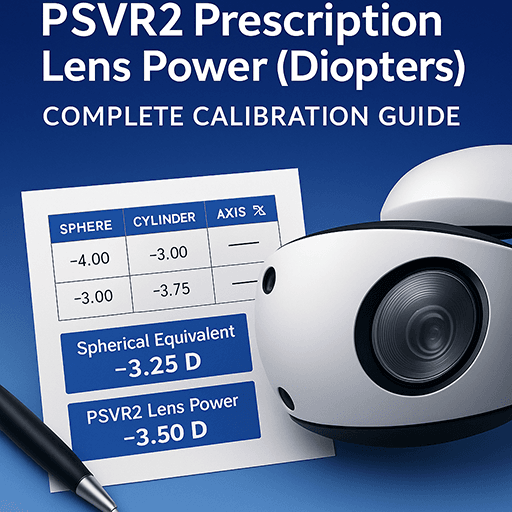
Do not risk your $550 hardware. ANNKUTVR Prescription Lenses for PSVR2 are designed to snap directly over the headset’s optics.
Protection: They act as a sacrificial barrier. If something scratches, you replace a cheap lens, not the headset.
Comfort: No more glasses frames digging into your temples during long Sim Racing sessions.
FOV: Because the inserts are custom-profiled, you can push the visor closer to your face safely, actually increasing your Field of View compared to wearing glasses.
With the fast-paced dogfights in **Aces of Thunder** and the high-detail environments of **AUTOMA**, you can’t afford any blurring or lens fogging. Using dedicated inserts ensures you catch every detail in these 2026 blockbusters.
Conclusion: Your 2026 PSVR2 Setup is Incomplete Without Protection
Is PSVR2 worth it in 2026? Absolutely yes. It has transformed into a high-end PCVR powerhouse. But remember: 2026’s blockbuster games like AUTOMA and Aces of Thunder rely on visual precision.
Don’t let scratches or fogged glasses ruin your $550 OLED investment. To get the widest Field of View (FOV) and the sharpest clarity for the upcoming gaming roadmap:
👉 Get Your Custom PSVR2 Prescription Lenses – 2026 Edition Here (Protect your lenses. Enhance your vision. Dominate the game.)
FAQ
What are the most anticipated PSVR2 games coming in 2026?
2026 is a massive year for PSVR2. The most anticipated titles include the high-fidelity aerial combat sim Aces of Thunder (launching Feb 3) and the futuristic action-adventure AUTOMA. Additionally, with the PC adapter, the entire SteamVR roadmap is now accessible to PSVR2 owners.
Is the PSVR2 still worth buying in 2026?
Absolutely. While it started as a PS5-only accessory, the PSVR2 PC Adapter has transformed it into the best-value OLED headset on the market for 2026. Its HDR OLED screens provide a level of immersion that most LCD headsets (like Quest 3) simply can’t match.
Are there any rumors about a PlayStation VR3 release date?
Currently, there is no official word on a PSVR3. Industry analysts suggest that any potential successor wouldn’t arrive until the PlayStation 6 cycle, likely around 2029-2030. This makes the PSVR2 a safe and powerful investment for the next several years.
Is VR safe for the brain and eyes during long sessions?
Research shows that moderate VR use is safe, but “vergence-accommodation” strain can cause temporary eye fatigue or headaches. Using custom prescription lens inserts helps by maintaining a clear “sweet spot” and reducing the need to strain your eyes, making long 2026 gaming sessions much more comfortable.
Can I wear glasses with PSVR2 to play new 2026 releases?
While you can, it is risky. The PSVR2’s Fresnel lenses are soft and easily scratched by “glass-on-glass” contact. For the best FOV and to protect your $550 investment, we highly recommend dedicated prescription inserts rather than wearing glasses inside the headset.