Enjoy 5% OFF + FREE shipping on orders $49+! Use Code: 202512AK5

Table of Contents
Quest Pro Prescription Lenses: Fit, Comfort & Buying Guide
Meta Quest Pro owners who need distance correction can use model-specific prescription inserts instead of fitting a full eyeglass frame behind the headset. A dedicated insert keeps the correction in a repeatable position and removes eyeglass temples and nose pads from the limited space around the face.
This guide focuses on fit, prescription information, and ordering decisions for current Quest Pro owners. It does not compare changing competitor prices or assume that an insert made for Quest 2 or Quest 3 will fit Quest Pro.
Quest Pro Compatibility Comes First
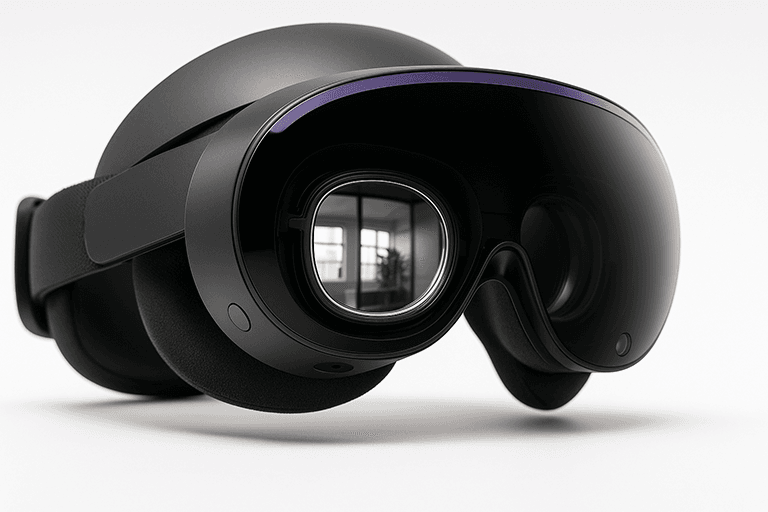
Quest Pro uses its own lens shape and mounting requirements. Choose an insert that explicitly lists Meta Quest Pro rather than relying on a similar appearance. The ANNKUTVR Meta Quest Pro prescription lenses are the matching product for this headset.
Do not substitute Quest 3, Quest 2, or Quest 3S inserts. Even when two headsets use pancake optics, the frame geometry, clearances, and attachment points can differ. Check the model name before ordering and keep the left and right insert orientation correct during installation.
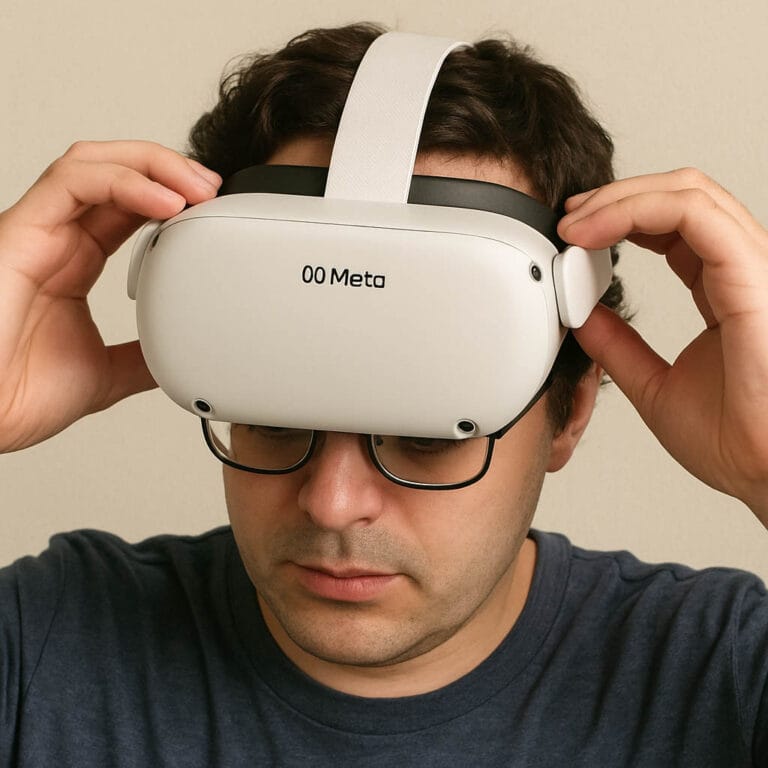
After installation, confirm that each insert sits flat, remains secure when the headset is moved, and does not obstruct cameras or other headset components. Remove and reinstall it if the frame is tilted rather than pressing harder.
How Inserts Change Fit and Comfort
A prescription insert can make Quest Pro easier to wear because it removes a second frame from the face. There are no eyeglass temples under the headset supports, and the optical correction returns to the same position each time the headset is used.
Clarity depends on an accurate prescription and correct headset positioning. An insert does not increase display resolution or replace Quest Pro’s fit adjustments. Set the headset position first, then check that the image is clear for each eye.
Users who already wear comfortable soft contact lenses may prefer them. Inserts are most useful for people who do not want contacts, whose frames interfere with comfort, or who want a removable optical layer between their face and the headset optics.
Prescription Details You Need
Use a current distance eyeglass prescription. Enter the right-eye and left-eye values in the matching fields:
- SPH is the main nearsighted or farsighted correction.
- CYL records astigmatism power when present.
- AXIS gives the orientation of the astigmatism correction and is used with CYL.
- PD is pupillary distance and may be written as one binocular value or separate values for each eye.
Do not copy a contact lens prescription into an eyeglass-lens form without checking it. Do not guess a missing sign, axis, or PD. If the prescription is incomplete, expired, or includes prism or another special requirement, ask an eye-care professional and the lens provider whether it can be supported.
What to Check Before Ordering
- Confirm the headset is Meta Quest Pro.
- Use the distance prescription for the correct eye.
- Review the live product page for the supported prescription range, current manufacturing time, and available coatings.
- Choose prescription or plano lenses deliberately; plano inserts do not correct vision.
- Keep a copy of the values submitted with the order.
When the inserts arrive, inspect the frame before installation and follow the model-specific direction. Clean removable inserts separately with a clean microfiber cloth. The related Quest Pro lens cleaning guide covers routine care.
Who Should Choose Quest Pro Inserts?
Quest Pro prescription inserts make the most sense for an owner who needs distance correction and wants a consistent, glasses-free setup. They can reduce frame pressure and lower the chance that ordinary eyeglass lenses move close to the headset optics.
They are not a universal Meta headset accessory, and they are not a substitute for an eye examination. Match the exact headset, provide accurate values, and verify the fit after installation. Shoppers comparing another Meta model can start from the Meta Quest lens category.
Shared Headsets and Storage
Prescription inserts are made for one wearer’s correction. If several people share a Quest Pro, remove the custom inserts before another user wears the headset unless that person has the same verified prescription. Keep the left and right pieces together in a clean case so they are not mixed, scratched, or installed on the wrong side.
Before each session, check that the frame is fully seated. After use, let the facial interface dry separately and store the headset away from direct sunlight. A simple routine protects both the removable inserts and the original Quest Pro optics.