Enjoy 5% OFF + FREE shipping on orders $49+! Use Code: 202512AK5

Do XREAL One Prescription Lenses Fit XREAL One Pro?
No. ANNKUTVR currently lists separate prescription lens products for XREAL One and XREAL One Pro. A lens insert ordered for the standard XREAL One should not be treated as compatible with XREAL One Pro, and the One Pro product should not be ordered for the standard One.
XREAL’s own One Series guidance also states that the prescription frame models differ among XREAL One, One Pro, the Air 2 series, and the original Air.
Check the complete device name before entering a custom prescription. Similar model names do not establish physical compatibility.
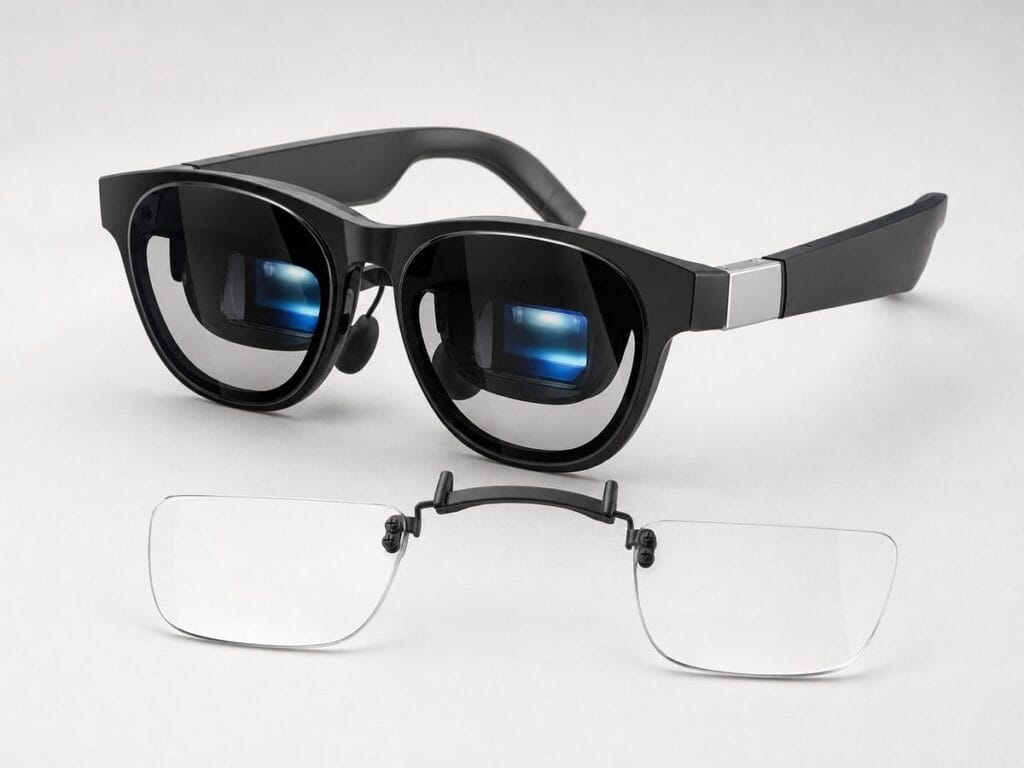
Quick Answer: XREAL One vs One Pro Lens Compatibility
- XREAL One: Choose the dedicated ANNKUTVR XREAL One prescription lens product.
- XREAL One Pro: Choose the separate ANNKUTVR XREAL One Pro prescription lens product.
- One and One Pro: Do not treat the two products as interchangeable.
- Air-series glasses: Do not use the One or One Pro products.
- Uncertain model: Confirm the order confirmation, packaging, or device documentation before buying.
Prescription accuracy and physical insert compatibility are separate requirements.
XREAL One and One Pro Compatibility Table
| Device | Correct ANNKUTVR product | Compatibility conclusion | Ordering check |
|---|---|---|---|
| XREAL One | ANNKUTVR XREAL One Prescription Lenses | Use only for the standard XREAL One | Confirm that the device name does not include “Pro” |
| XREAL One Pro | ANNKUTVR XREAL One Pro Prescription Lenses | Use only for XREAL One Pro | Confirm that the full device name includes “One Pro” |
| XREAL Air, Air 2, Air 2 Pro, or Air 2 Ultra | Use the matching Air-series product or compatibility guide | Not compatible with the current One-series ANNKUTVR products | Do not choose a One product because the glasses look similar |
| Any unlisted XREAL model | Contact ANNKUTVR before ordering | Not confirmed by this article | Do not select the closest-sounding model |
This table describes ANNKUTVR’s current product listings. It does not claim that every official or third-party lens supplier uses the same product grouping. Follow the compatibility statement on the exact product page being purchased.
Why XREAL One and One Pro Need Separate Products
XREAL One and XREAL One Pro belong to the same product family, but they should not be treated as the same prescription-frame model.
XREAL’s official One Series guide states that the prescription frame models differ among XREAL One, One Pro, the Air 2 series, and the original Air. ANNKUTVR therefore lists separate custom prescription lens products for the standard One and One Pro.
This article does not attribute the difference to a particular clip, screw, lens curve, nose-pad component, or mounting dimension unless that detail has been verified from official documentation or the actual ANNKUTVR products.
The practical ordering rule is simpler:
- Confirm the complete device name.
- Open the product page that names the same device.
- Do not substitute another One-series product.
- Contact support if the model remains uncertain.
Choose the Correct ANNKUTVR Lens Product
XREAL One Prescription Lenses
Choose the standard XREAL One product only when the device is confirmed as XREAL One.
The current ANNKUTVR product page specifically excludes XREAL One Pro and the XREAL Air series. The shared “One” name is not enough to support cross-model installation.
View the XREAL One prescription lens option.
XREAL One Pro Prescription Lenses
Choose the XREAL One Pro product only when the glasses are confirmed as XREAL One Pro.
ANNKUTVR maintains a separate product page for this model. Do not order the standard One product as a substitute, even when the prescription values are identical.
View the XREAL One Pro prescription lens option.
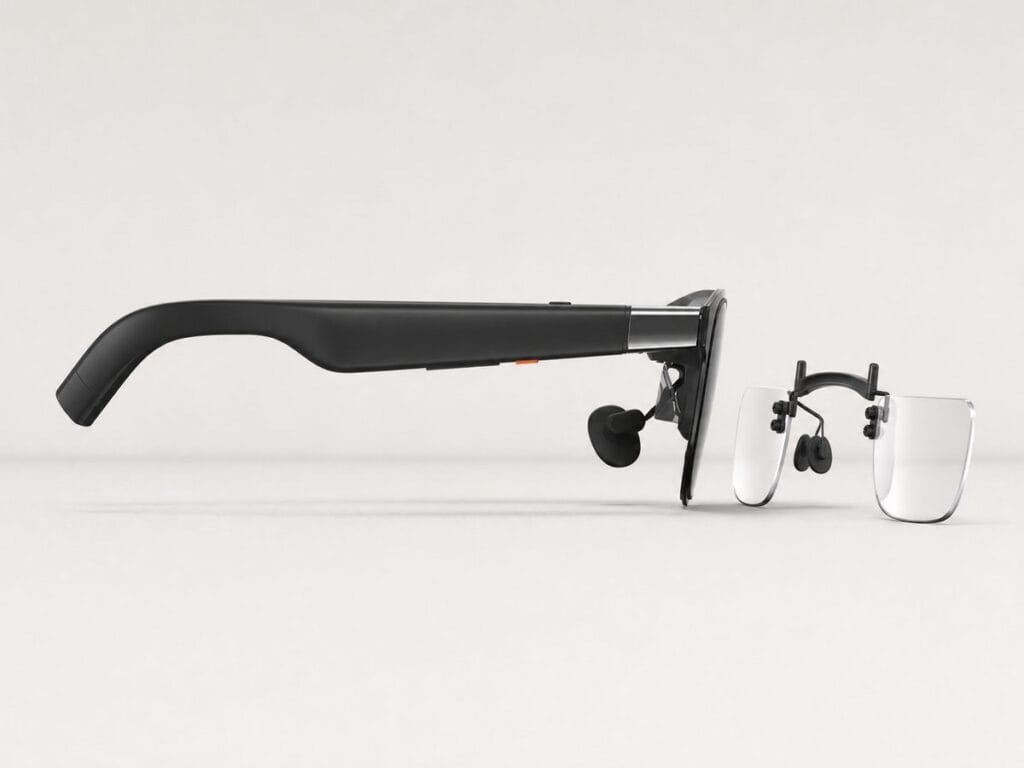
How to Confirm Whether You Own XREAL One or One Pro
Do not identify the device only from frame color, lens shape, front-frame thickness, or online comparison photos.
Before ordering:
- Check the complete product name in the original order confirmation.
- Check the retail box or official device documentation.
- Review the retailer account order history where the device was purchased.
- Confirm whether the complete name says “XREAL One” or “XREAL One Pro.”
- Match that exact wording to the ANNKUTVR product title.
- Contact ANNKUTVR before checkout if the model is still uncertain.
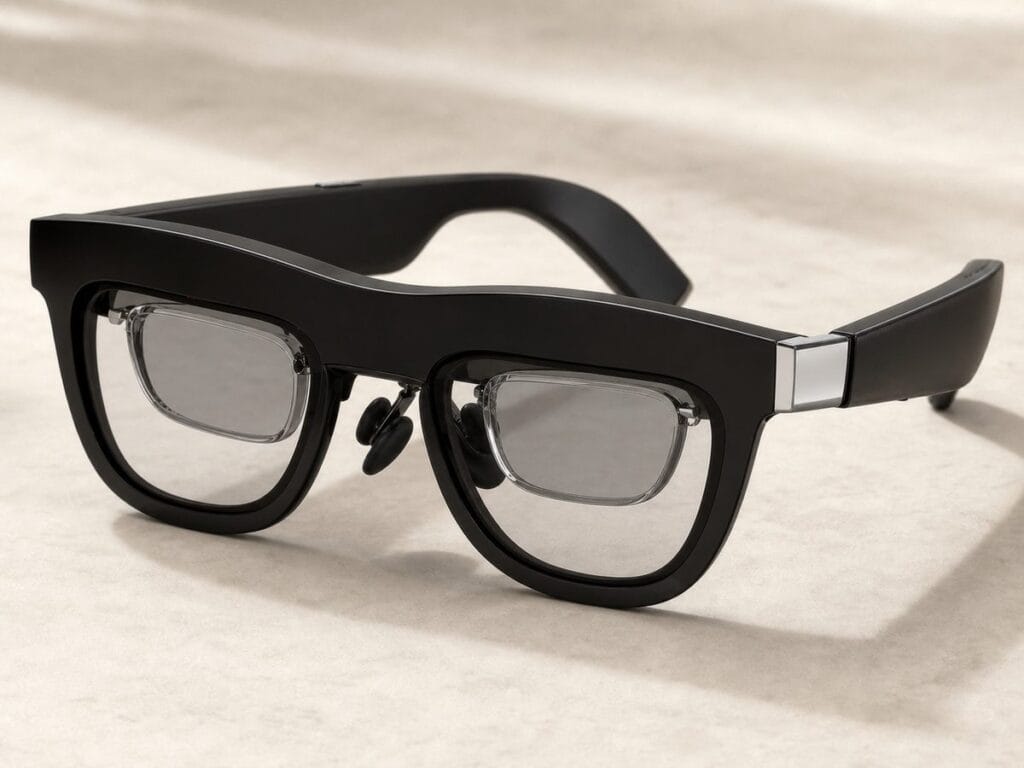
What Happens If the Wrong Insert Is Selected?
An insert intended for another XREAL model may not seat, align, or remain stable as intended. Even when two devices have similar names, the insert should not be forced into position.
If the insert does not install using the expected light pressure and alignment:
- stop the installation;
- confirm the product name on the order;
- confirm the XREAL glasses model;
- review the model-specific instructions;
- contact ANNKUTVR before applying additional pressure.
Do not state that every incorrect insert will damage the glasses.
Do not claim that an insert is safe merely because it can be pushed into place.
A prescription lens insert should fit according to the instructions for the model it was designed for.
Fit and Handling Checklist Before First Use
- Confirm the insert product name matches the XREAL device.
- Inspect the insert for shipping damage before installation.
- Follow the instructions supplied for that model.
- Keep the lens surfaces clean before fitting.
- Do not force the frame if alignment feels incorrect.
- Confirm that the insert remains stable before wearing the glasses.
- Stop and contact support if the insert shifts or does not seat as expected.
For complete installation steps, use the model-specific instructions rather than a general One-versus-One-Pro comparison. See the XREAL prescription lens installation guide.
Choosing Between XREAL One and One Pro Lenses?
Confirm the complete device name before submitting a custom prescription order. The two models use separate ANNKUTVR lens products.
Compare XREAL Lens OptionsRelated XREAL Compatibility Guides
Use the broader compatibility guides when you are comparing more than the One and One Pro models.
- XREAL prescription lens compatibility guide by model
- XREAL Air-series prescription lens compatibility
Do XREAL One prescription lenses fit XREAL One Pro?
No. ANNKUTVR currently lists separate prescription lens products for XREAL One and XREAL One Pro. Choose the product that names the exact device.
Can I use XREAL One Pro lenses with the standard XREAL One?
No. The current XREAL One Pro product should not be used as a substitute for the standard XREAL One product.
Why are XREAL One and One Pro lenses sold separately?
XREAL identifies One and One Pro as different prescription-frame models. ANNKUTVR therefore lists a separate lens product for each device.
Can the same prescription values be used for either product?
Your current prescription values may remain the same, but the physical insert product must still match the XREAL device. Optical prescription and frame compatibility are separate checks.
How can I tell whether I own XREAL One or One Pro?
Check the complete model name in the original order confirmation, retail box, official documentation, or retailer order history. Do not rely only on appearance.
What should I do if the insert does not fit easily?
Stop the installation and confirm both the insert product and device model. Do not force an insert that does not align or seat according to the model-specific instructions.
XREAL One Compatibility References
The model-compatibility guidance above is based on current ANNKUTVR product listings and official XREAL One-series information.